Updating Clinic Details in OnePhenix
1. Navigate to https://web.onephenix.com/#/clinic
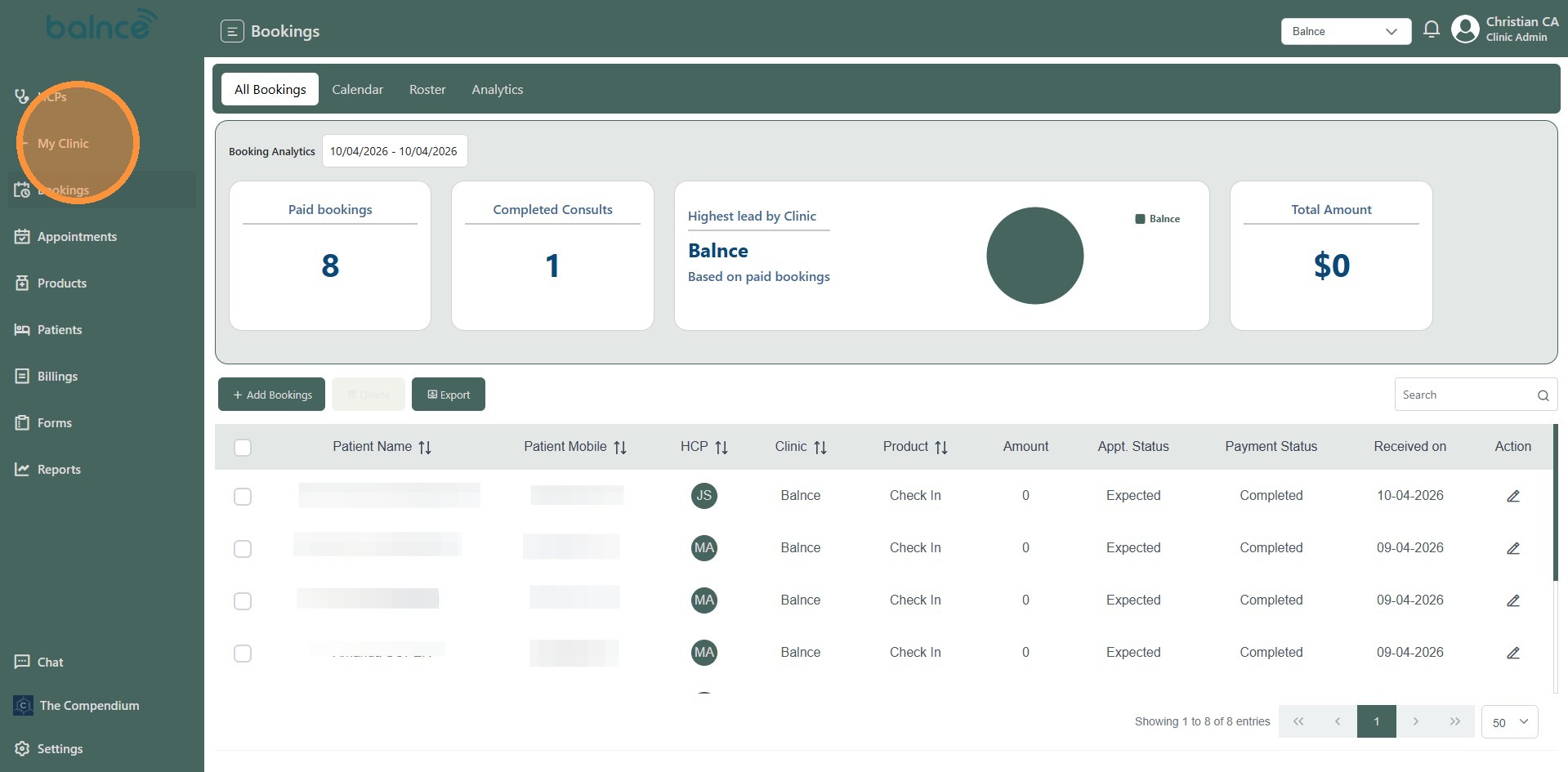
2. Click “My Clinic”
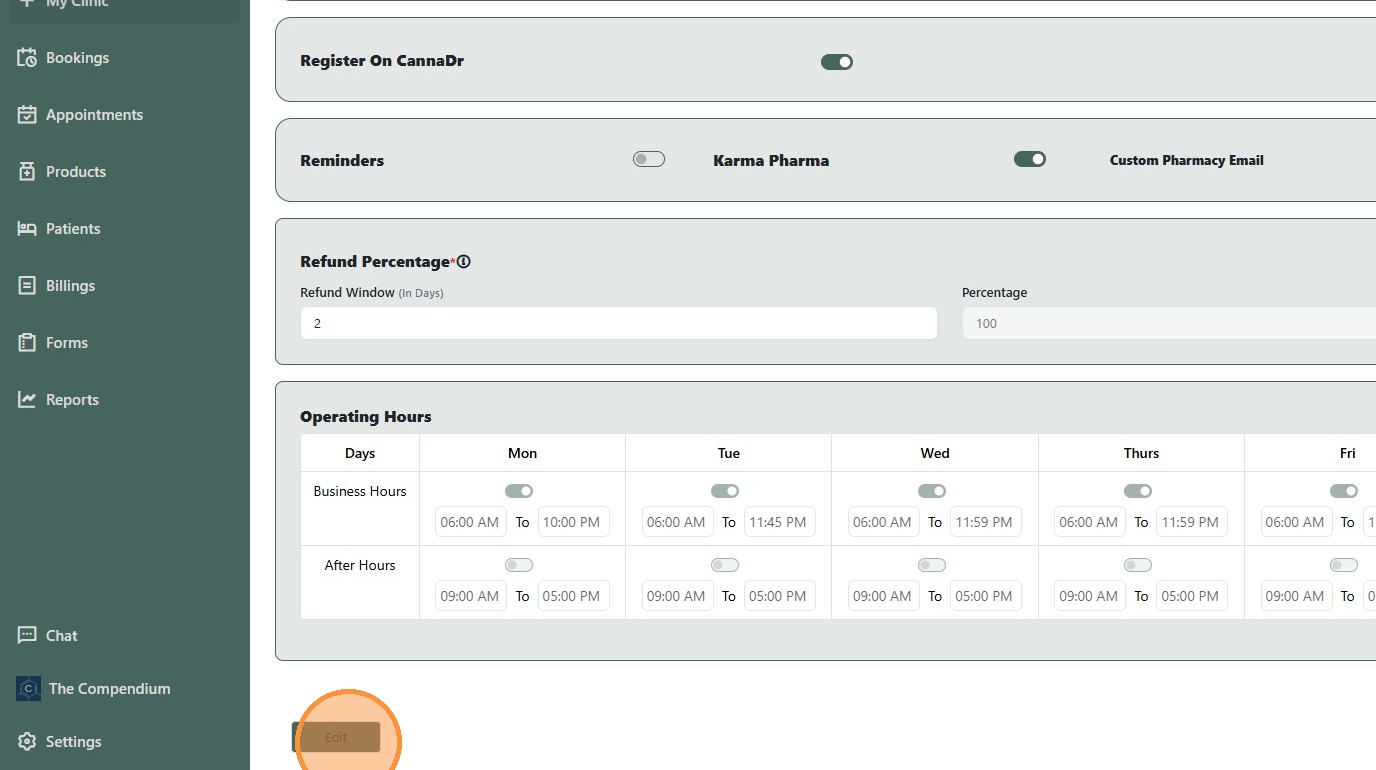
3. Click “Edit”
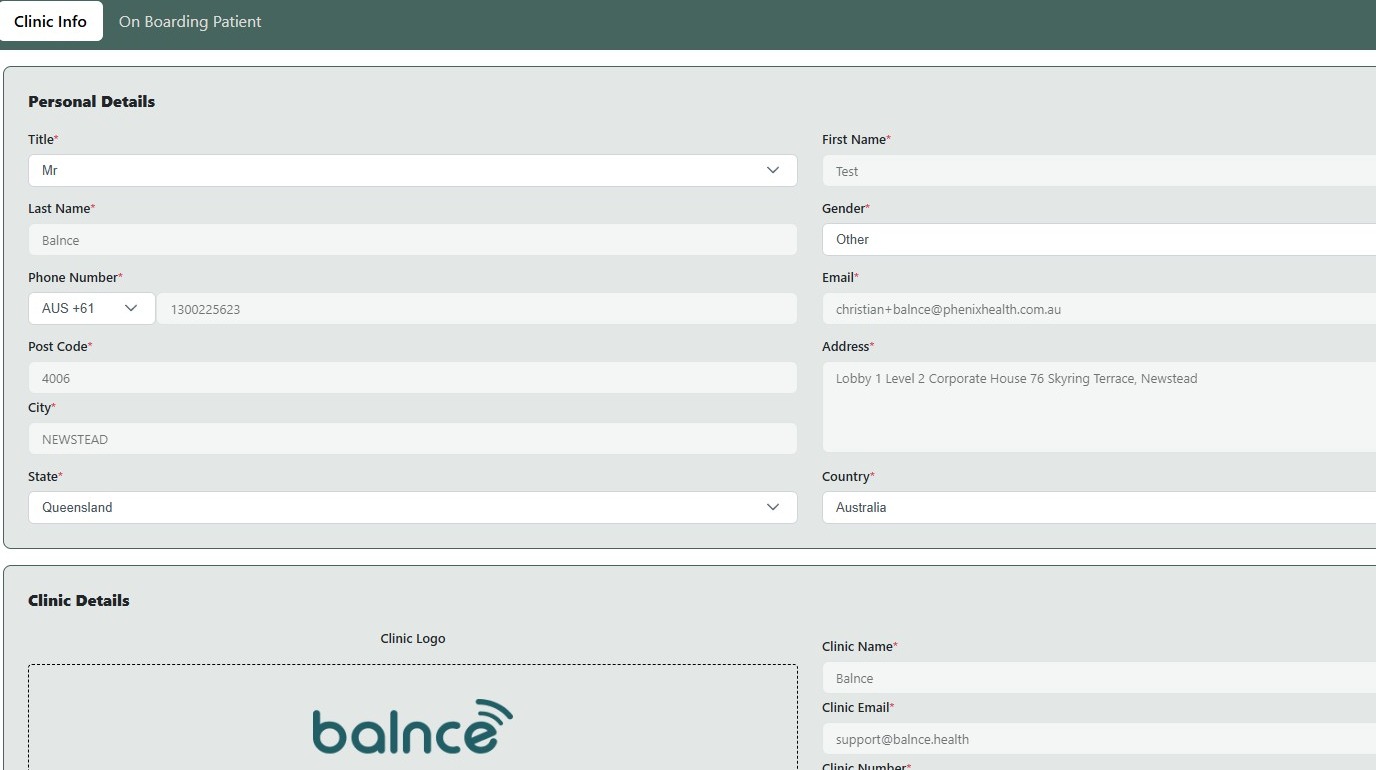
4. Double-click this field.
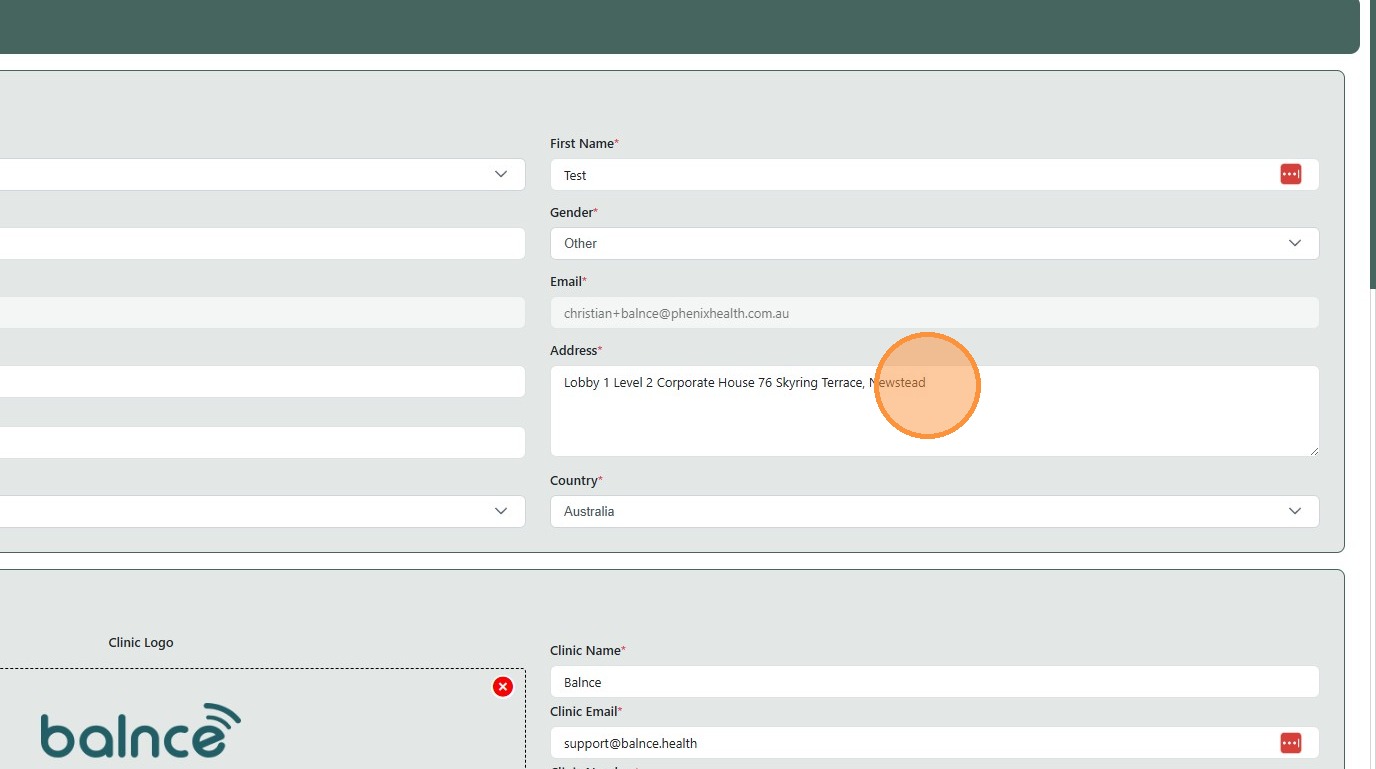
5. Press [[ctrl]] + [[shift]] + [[left]]
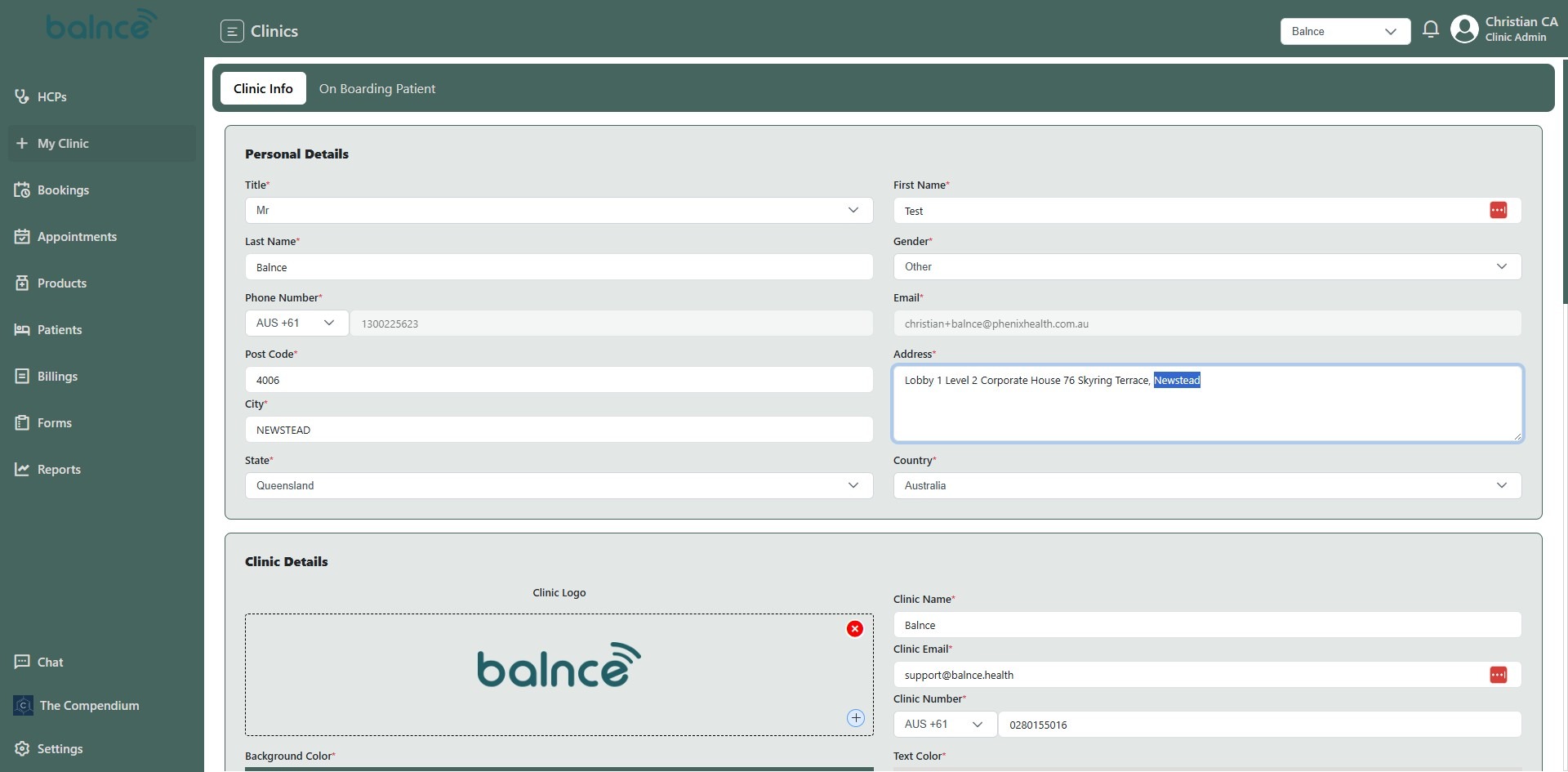
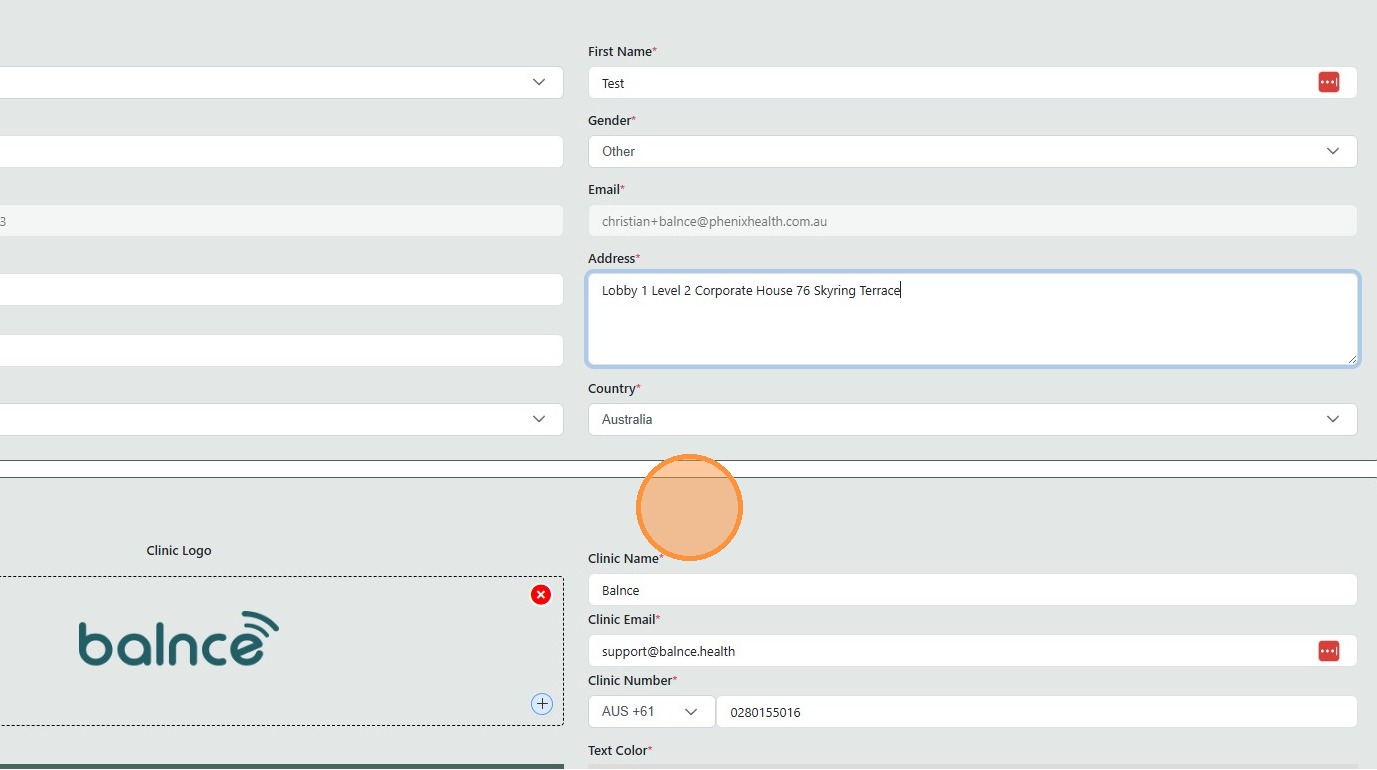
6. Type ” [[Backspace]]”
7. Click “Clinic Details”
8. Click the “Clinic Name*” field.
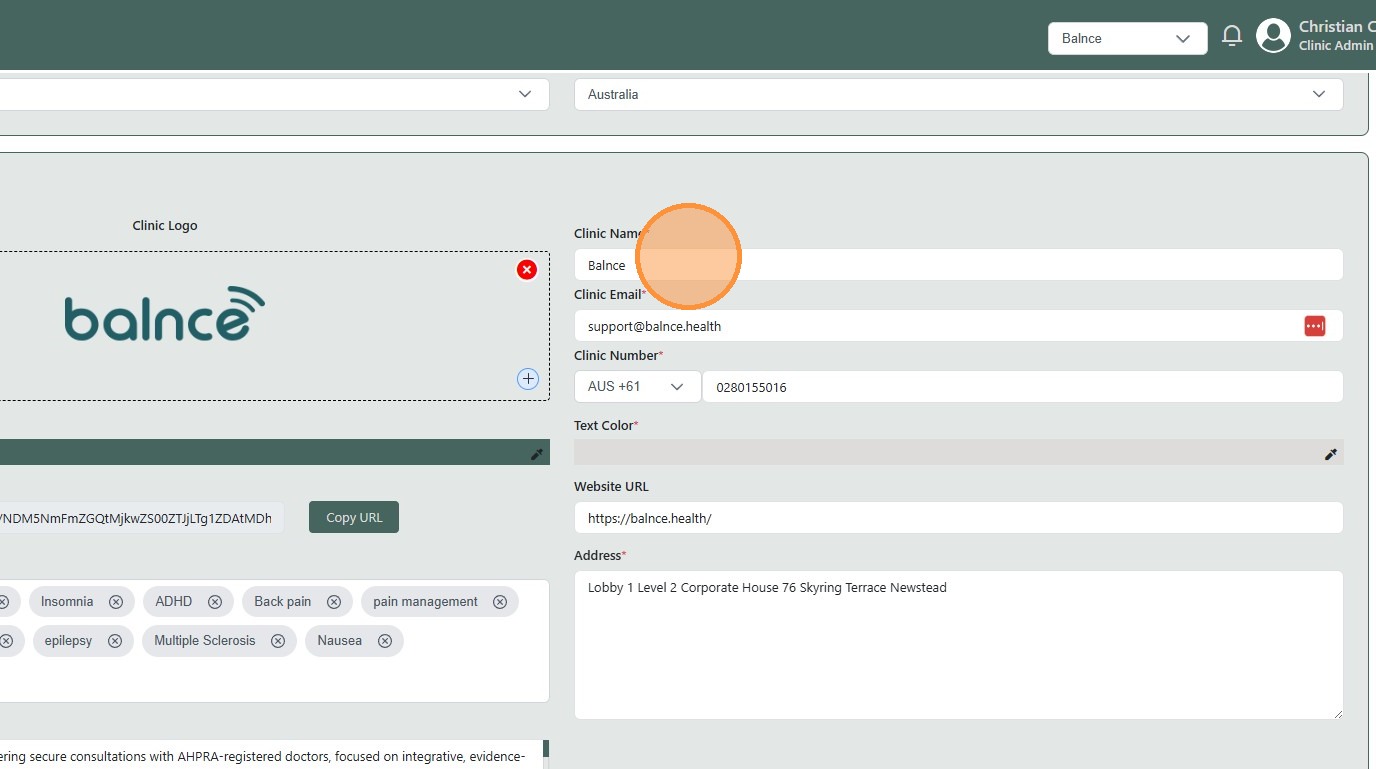
9. Type ” [[Backspace]] e”
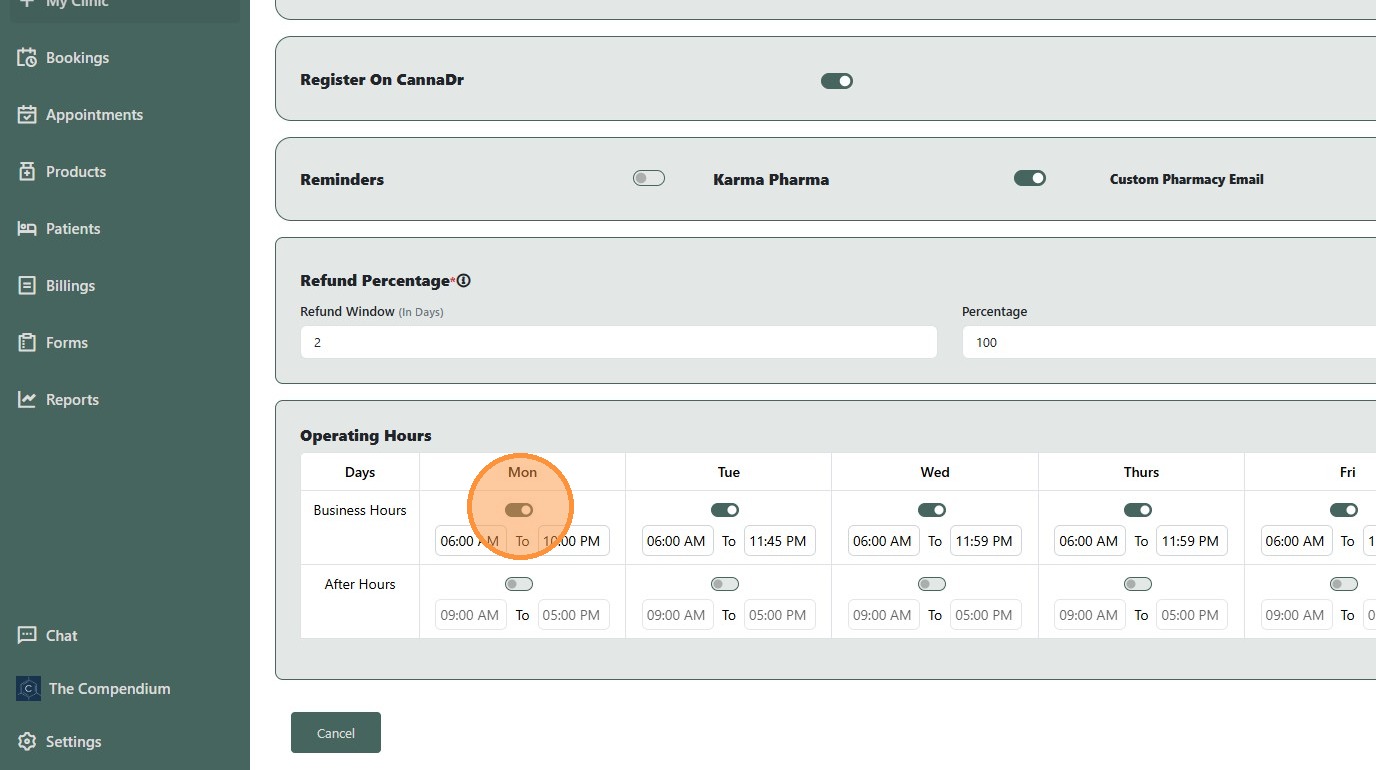
10. Toggle the days you are open
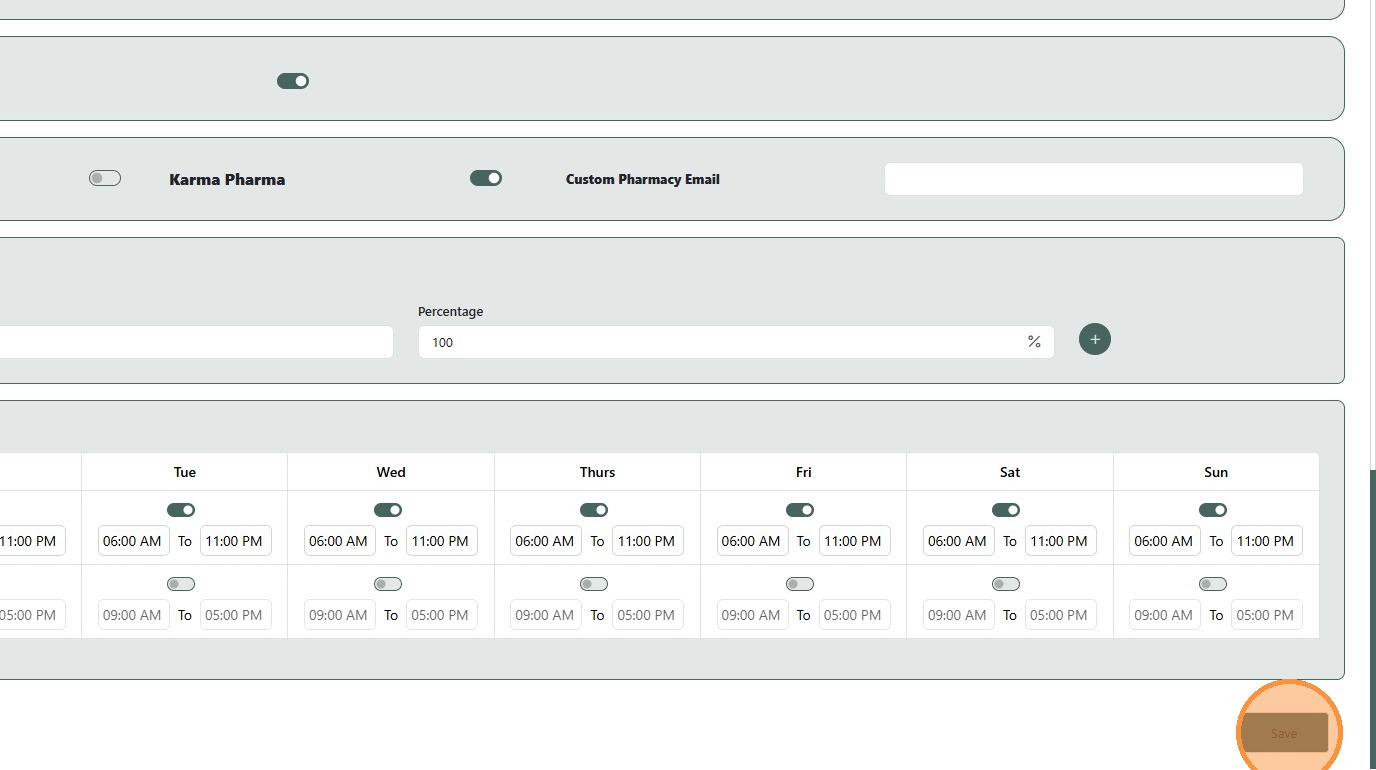
11. Click “Save”