How to View Past Appointments on OnePhenix
1. Navigate to https://web.onephenix.com/#/dashboard
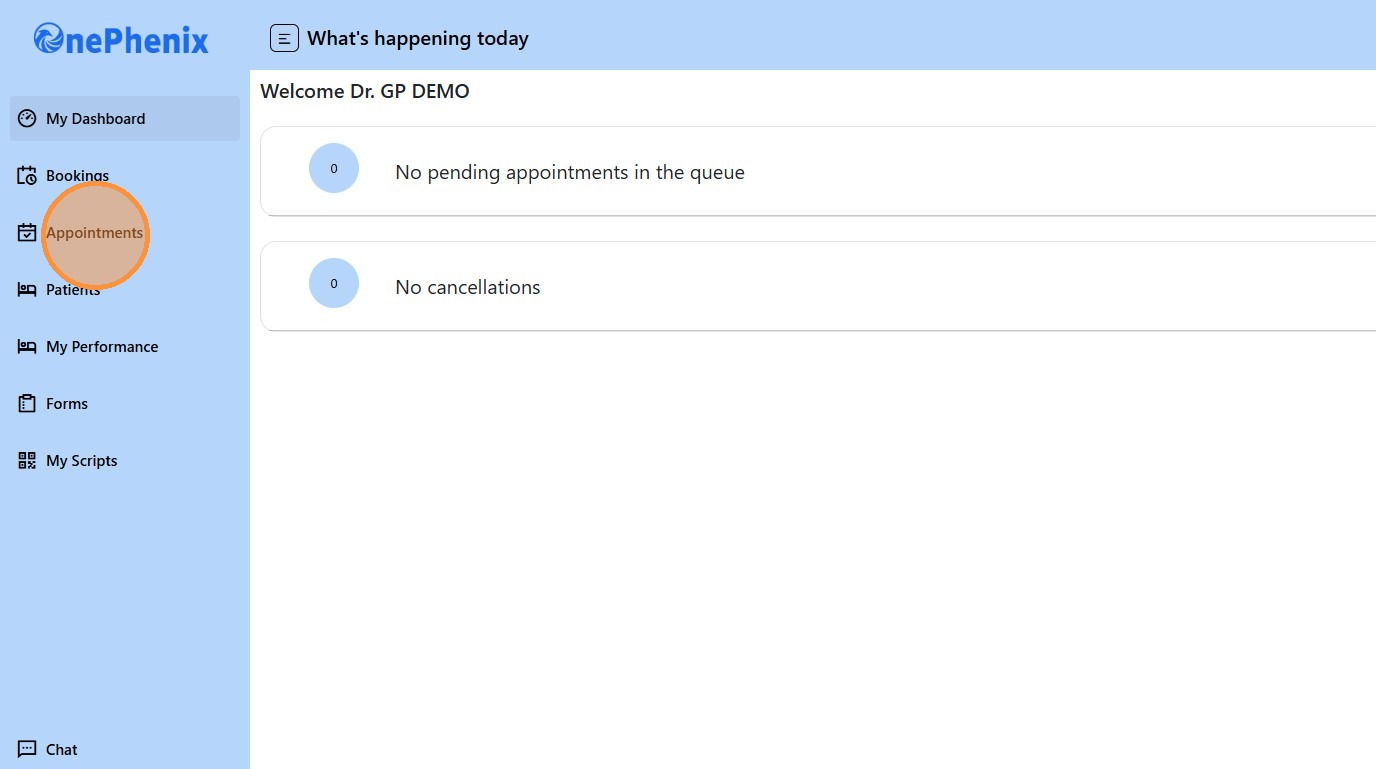
2. Click “Appointments”
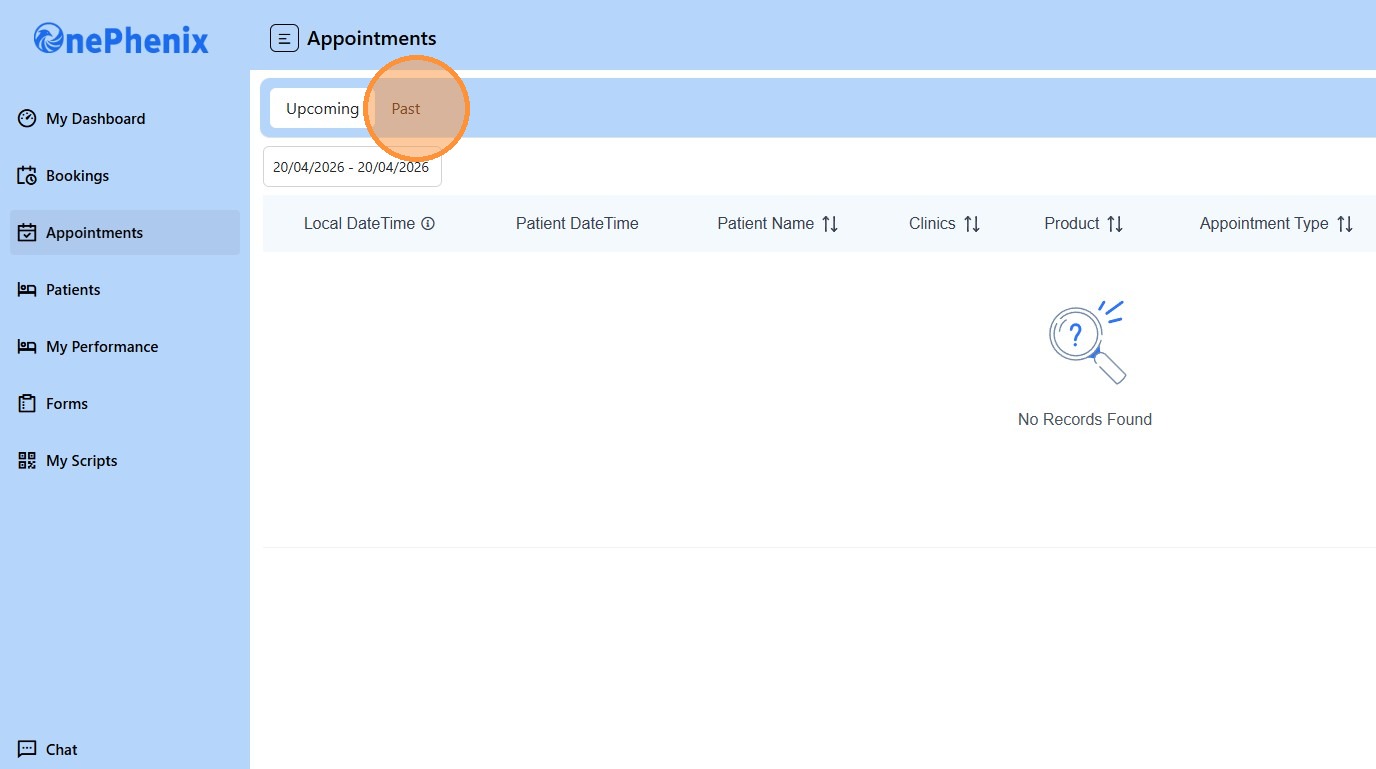
3. Click “Past”
4. Click this Date field.
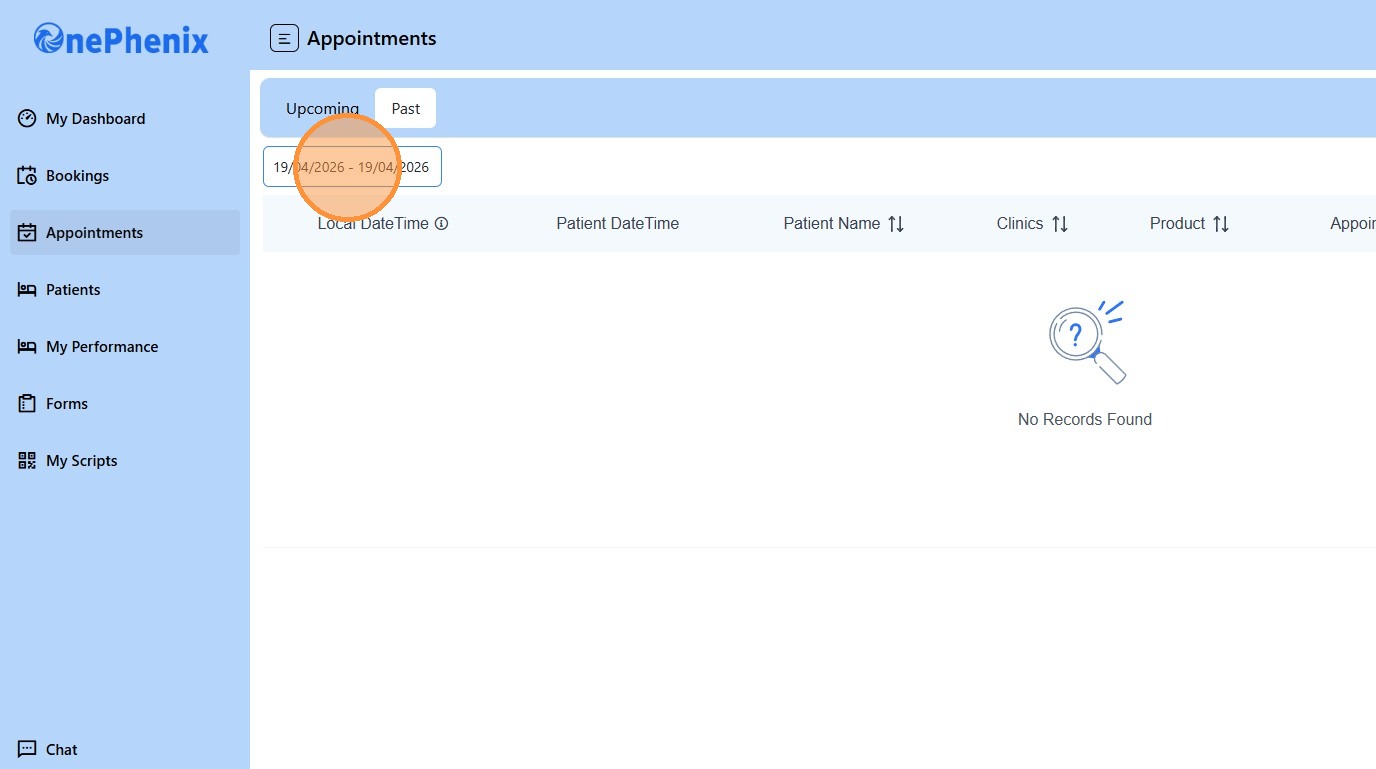
5. Click this icon to find the date preferred
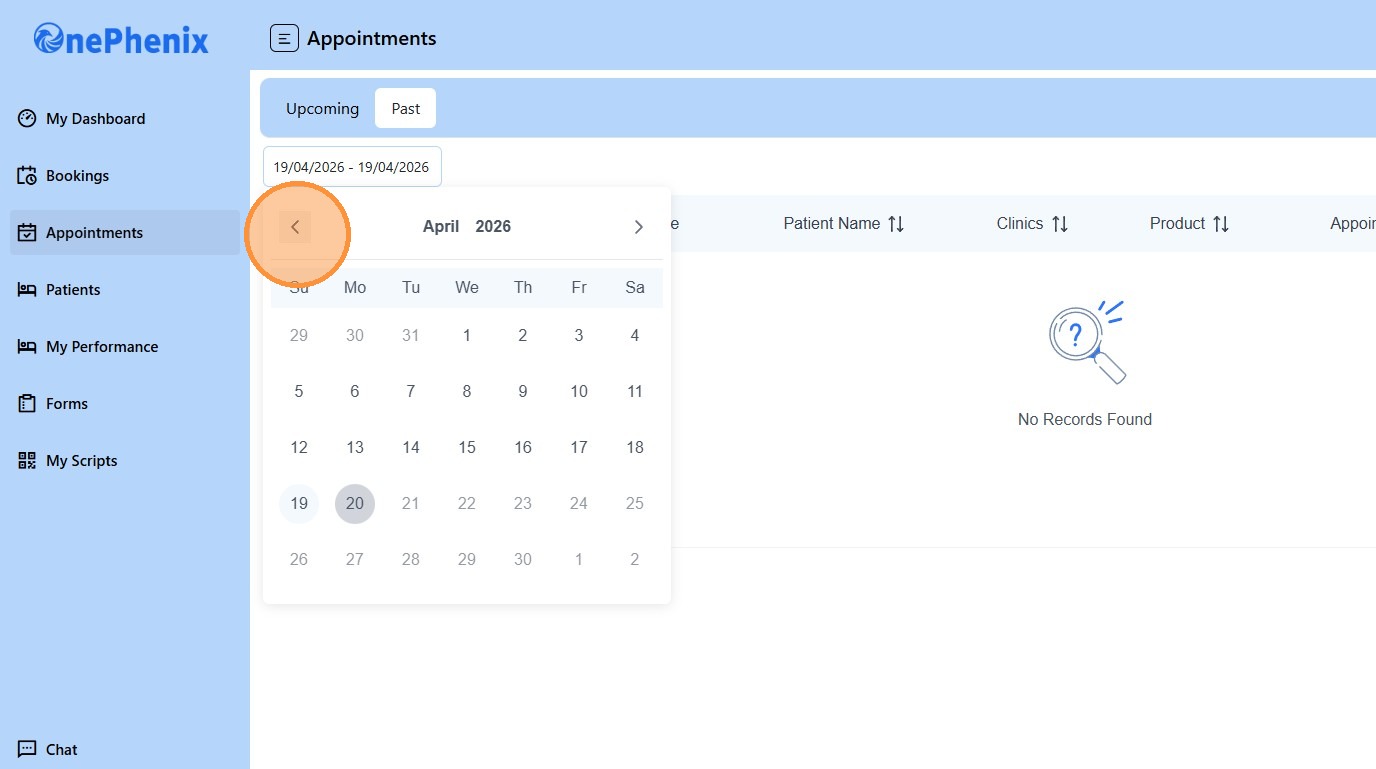
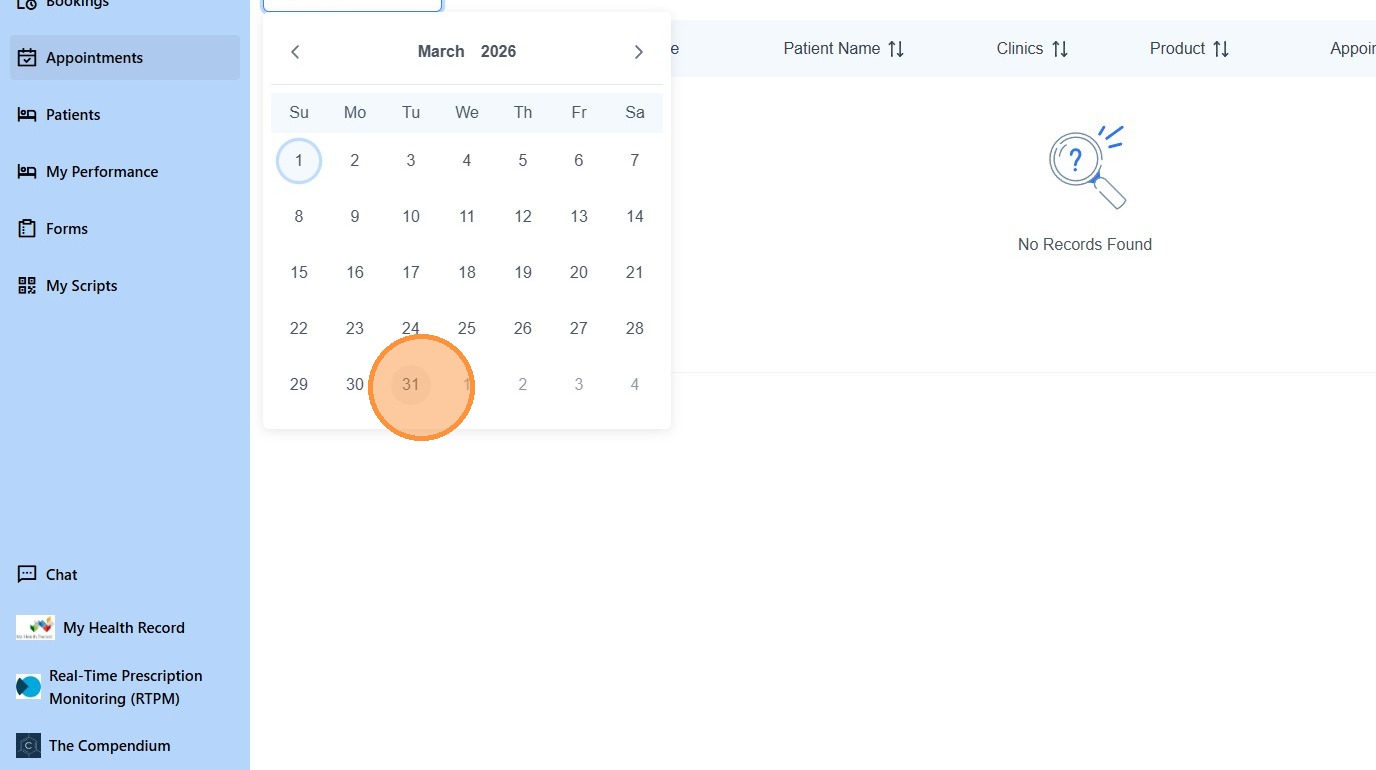
6. Choose the beginning date period, for this example we will click “1”
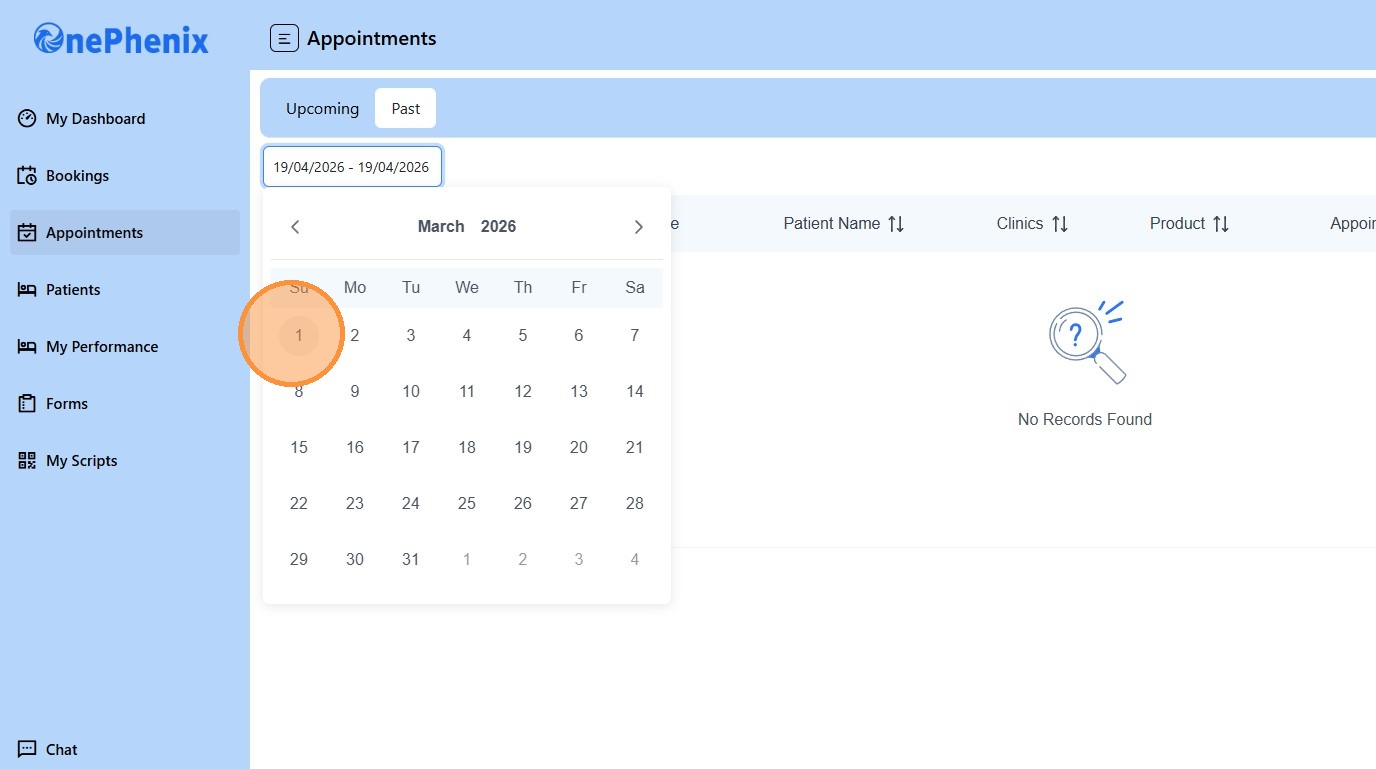
7. And choose the end date period, in this case we will click “31”