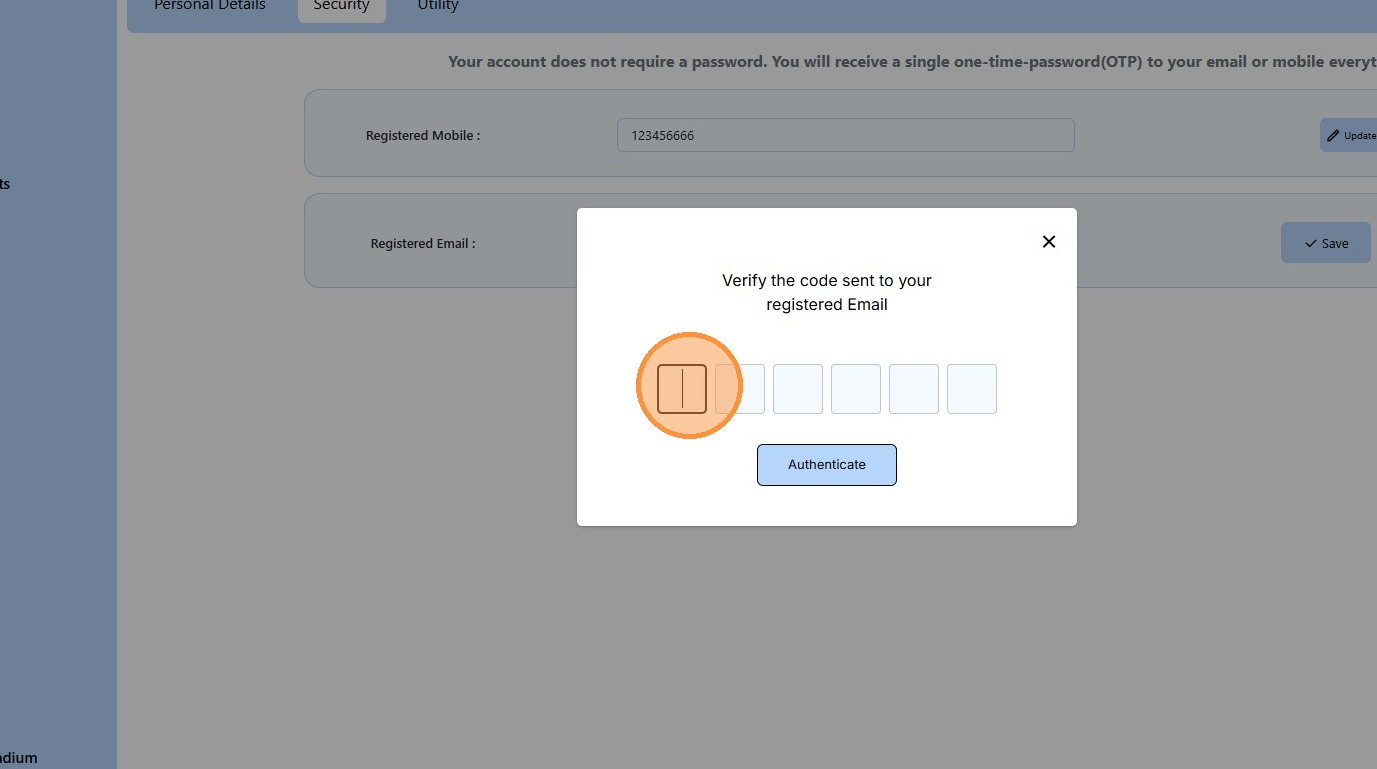
How to Update Your Email Address in OnePhenix
Navigation and Setup
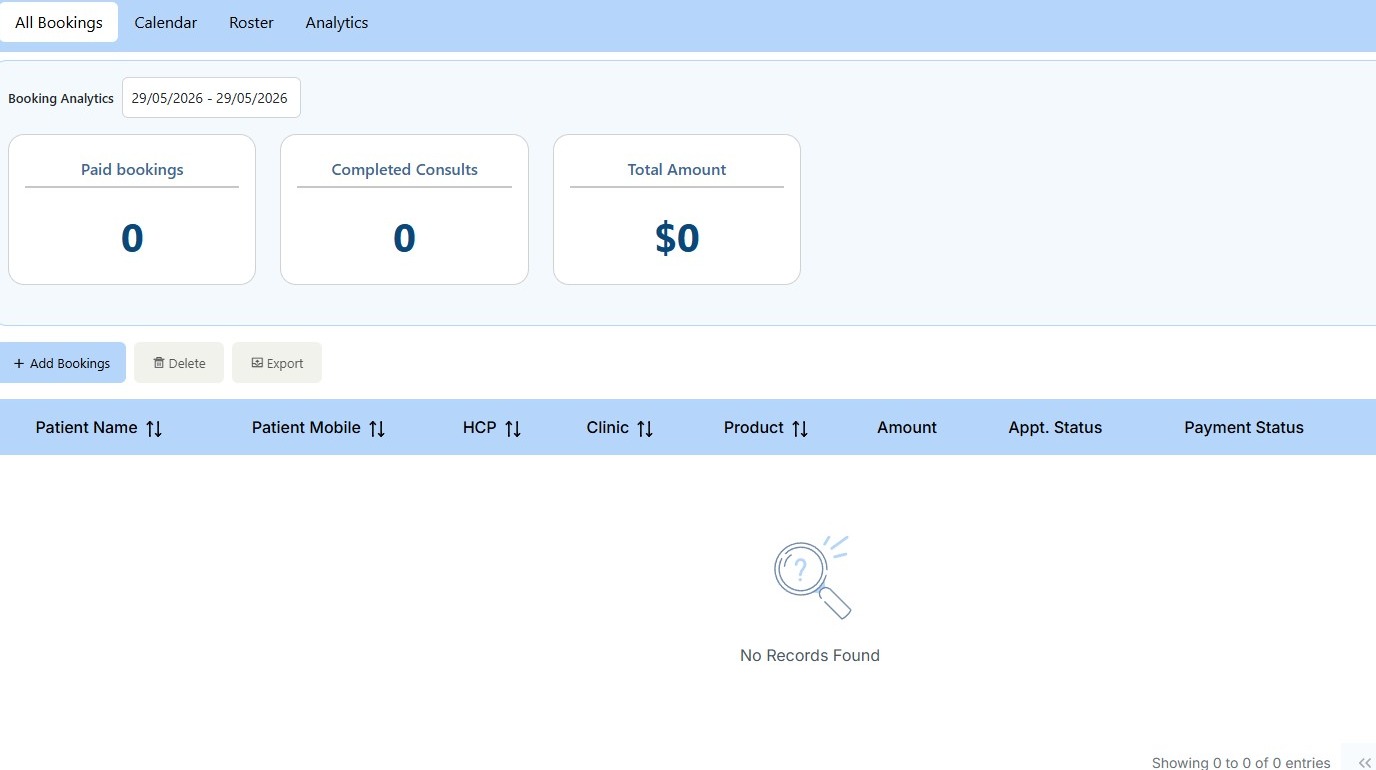
1. Navigate to https://web.onephenix.com/#/booking

2. Navigate to user profile settings
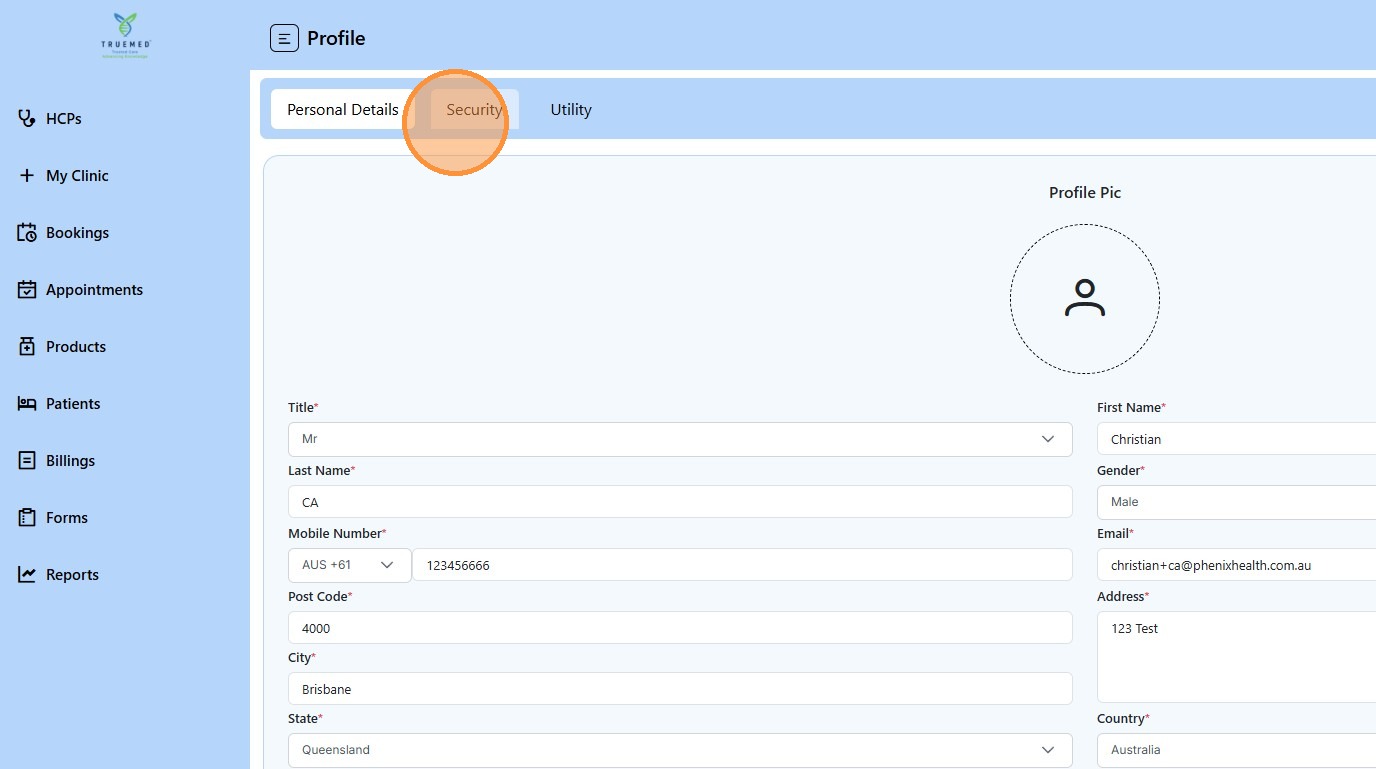
3. Select Security tab
Security Verification

4. Copy OTP code from verification email
5. Paste OTP into verification field
Email Address Update
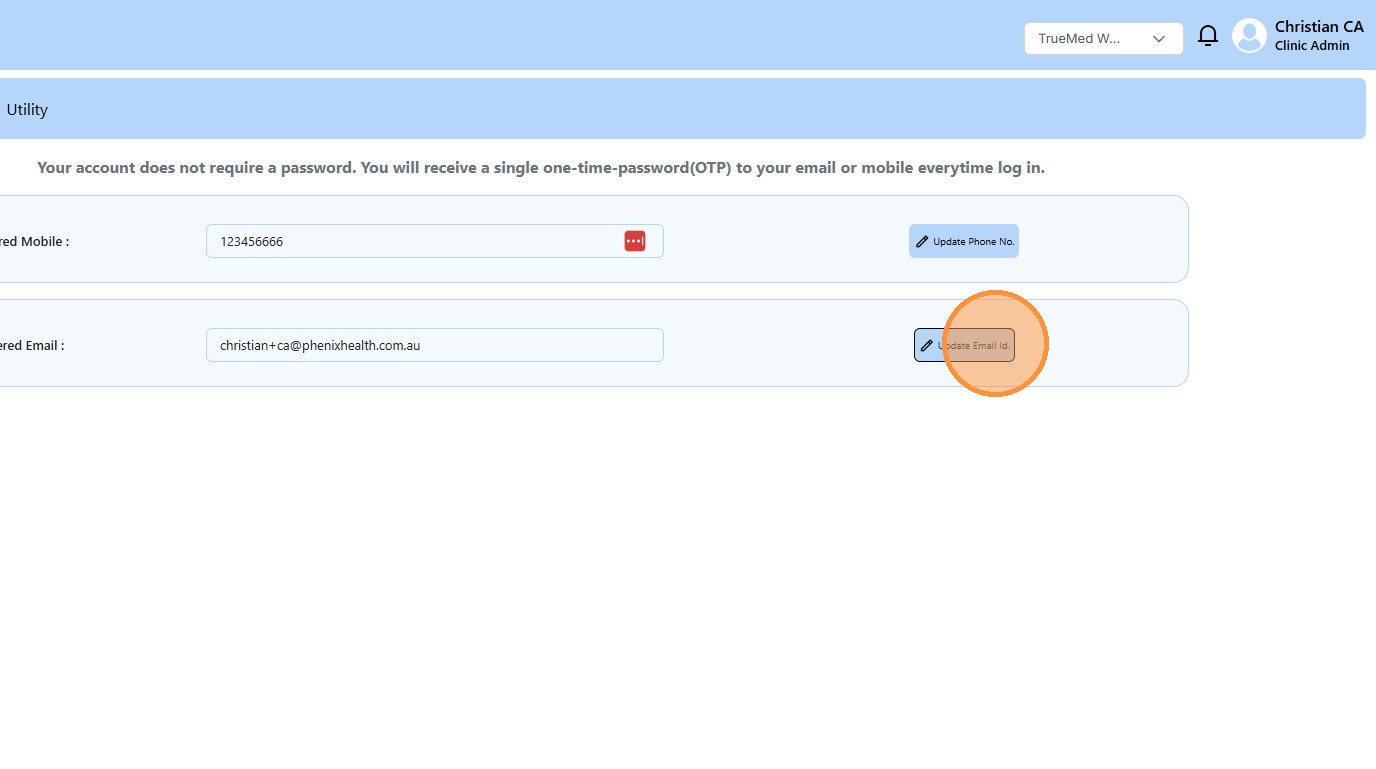
6. Click Update Email Id.
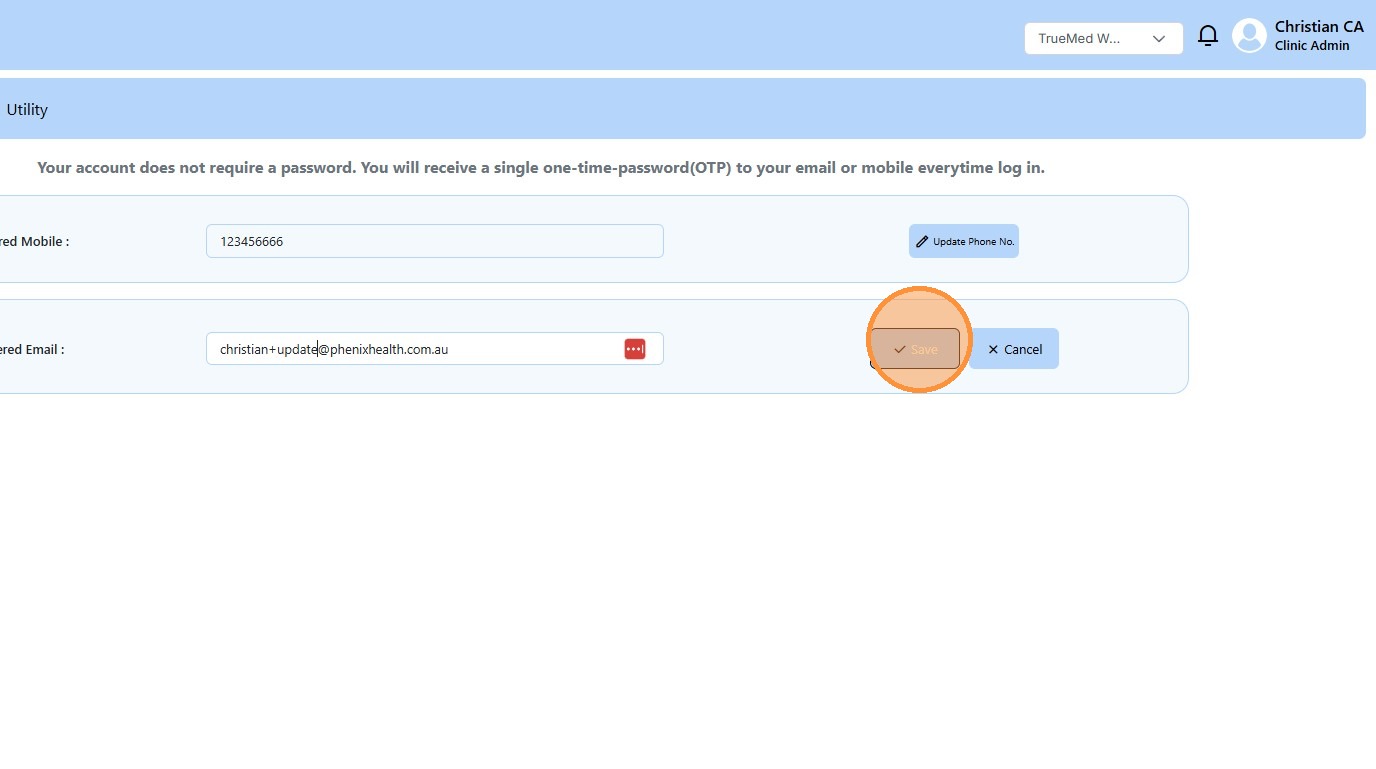
7. Enter new email address

8. Click “Save”
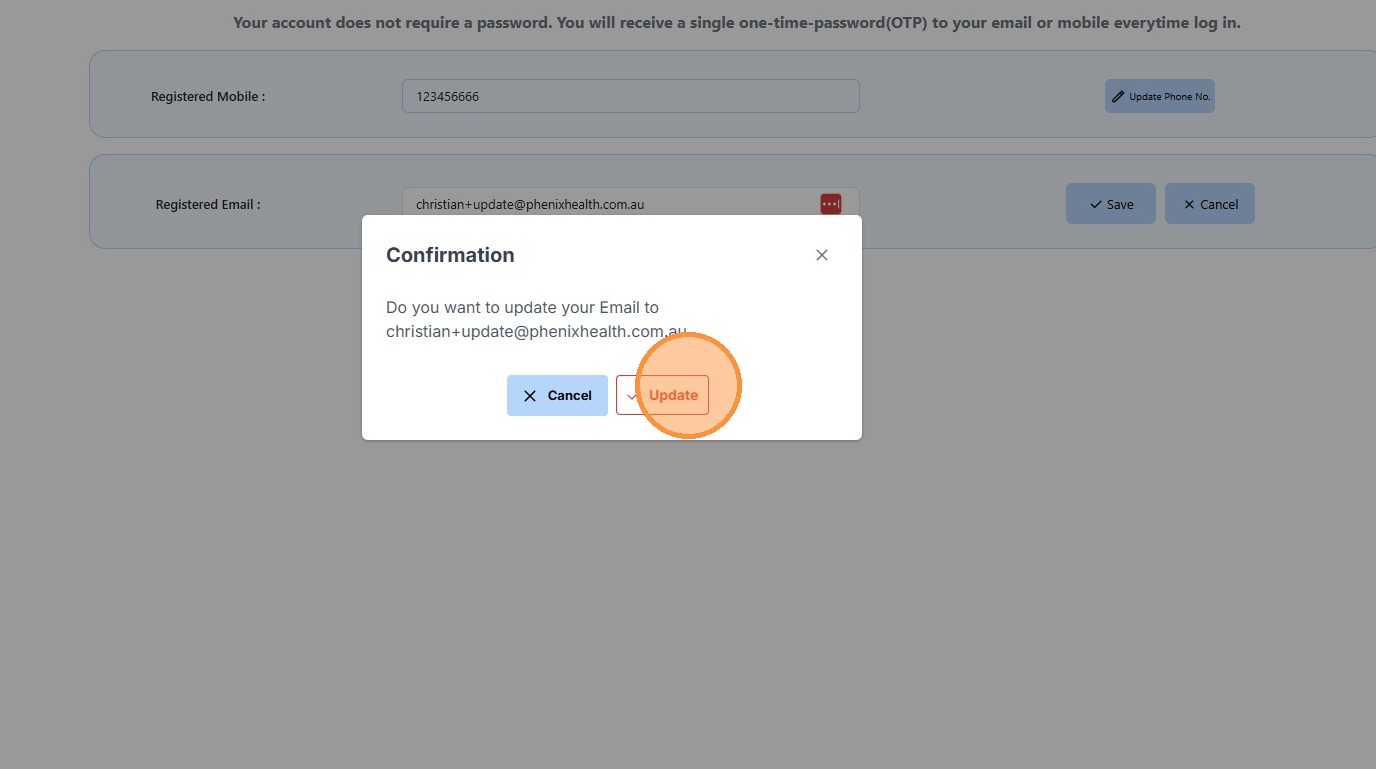
9. Click Update to confirm changes
Final Confirmation
10. Copy OTP code from verification email
11. Paste OTP and Authenticate