How To Register A New Patient In OnePhenix
Learn the step-by-step process for adding a new patient to the OnePhenix platform. This guide covers mandatory information fields including personal details, contact info, and Medicare validation to ensure your records are complete.
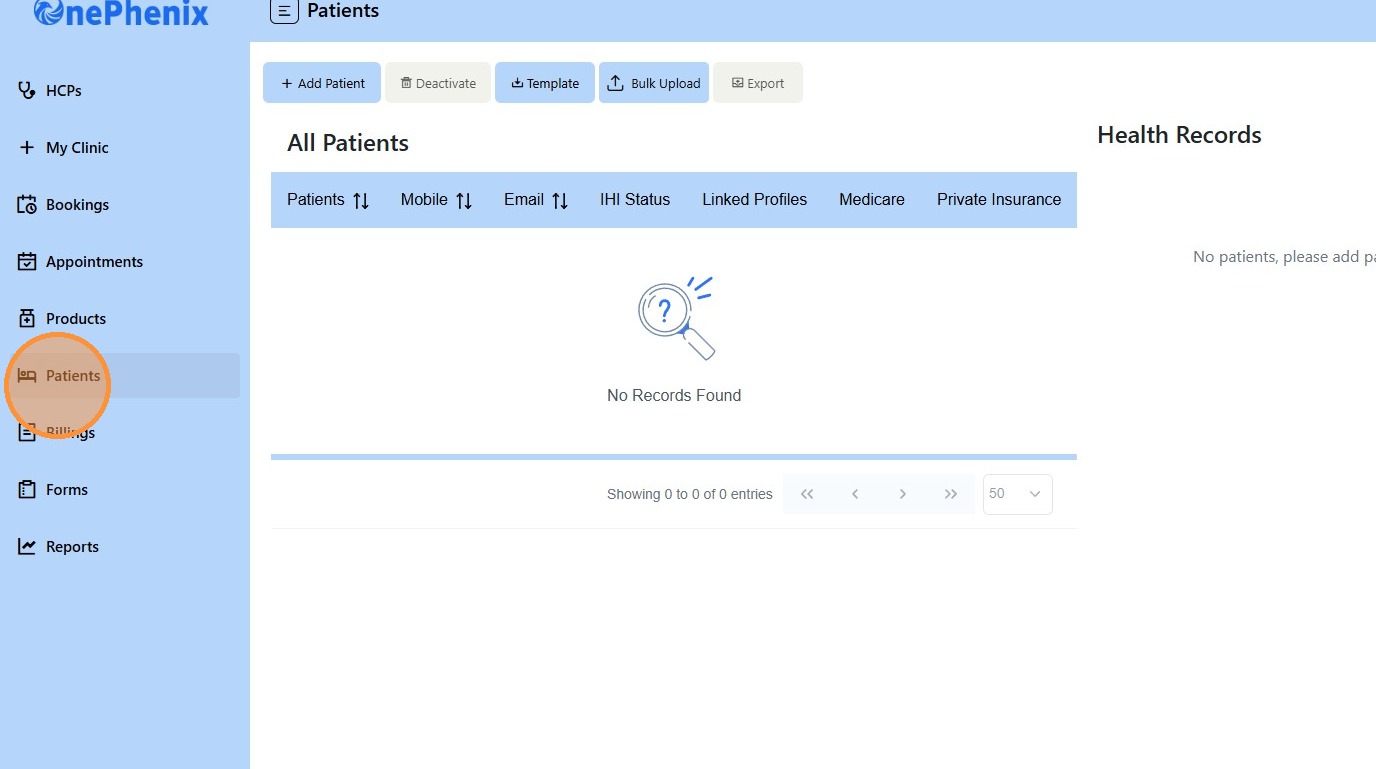
1. Click “Patients”
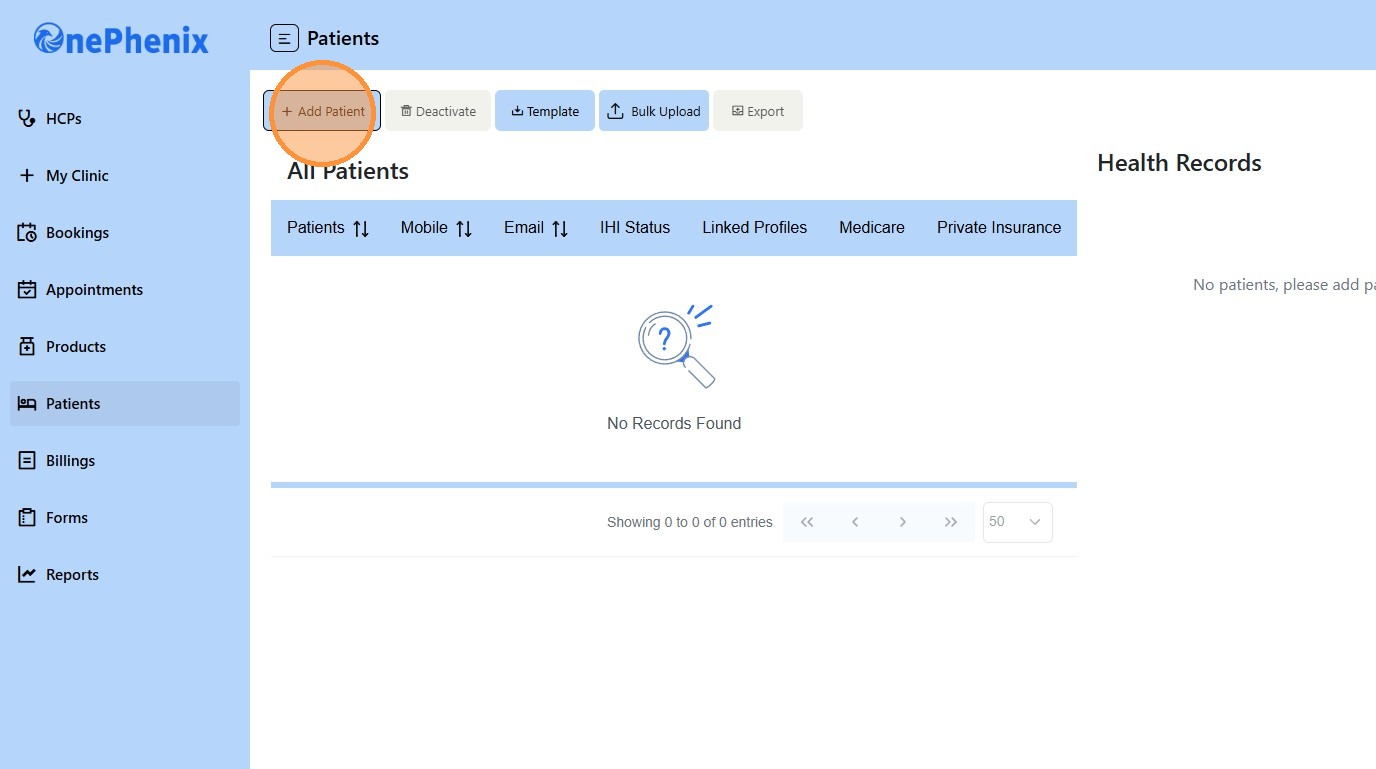
2. Click “Add Patient”
3. Choose if the individual is a “Patient or a Carer”?
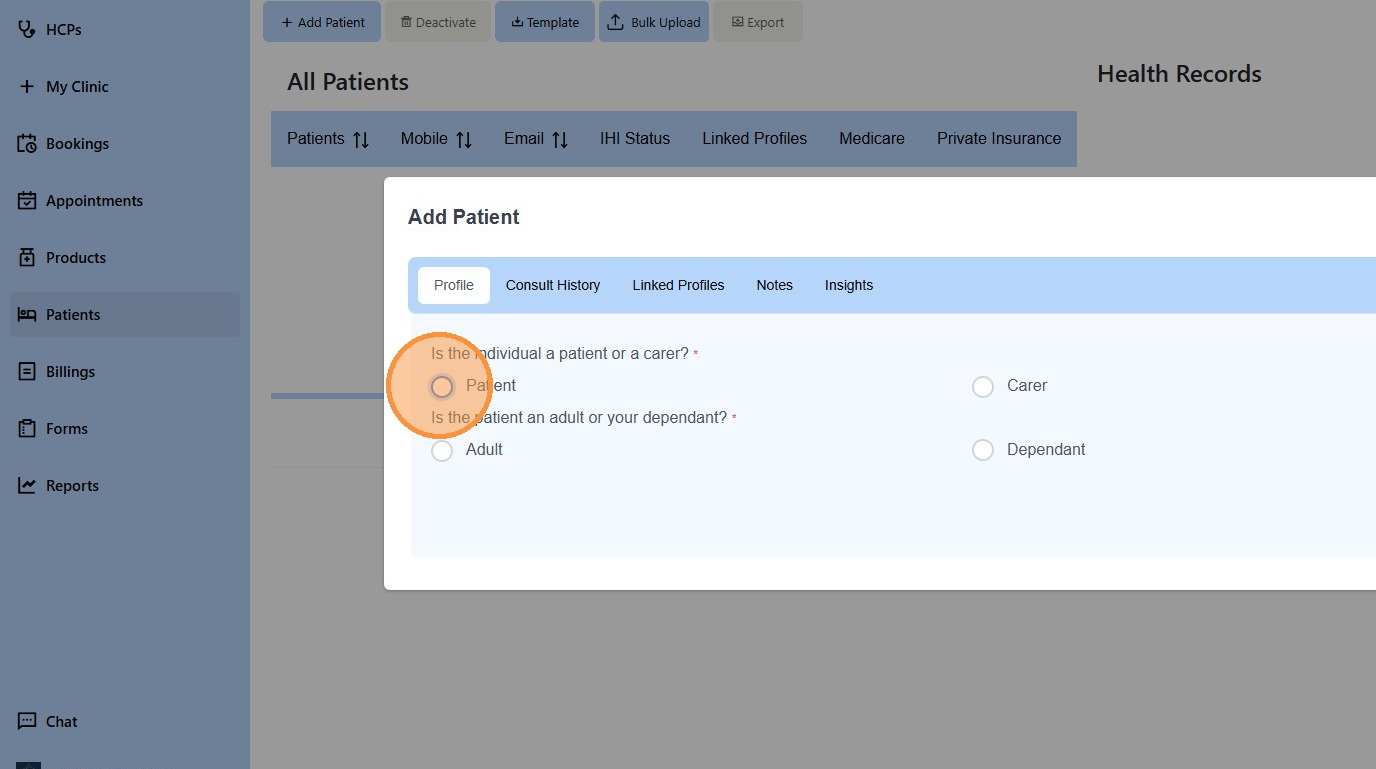
4. Choose if the patient is an “Adult or a Dependant”
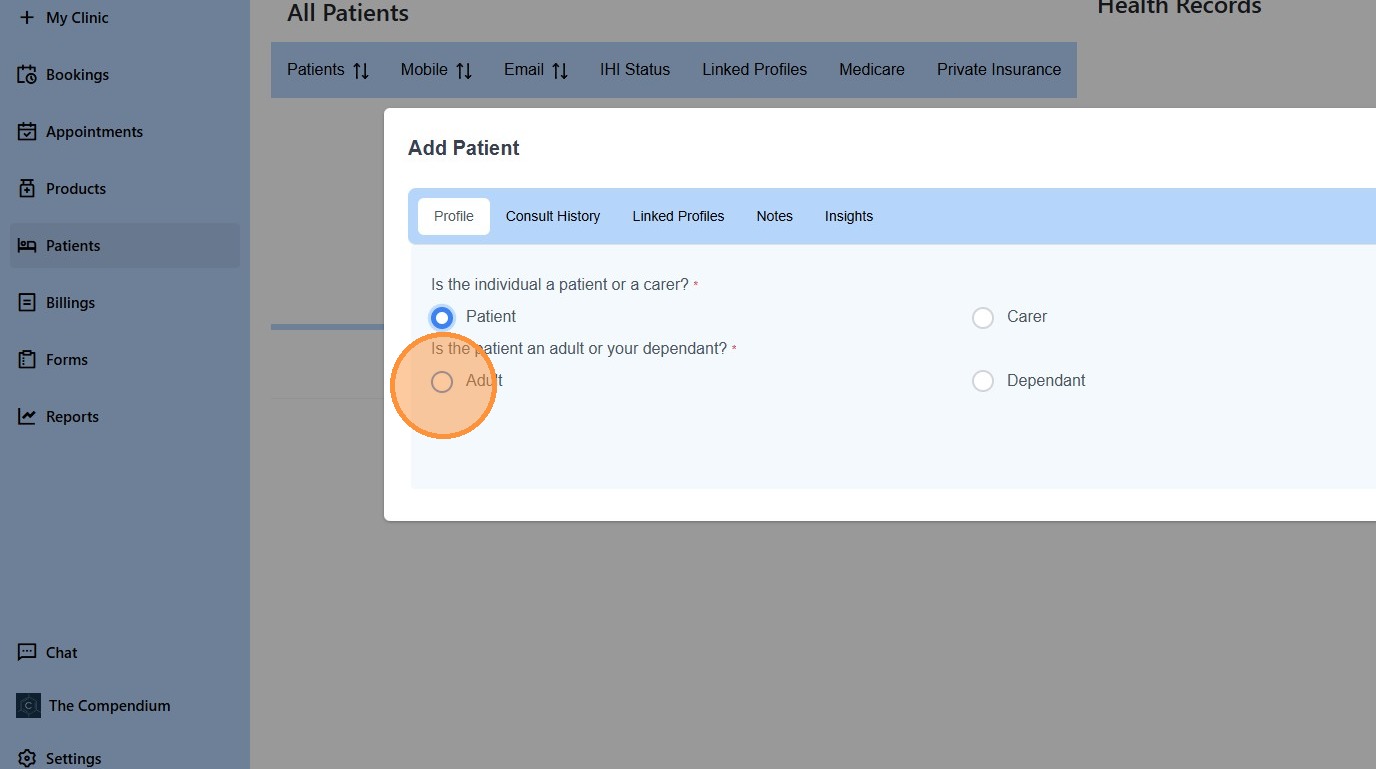
5. Click “Next”
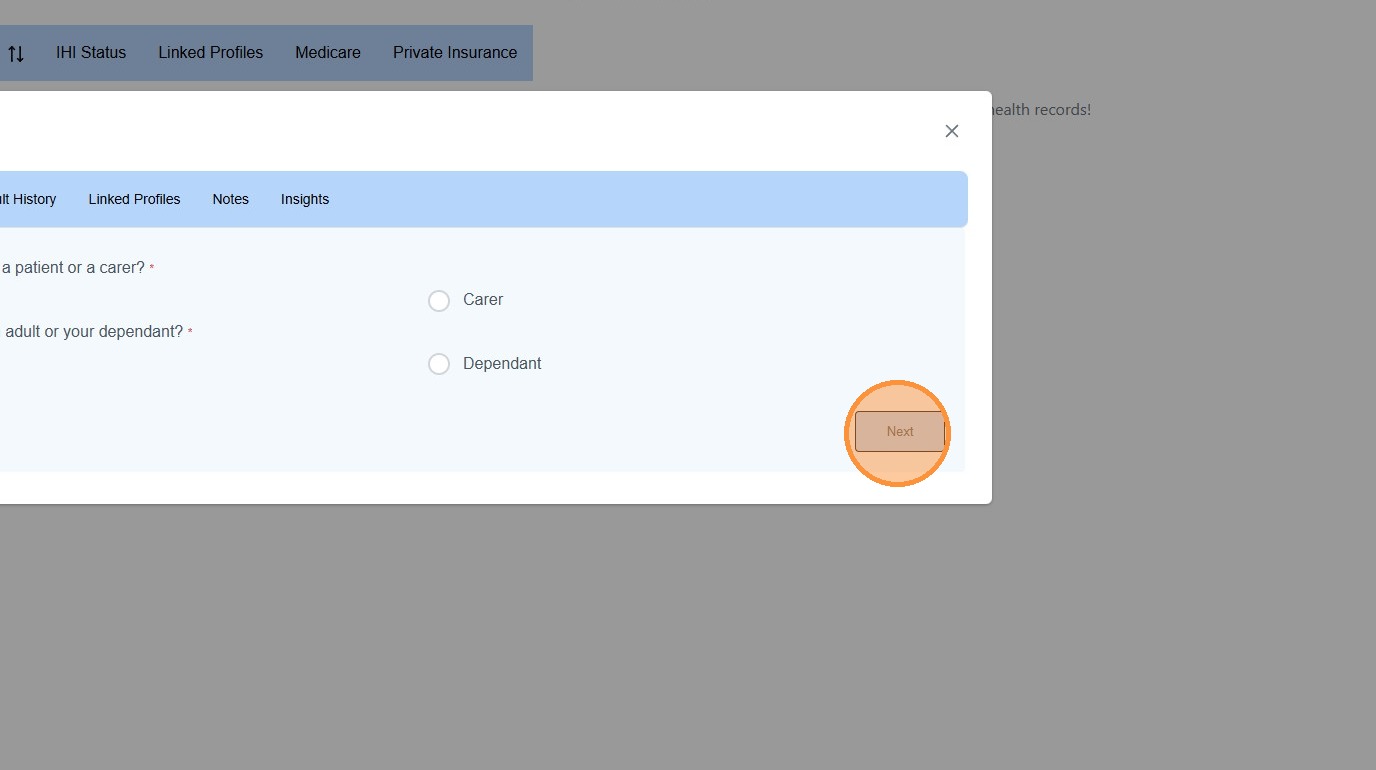
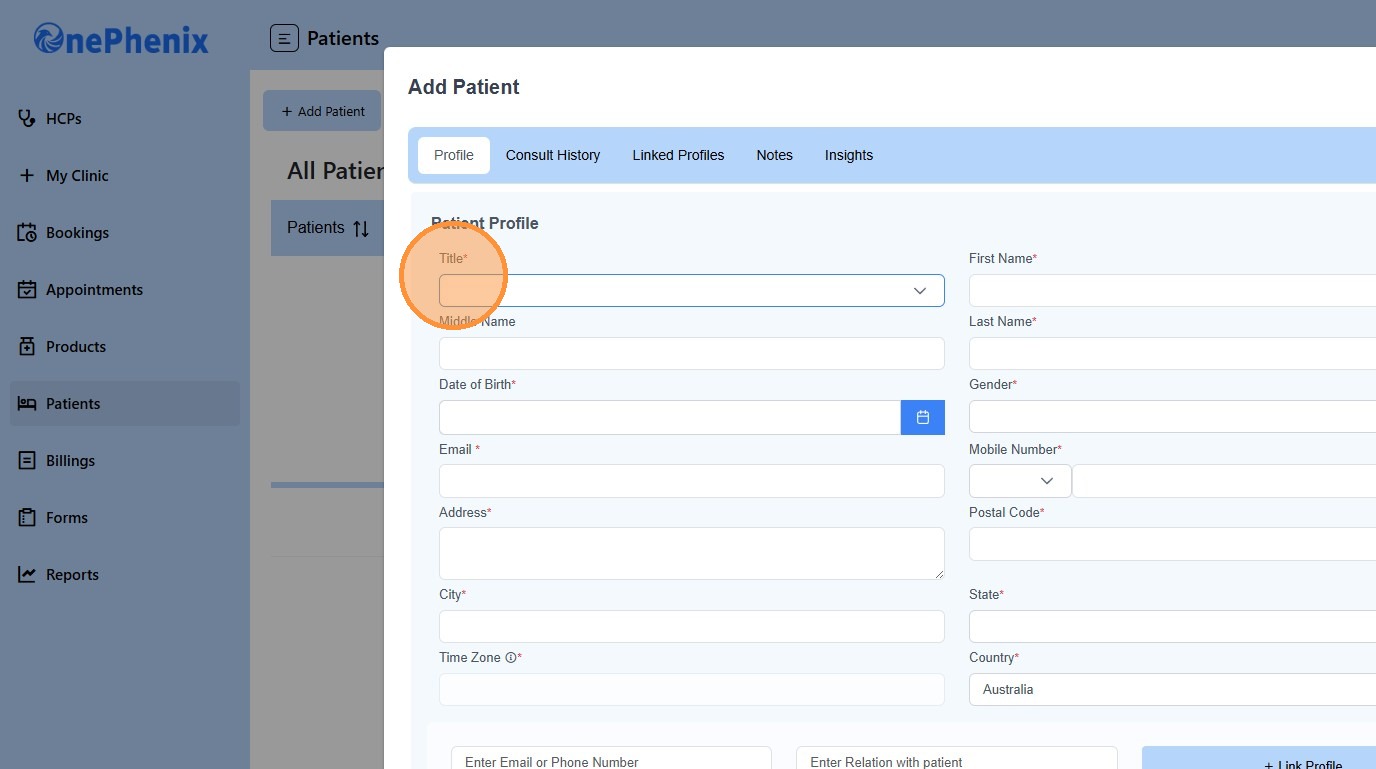
6. Select the patient’s “Title”.
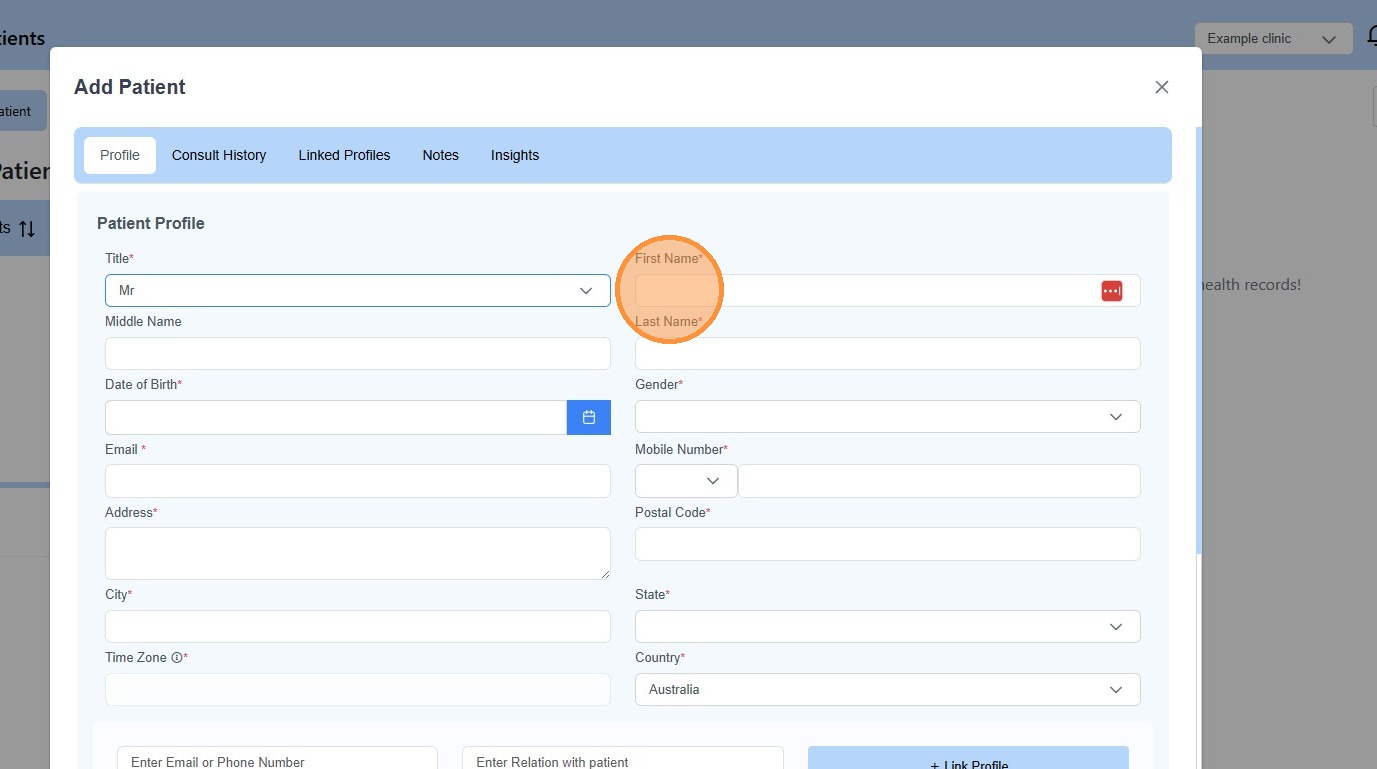
7. Enter the “Patient’s Name”
8. Enter the patient’s “Date of Birth”
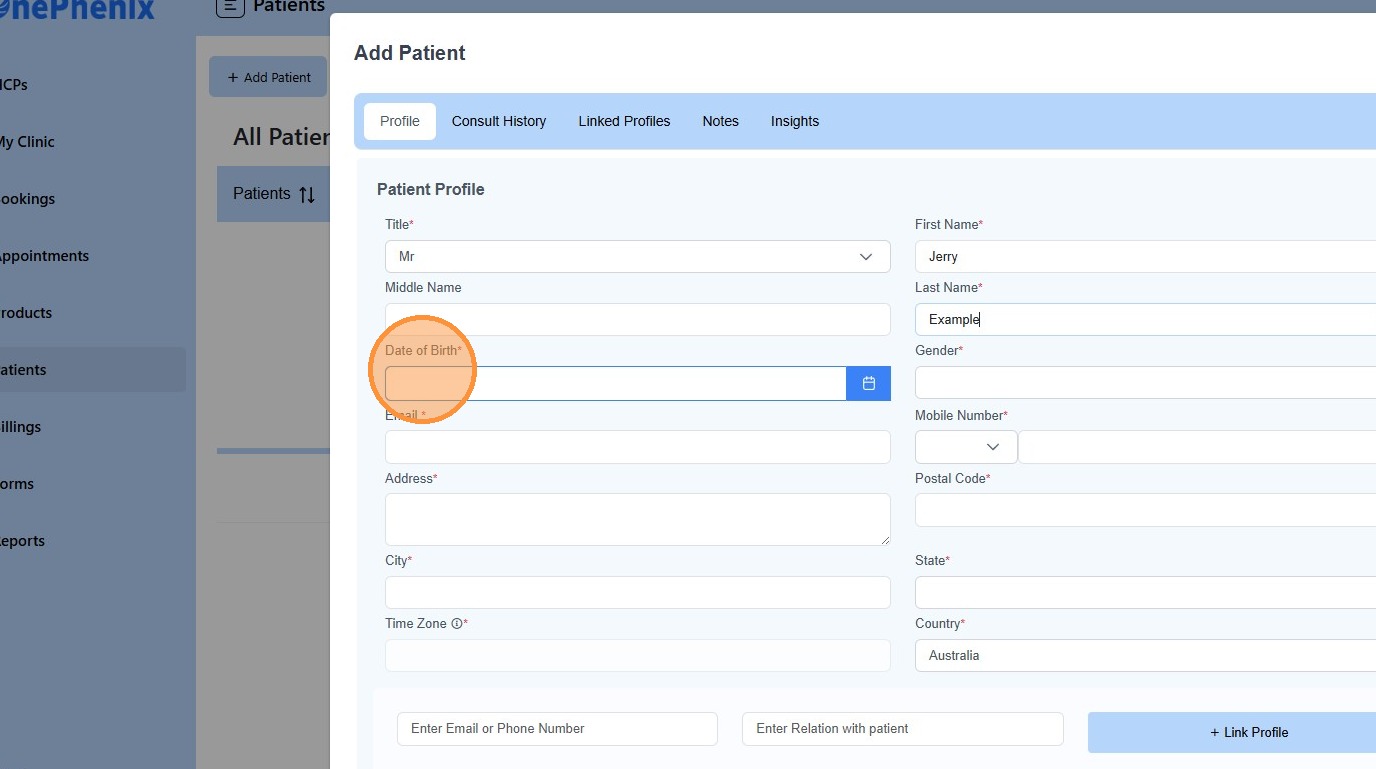
9. Select the patient’s “Gender”
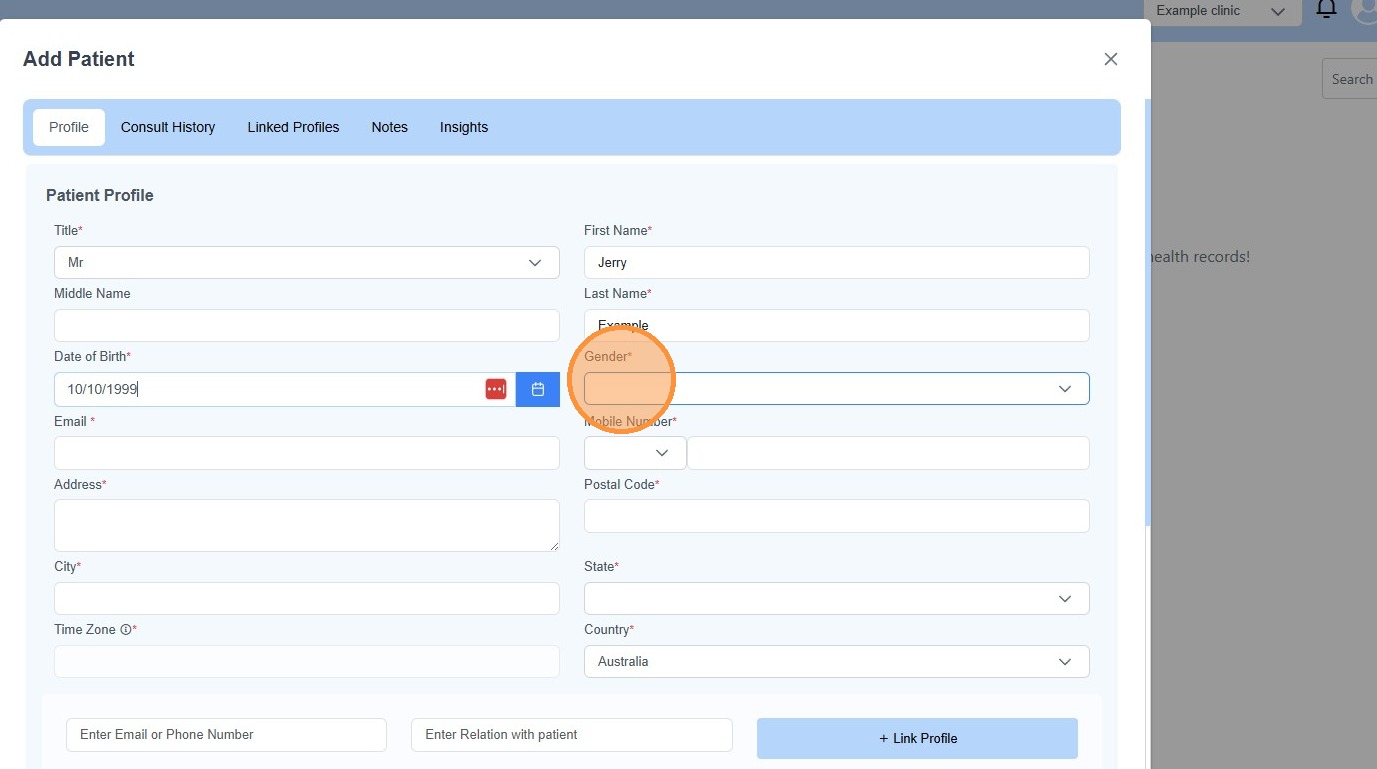
10. Enter the patient’s “Email”
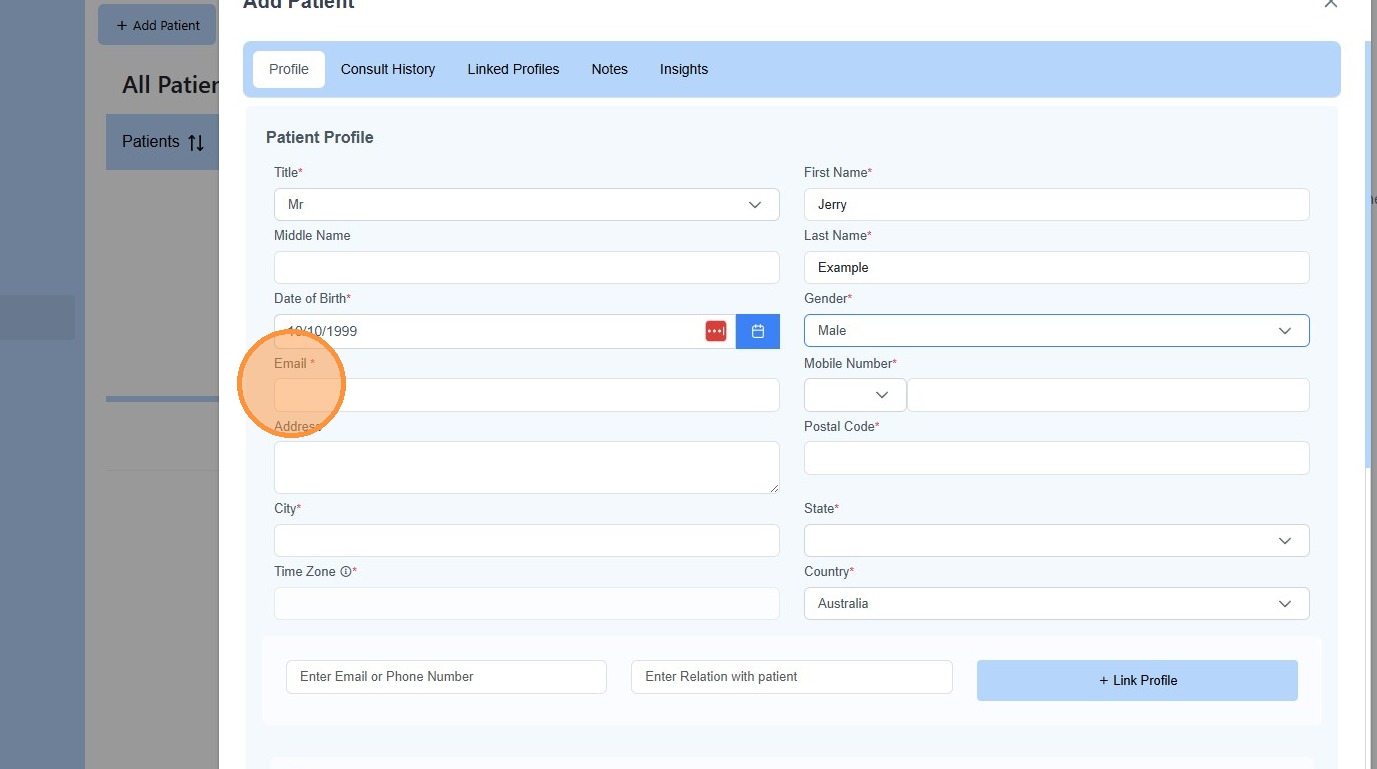
11. Click “AUS +61”
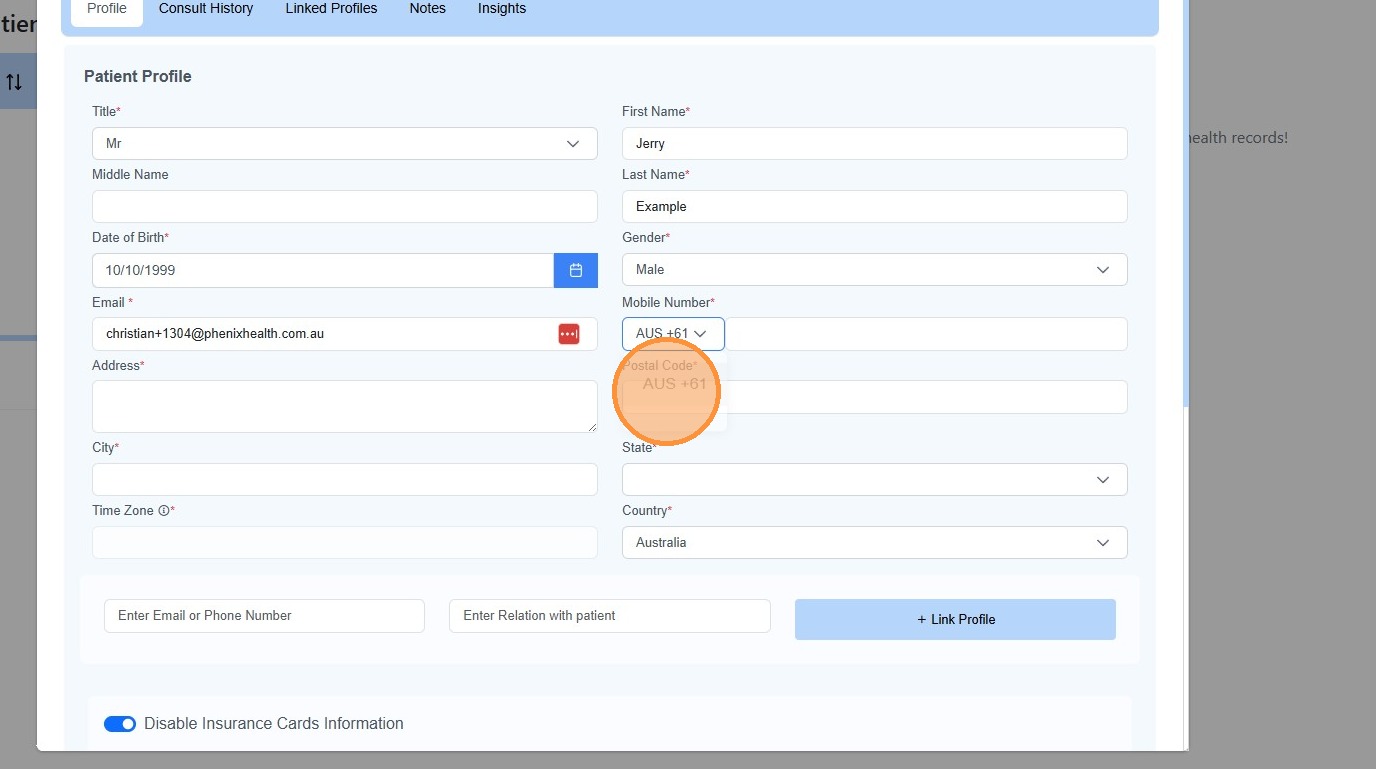
12. Enter the patient’s “Mobile Number”.
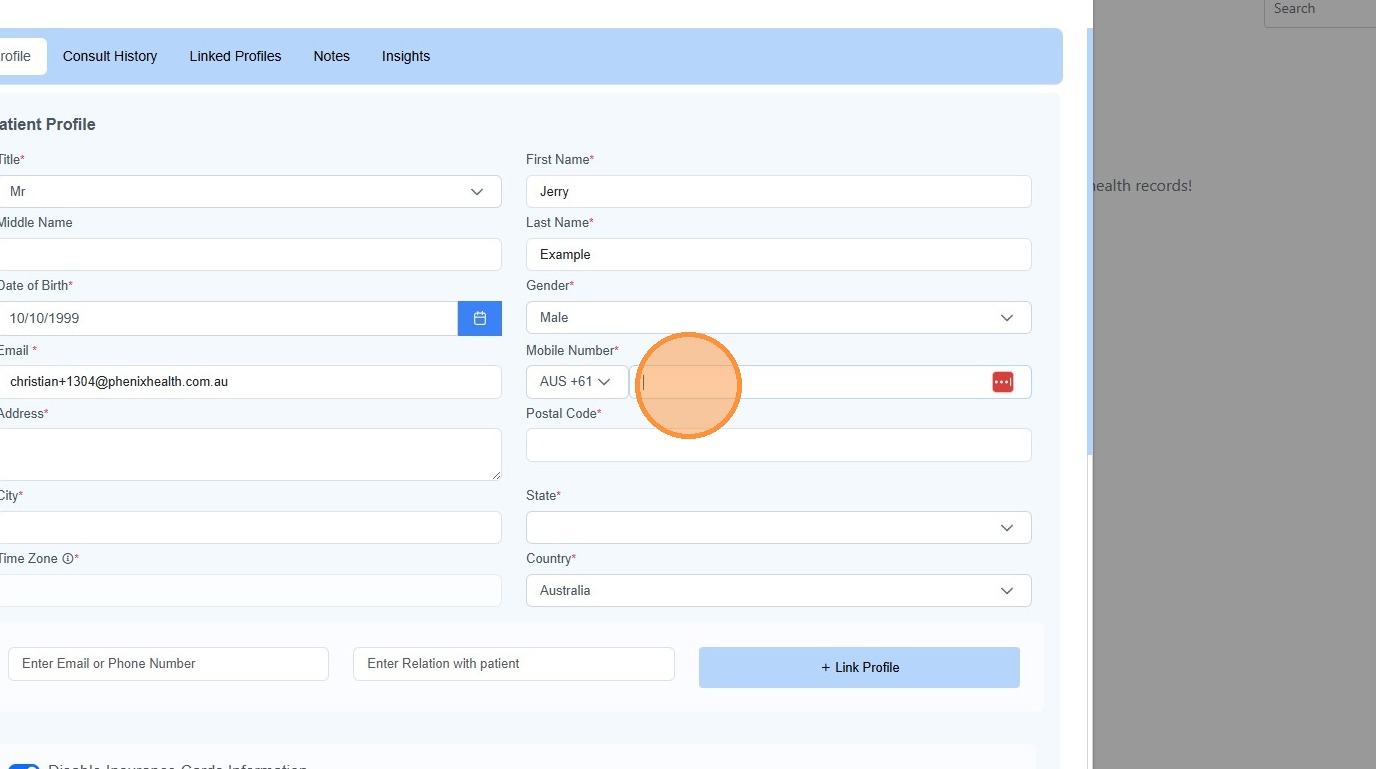
13. Complete the patient’s “Address”
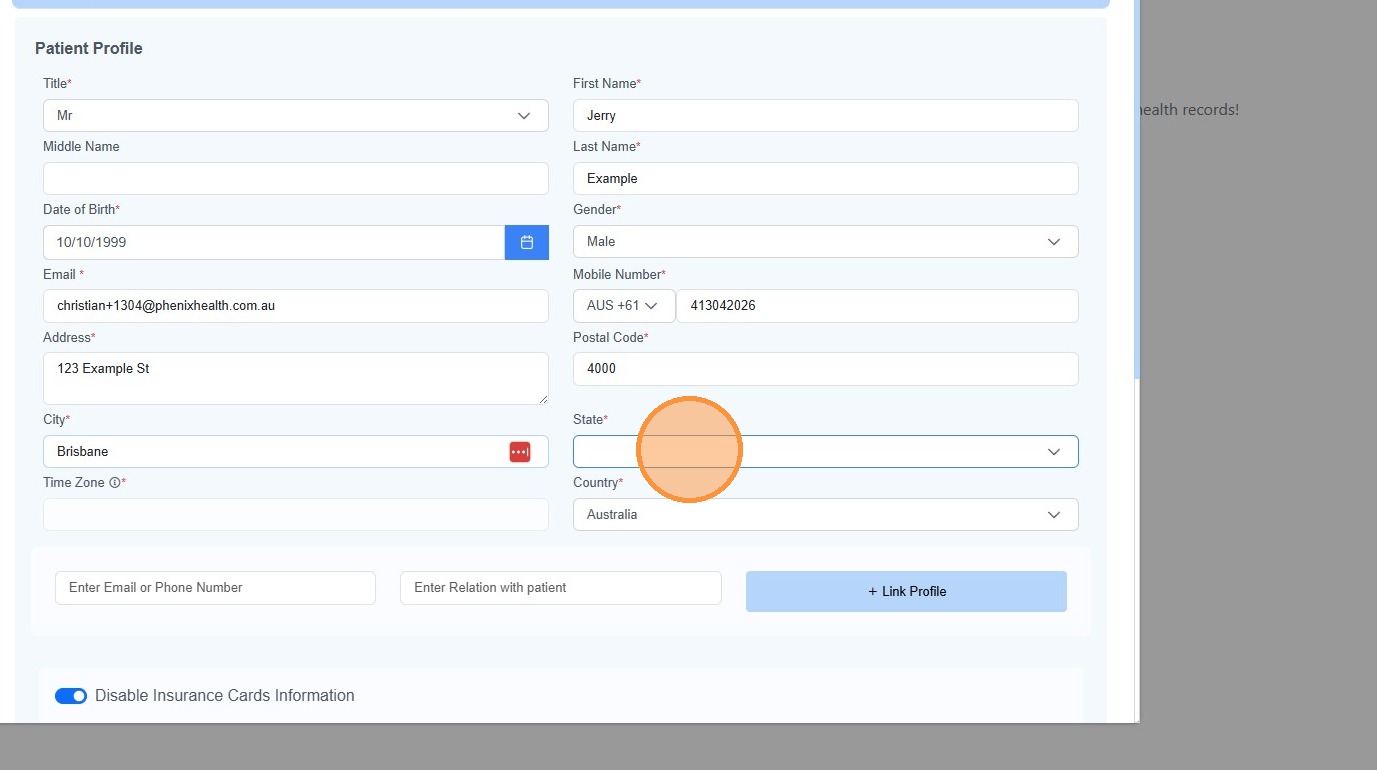
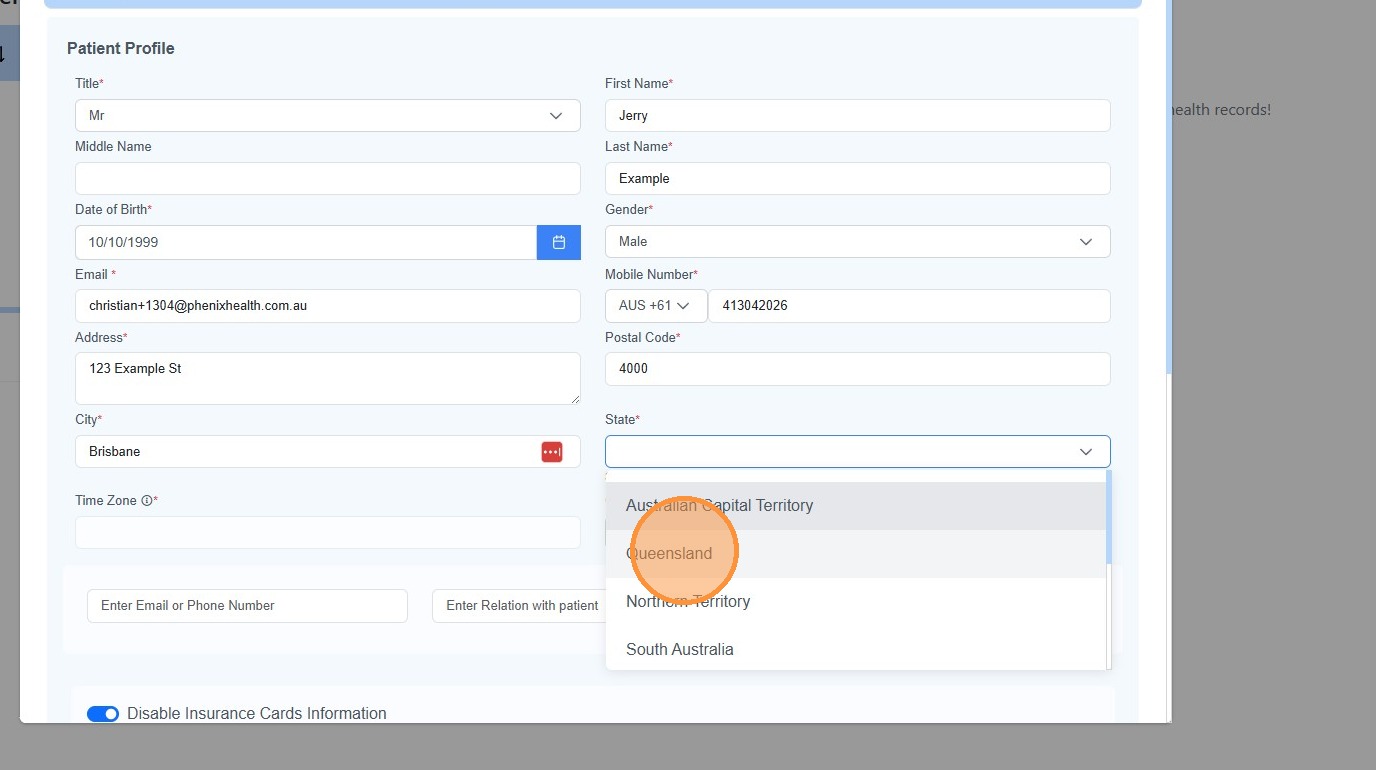
14. Select the patient’s “State”.
15. Enter the patient’s “Medicare” details.
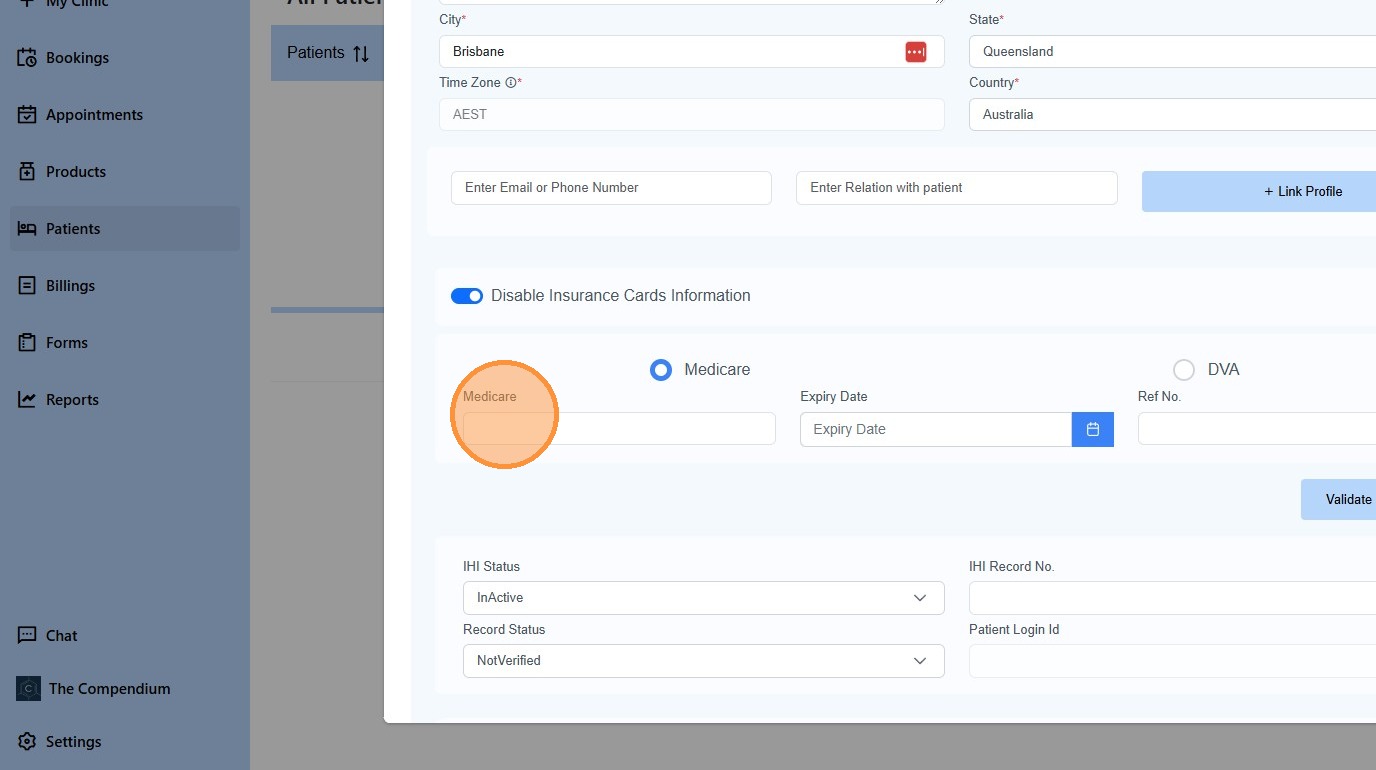
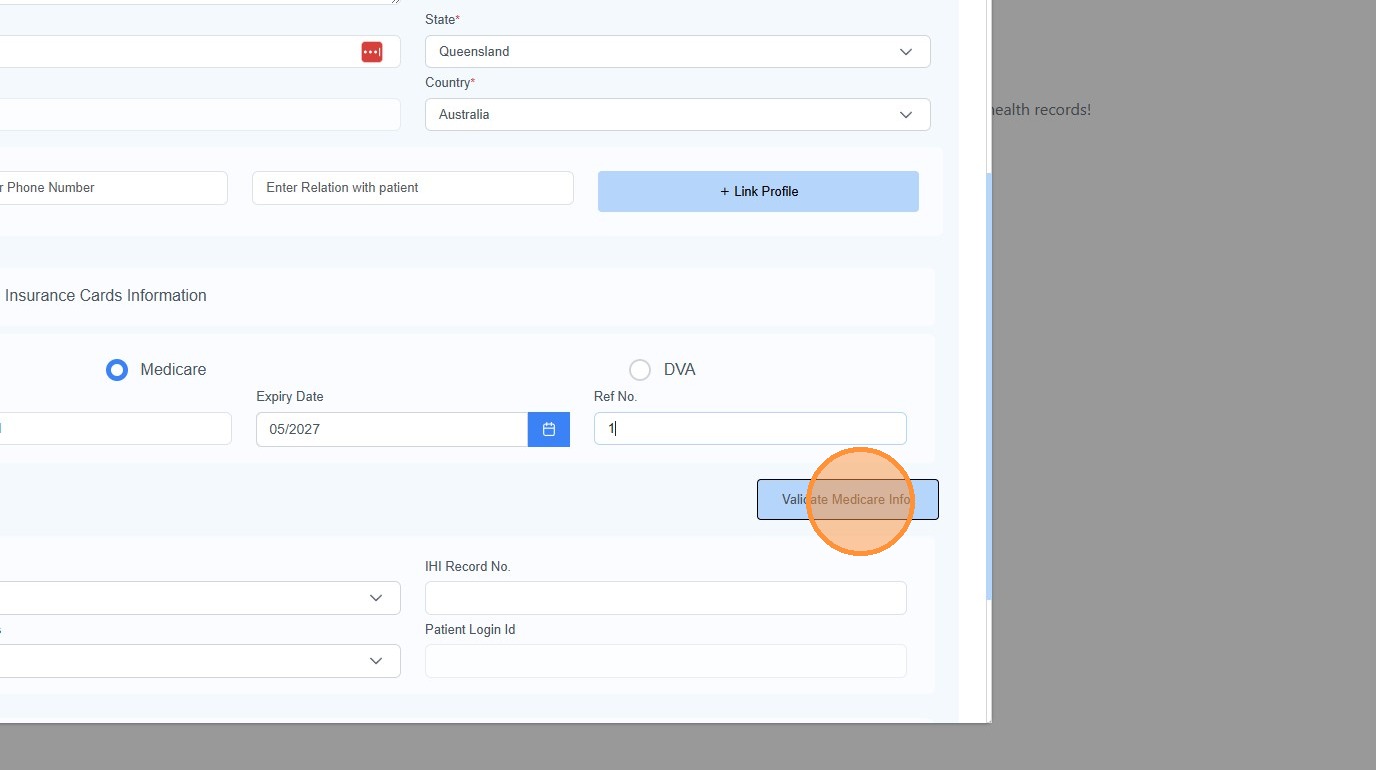
16. Click “Validate Medicare Info.”
17. Click “Save & Next”
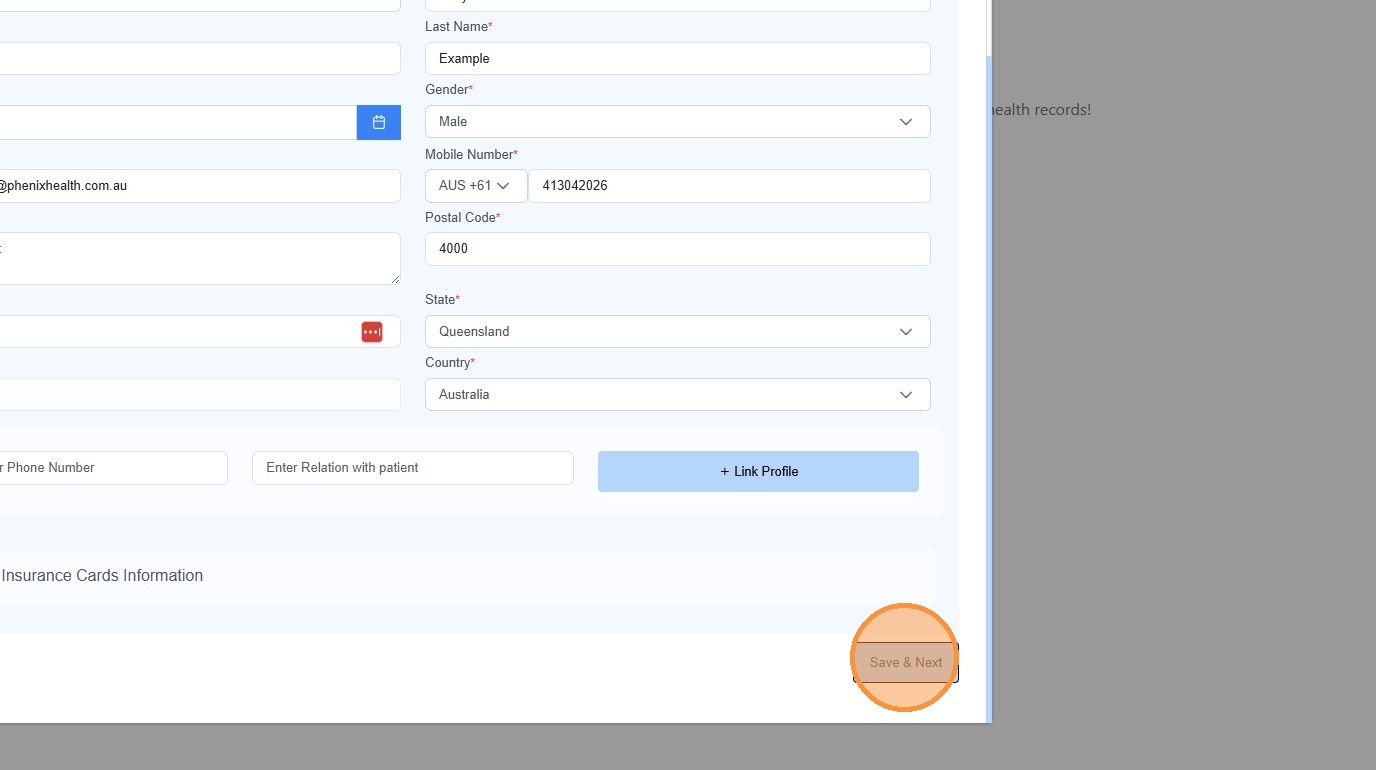
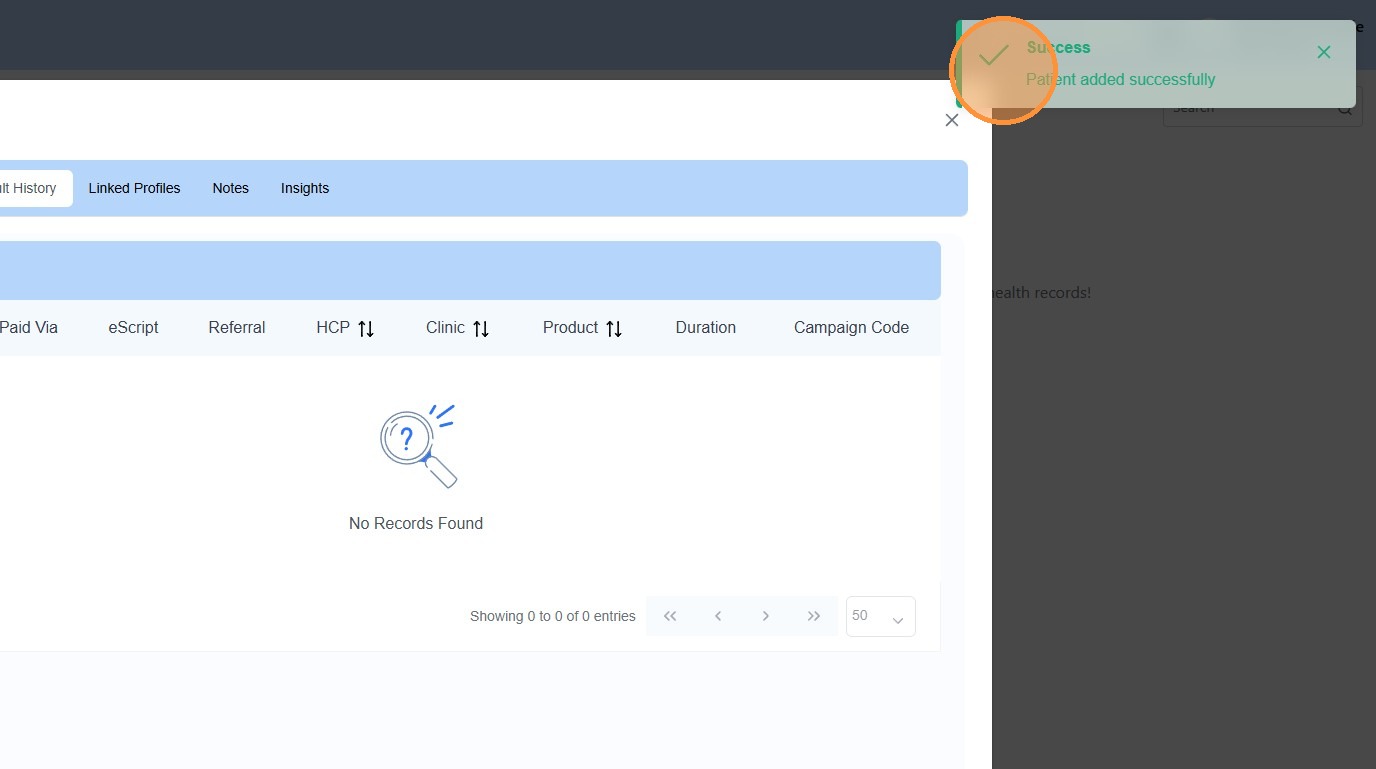
18. You will get a confirmation message of “Patient added successfully”.