How To Create A Clinic Admin, Admin or Staff In OnePhenix
Learn how to efficiently add and configure a new user account within the Phenix dashboard. This guide walks you through the necessary fields and affiliation settings to ensure your new user is set up correctly.
1. Navigate to https://web.onephenix.com/#/dashboard
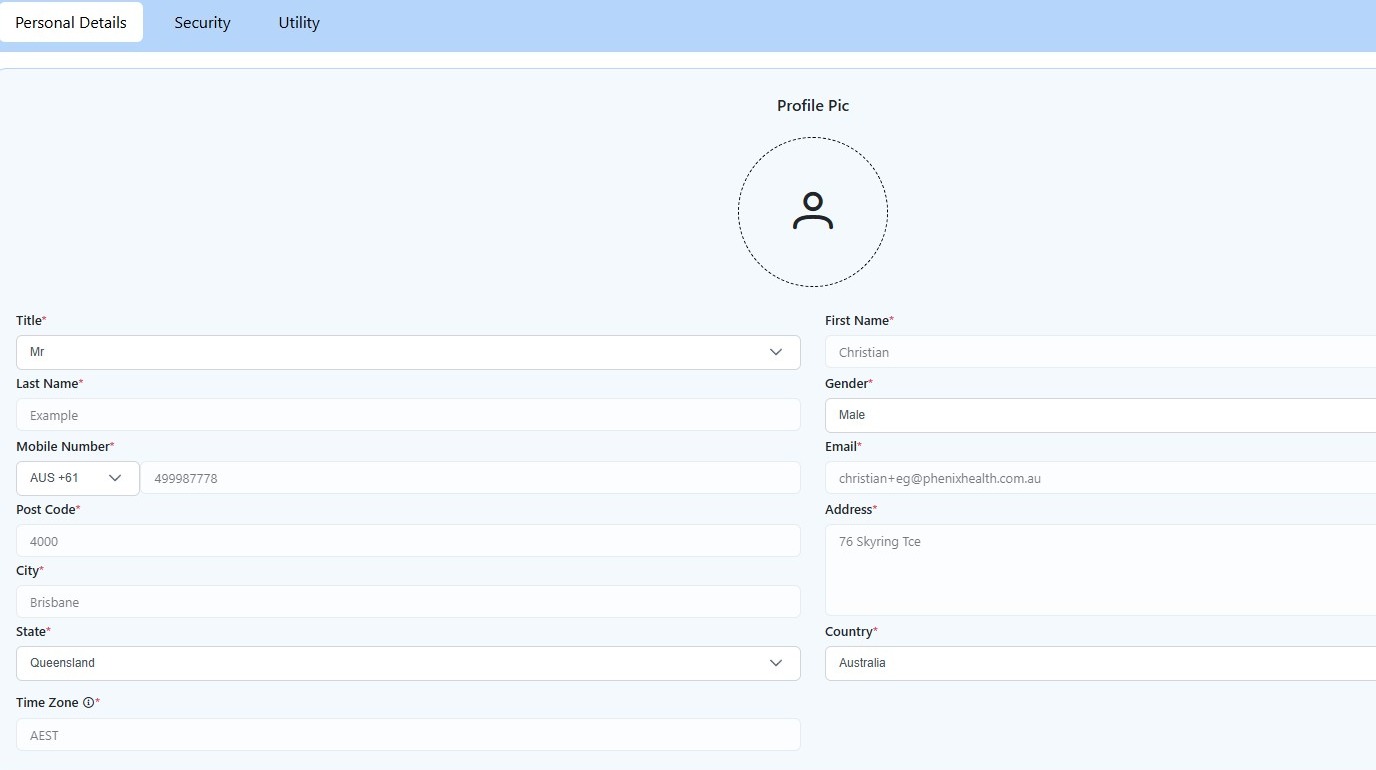
2. Click “Settings”
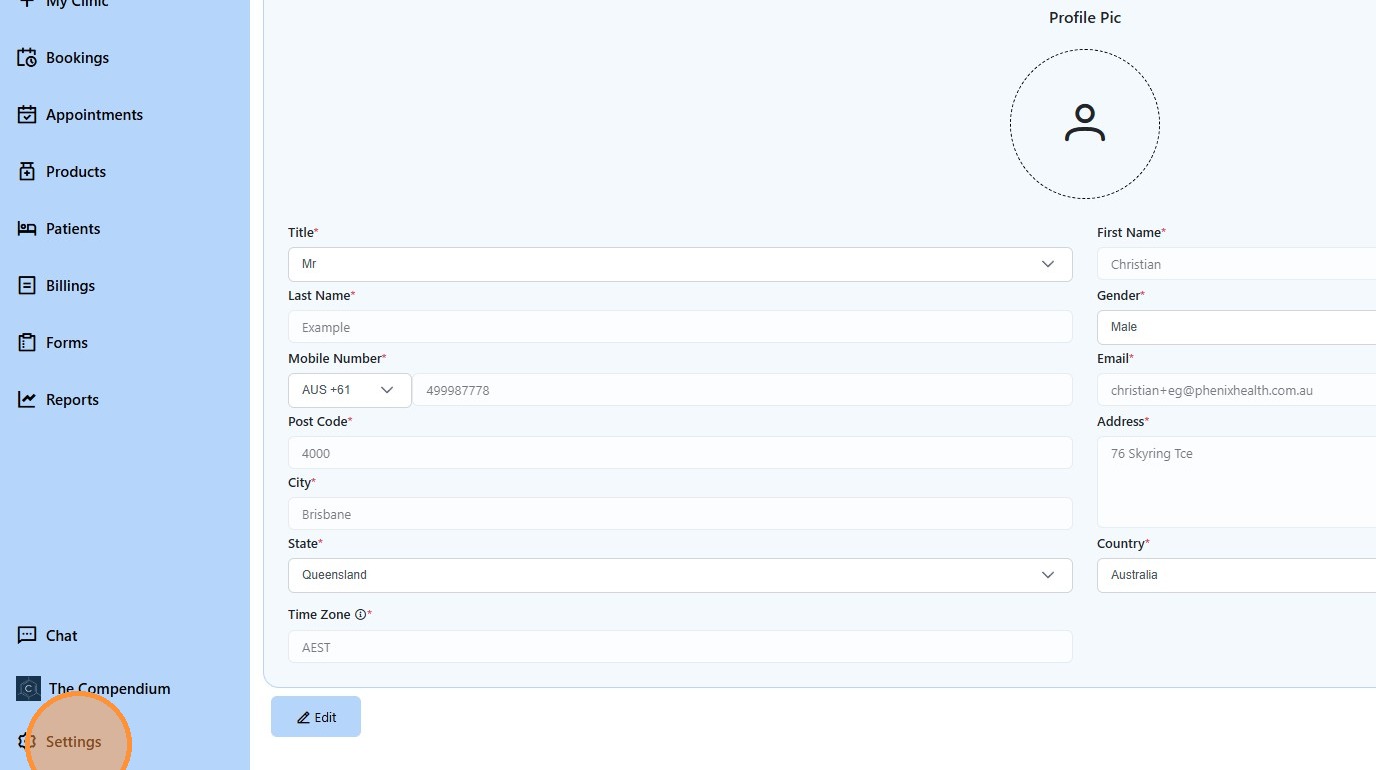
3. Click “Add New User”
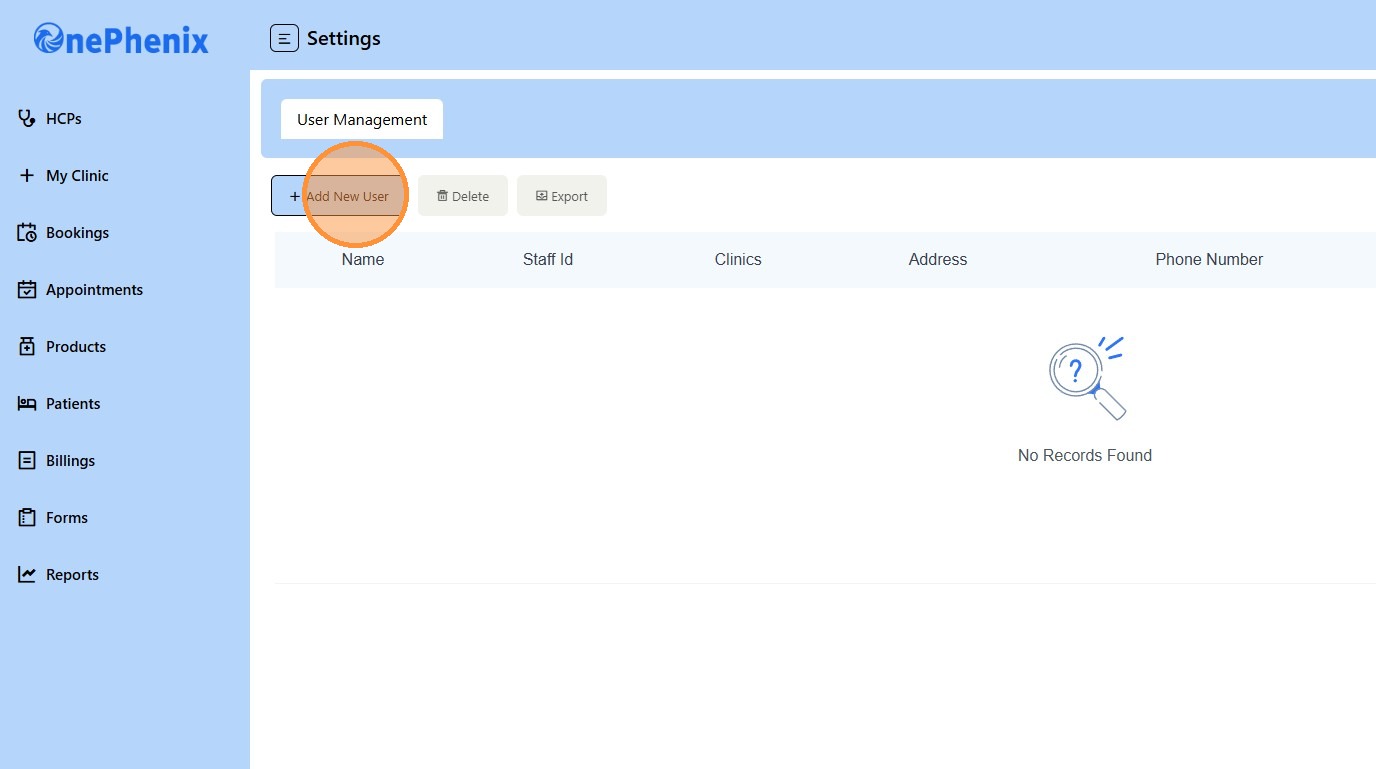
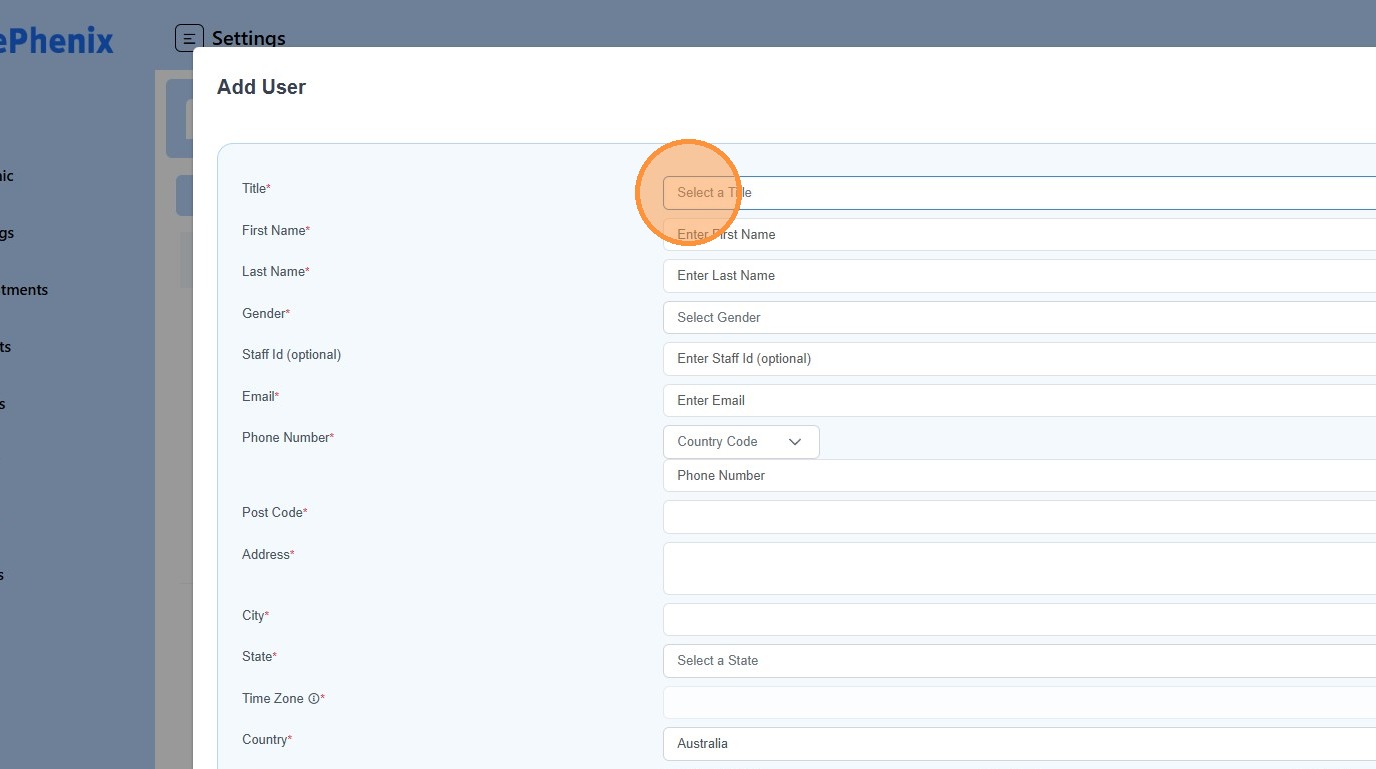
4. Click “Select a Title”
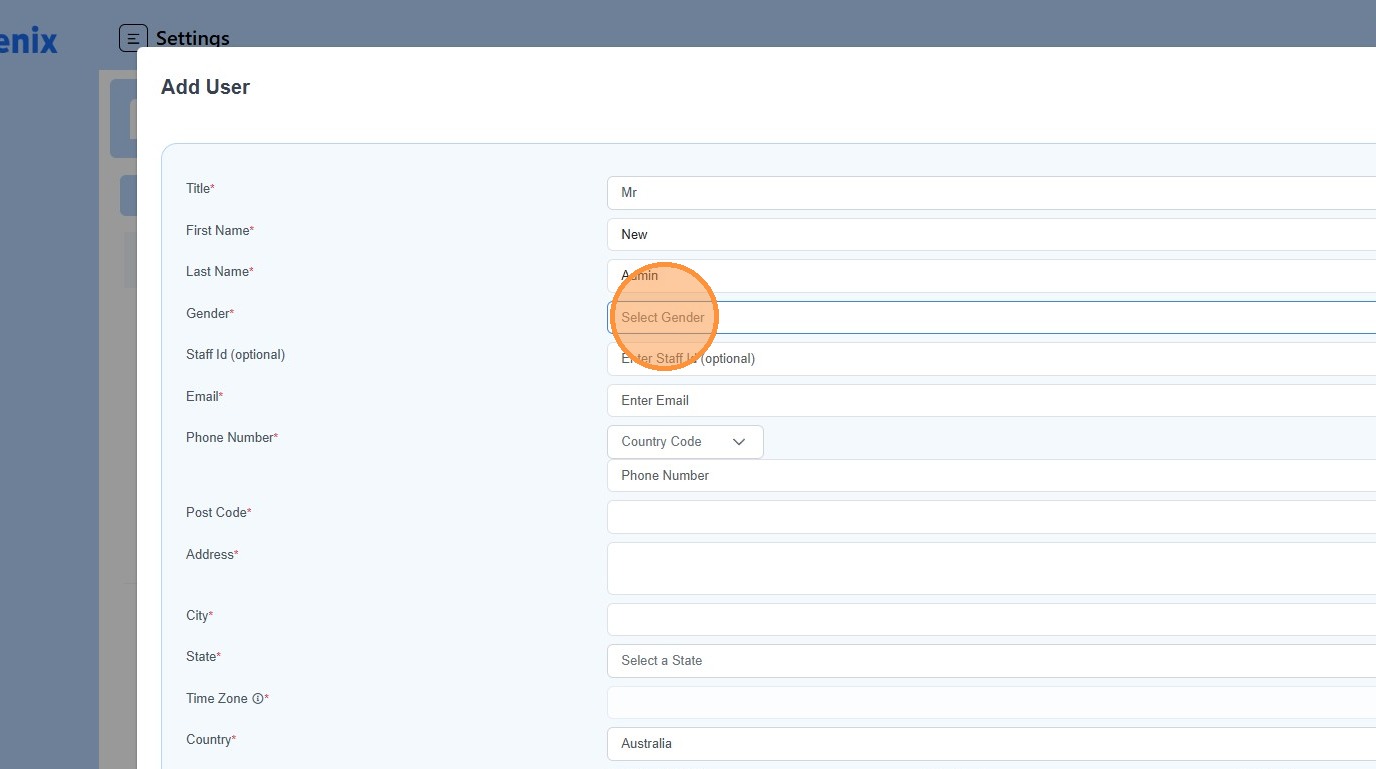
5. Click “Select Gender”
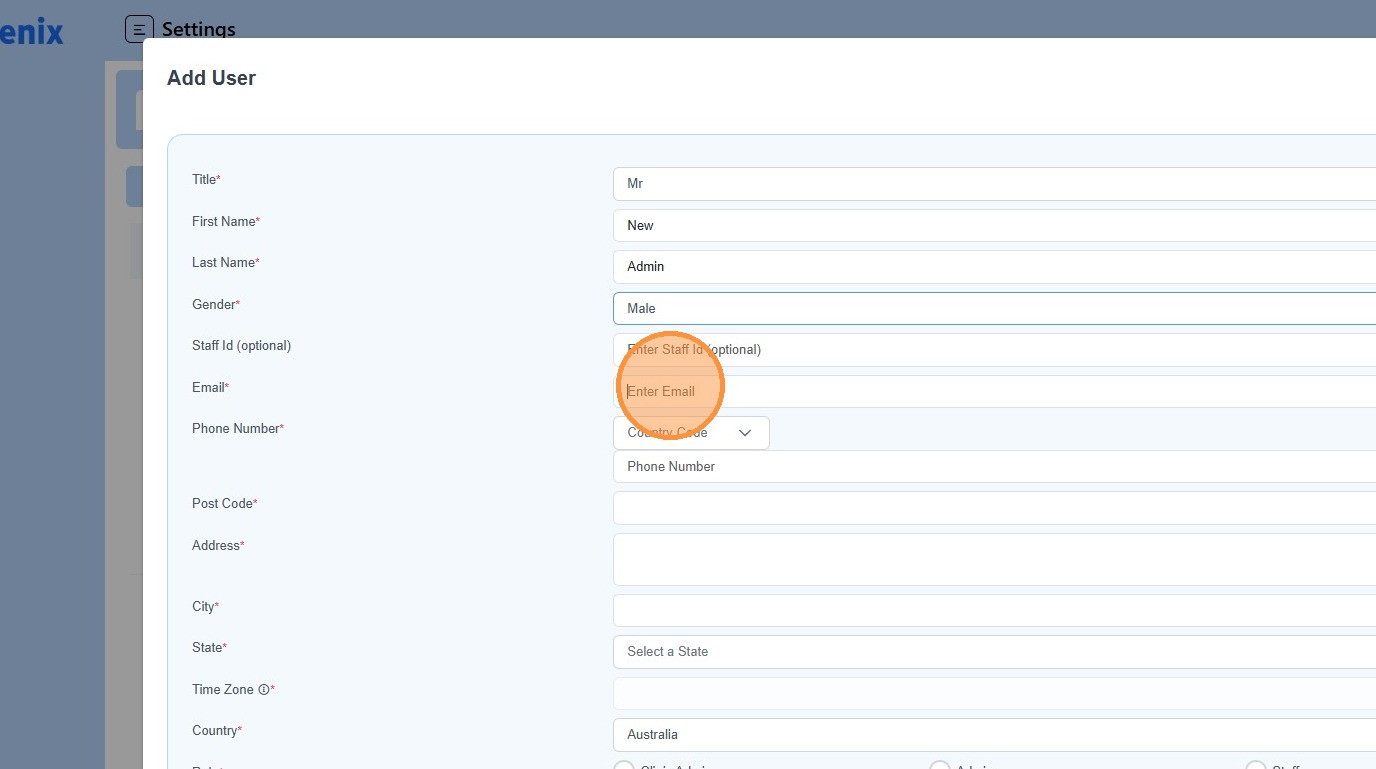
6. Enter the “Email Address” of the new user
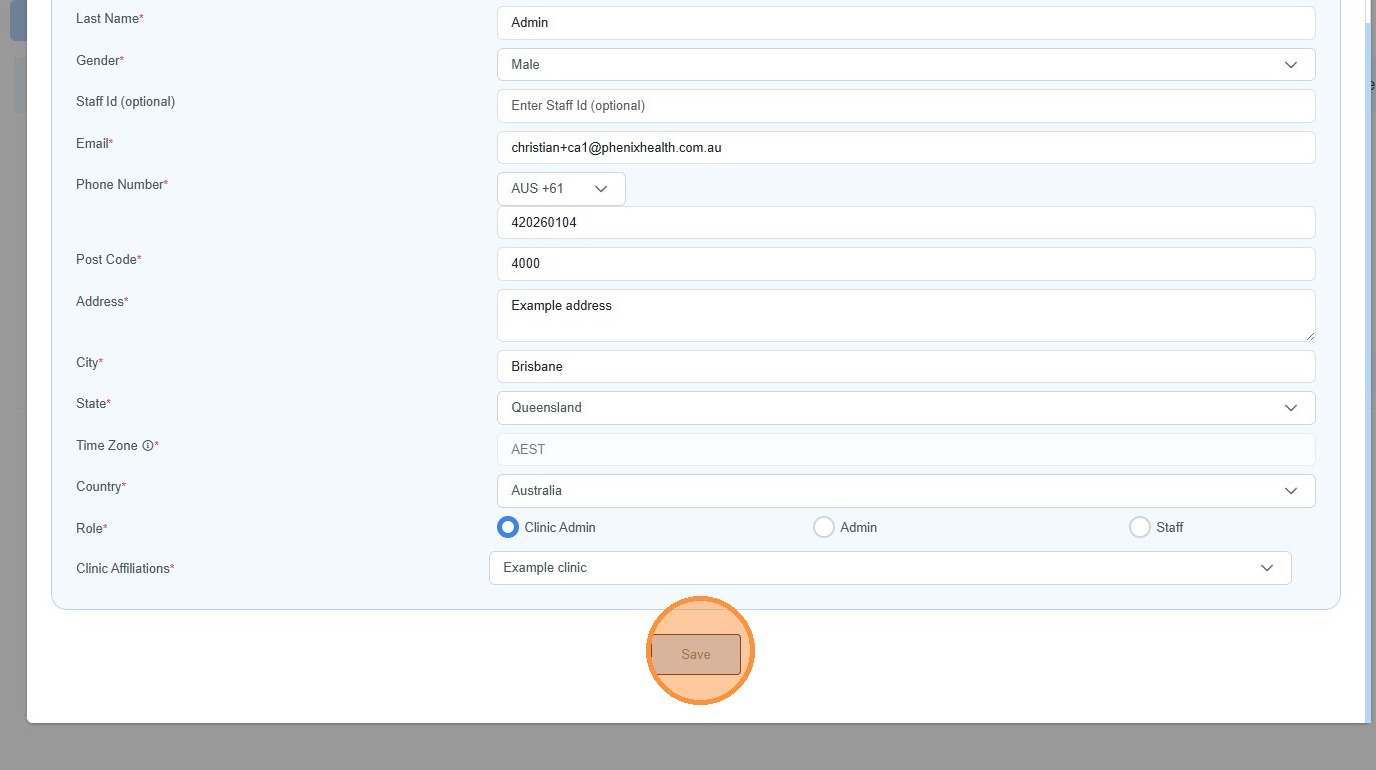
7. Select the “Role” of the new user
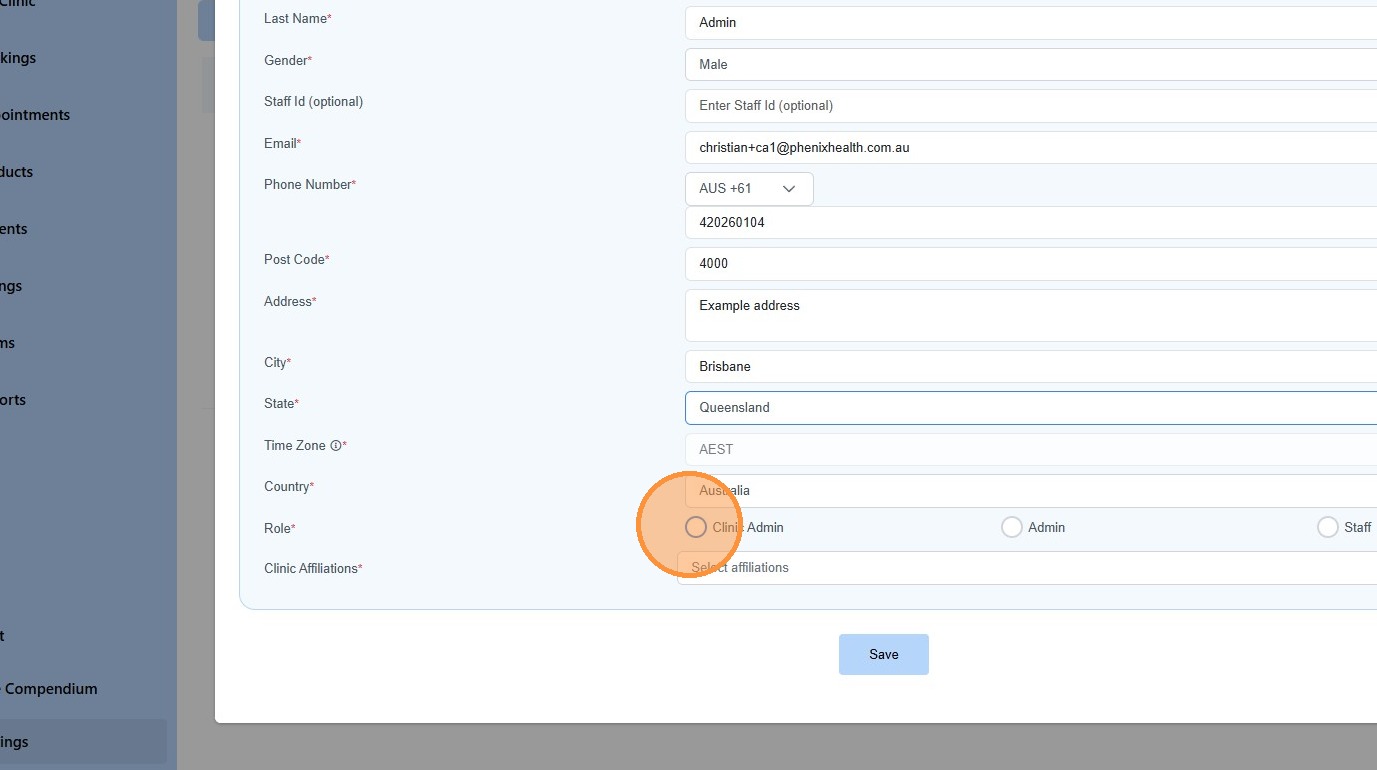
8. Click “Save”
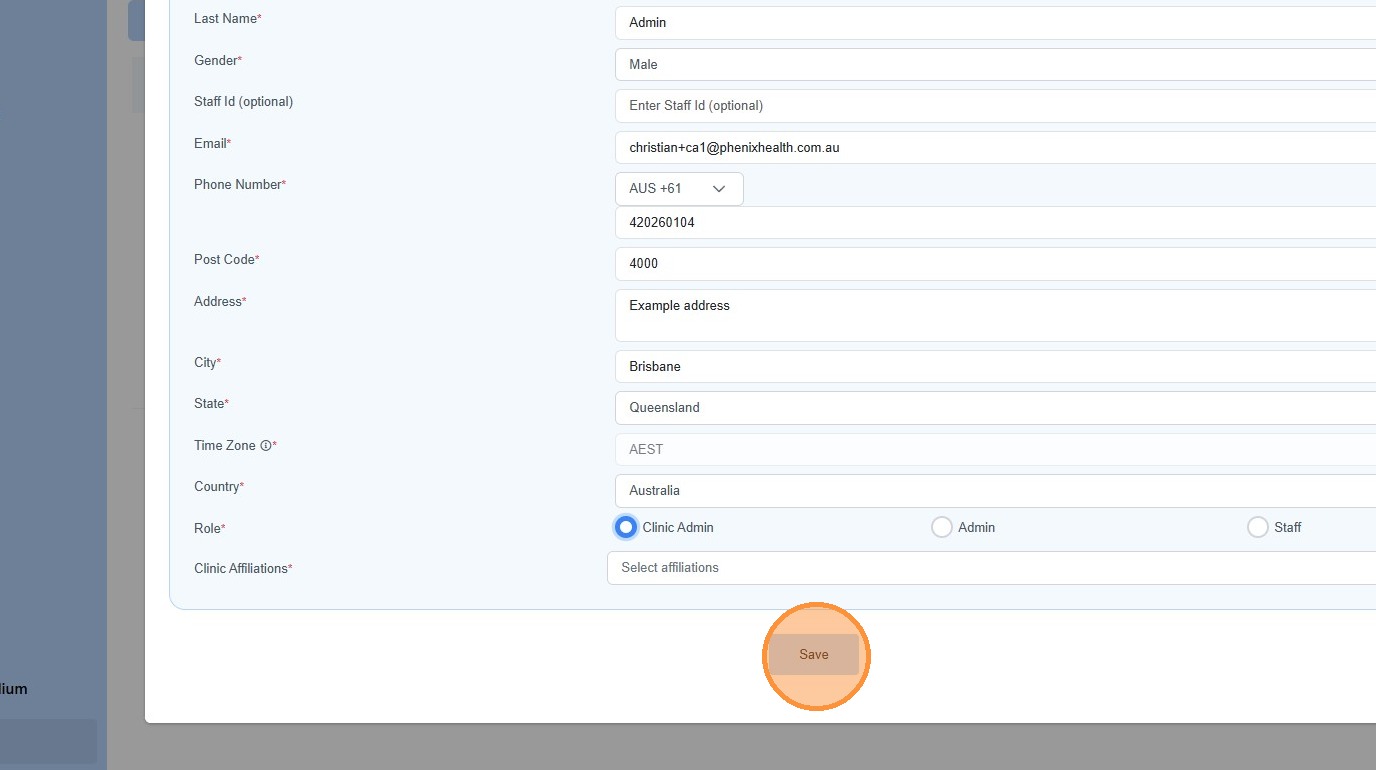
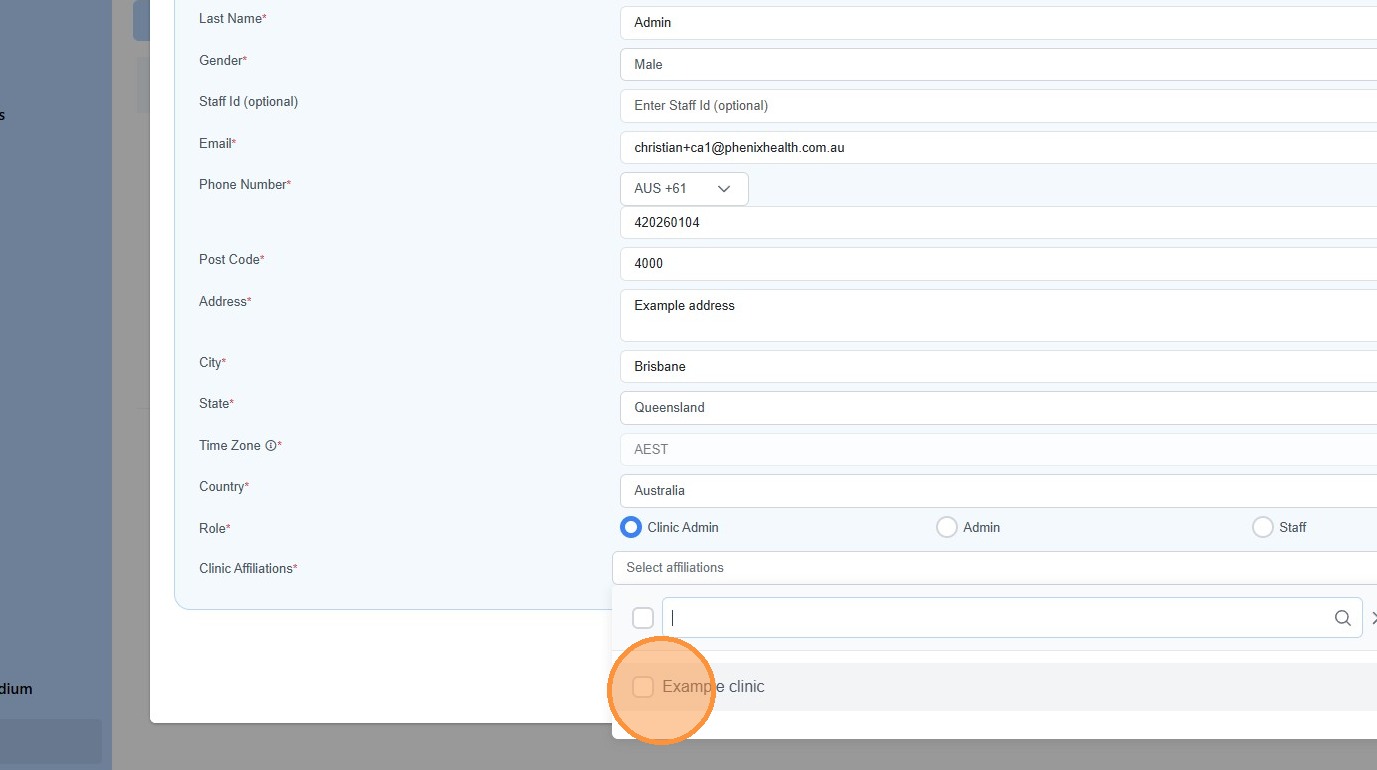
9. Choose which clinic the new user has access too.
10. Click “Save”