How to add HCPs to a Product in OnePhenix
1. Navigate to https://web.onephenix.com/#/dashboard
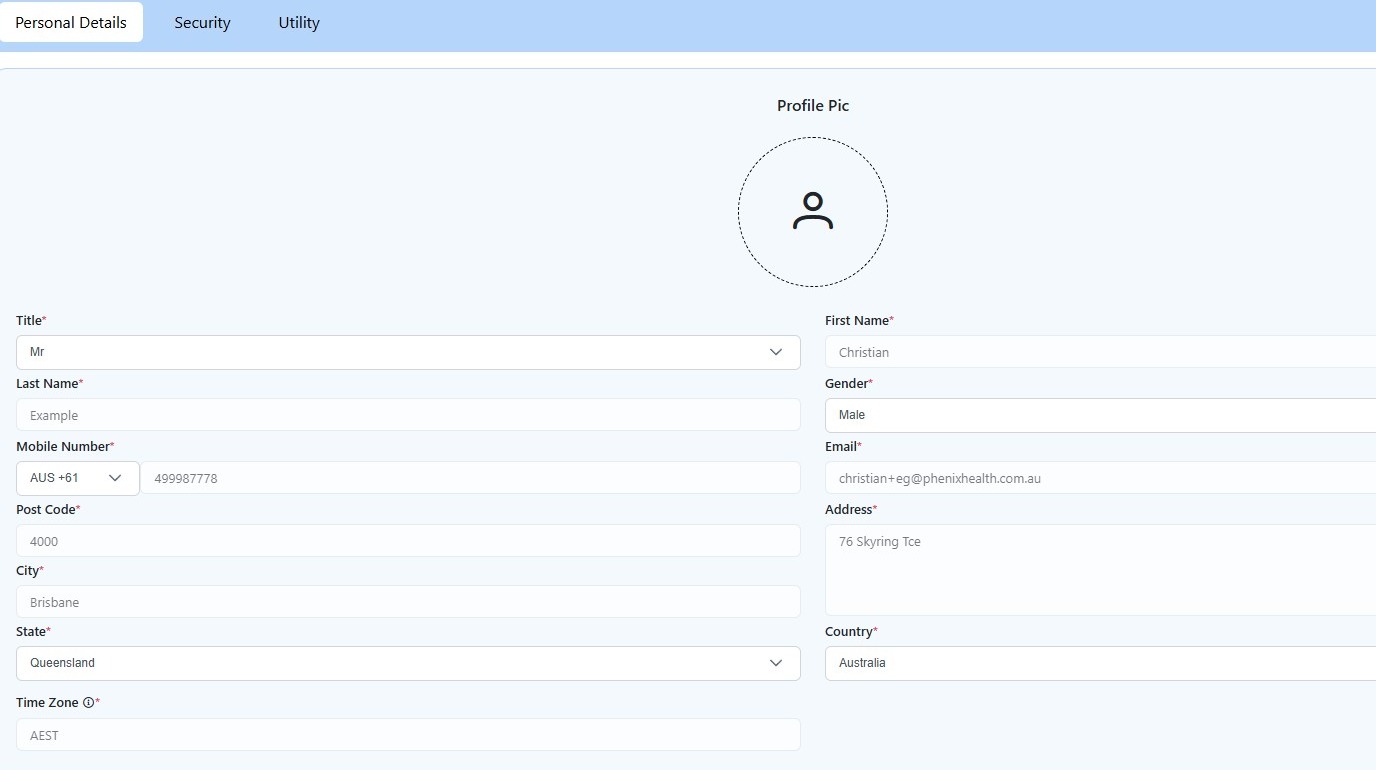
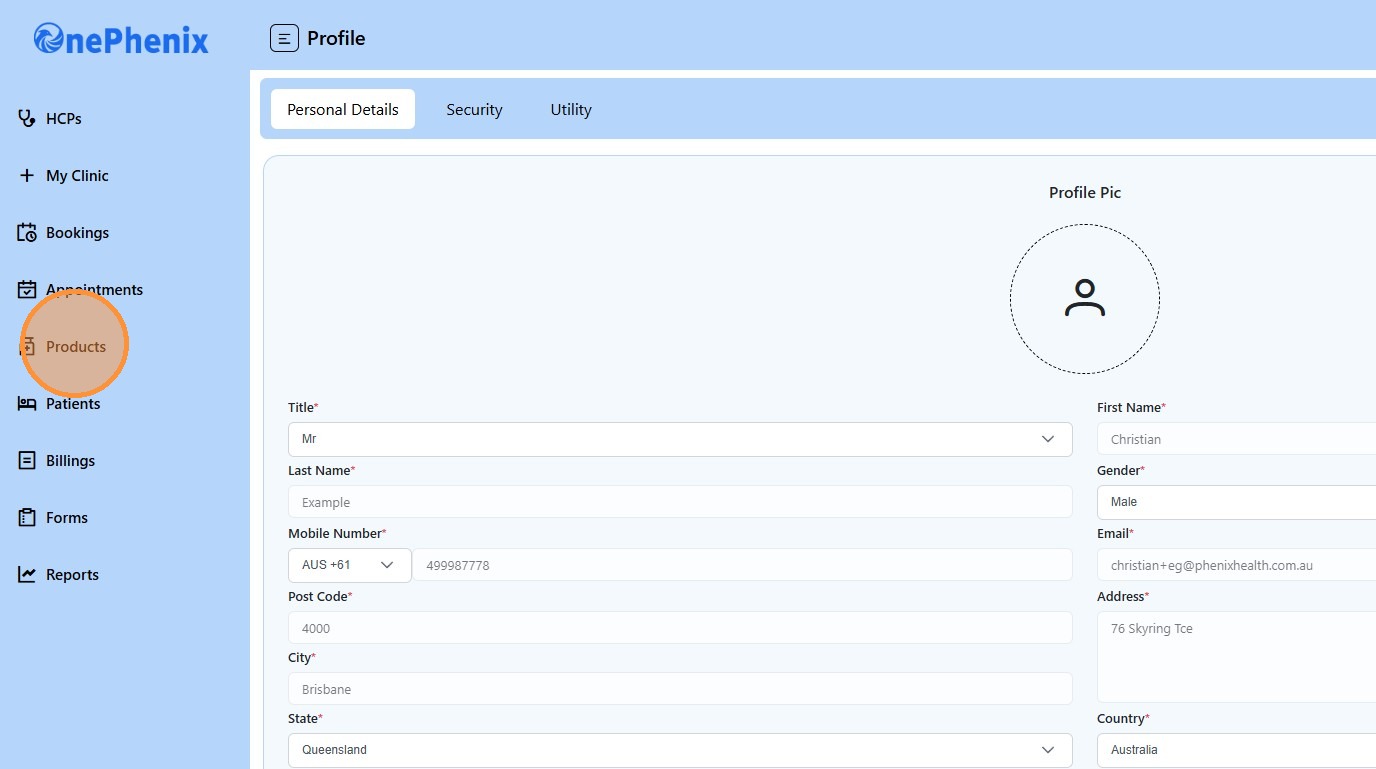
2. Click “Products”
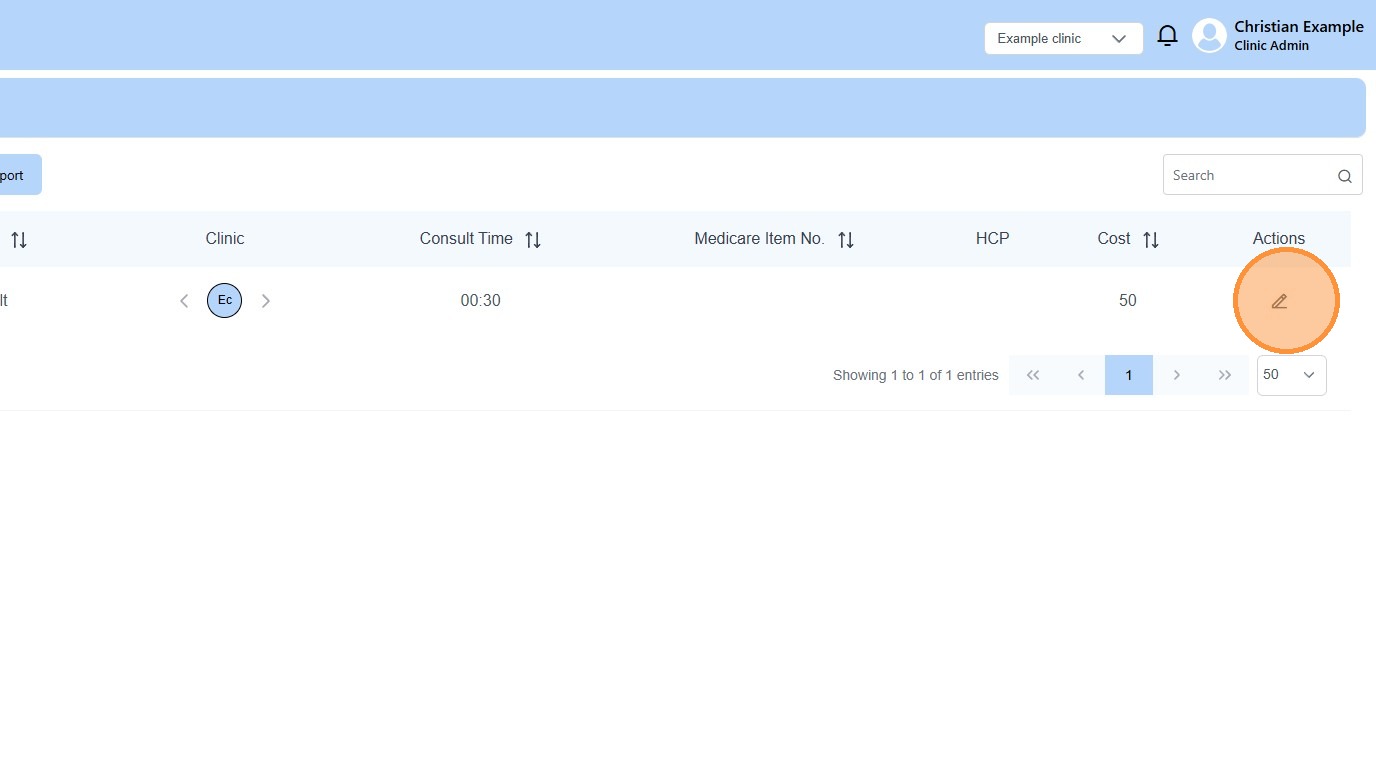
3. Click the edit icon
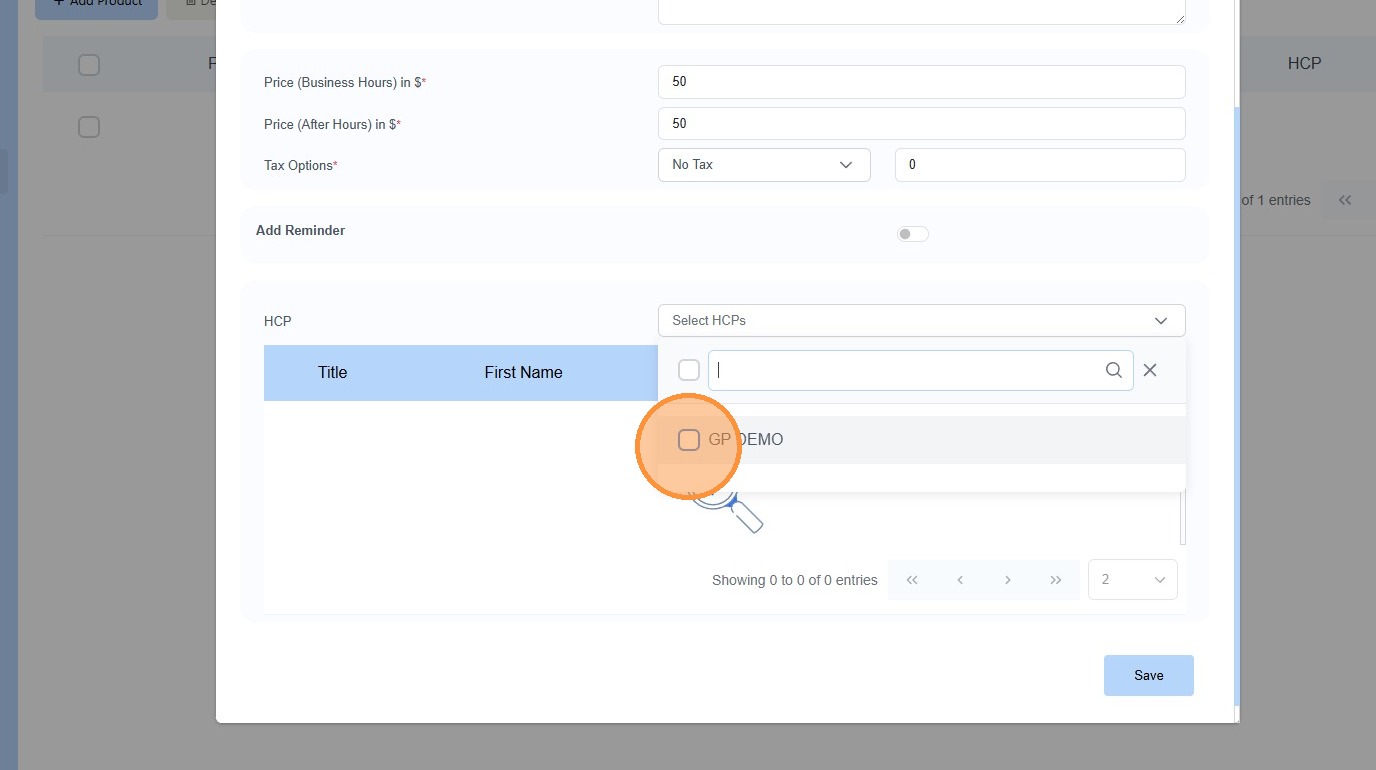
4. Click “Select HCPs”
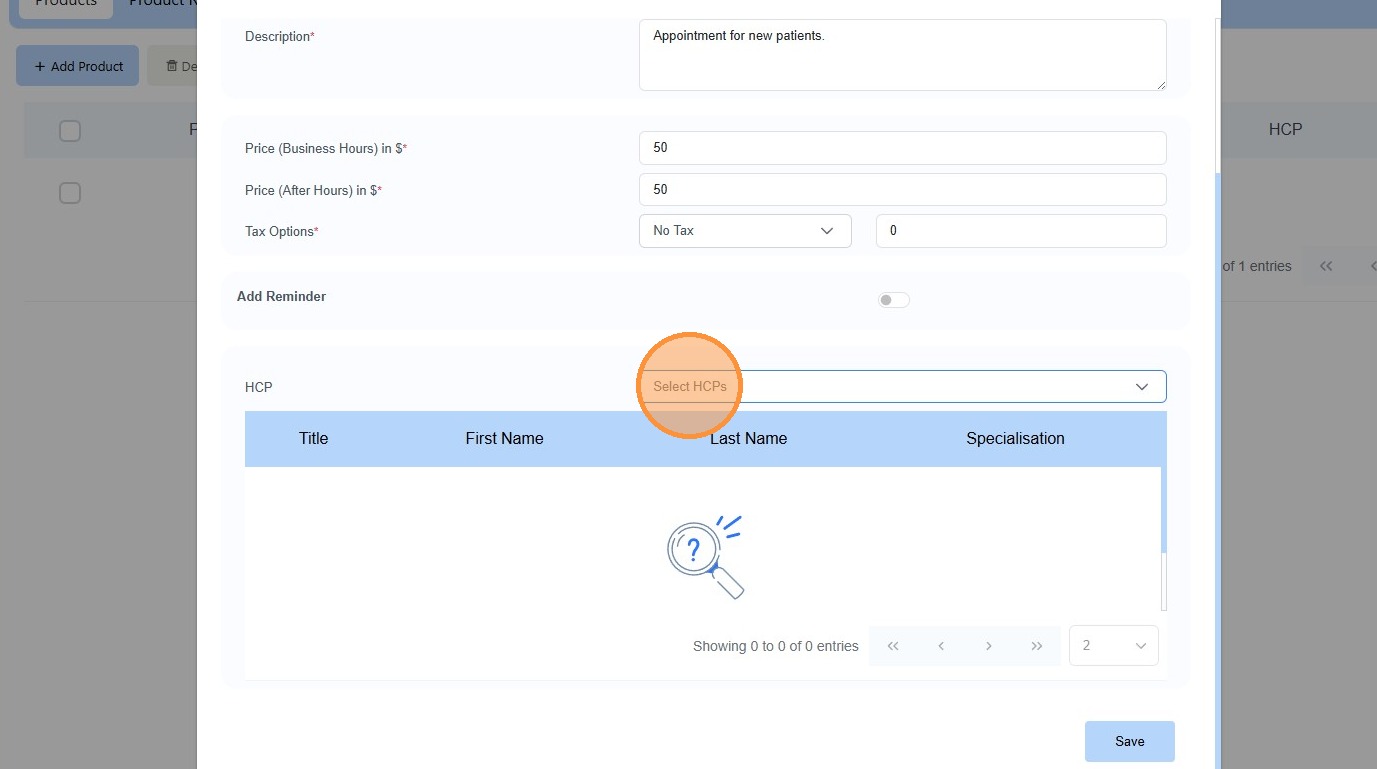
5. Select your “HCP”
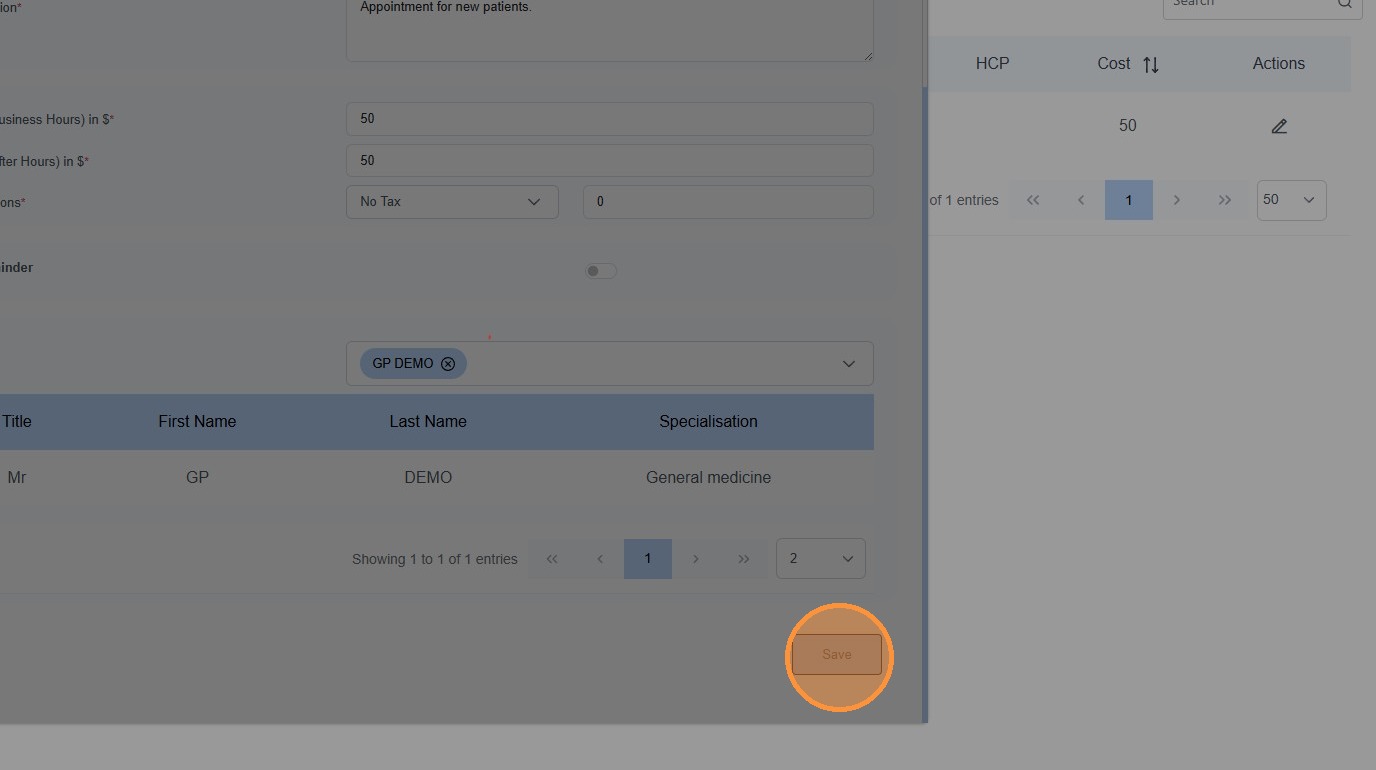
6. Click “Save”


1. Navigate to https://web.onephenix.com/#/dashboard
2. Click “Products”
3. Click the edit icon
4. Click “Select HCPs”
5. Select your “HCP”
6. Click “Save”