Enabling the Patient Onboarding Form in OnePhenix
Learn how to configure and activate the medicinal cannabis registration form for your clinic. This guide ensures your onboarding process is set up correctly to streamline patient data collection.
1. Navigate to https://web.onephenix.com/#/dashboard
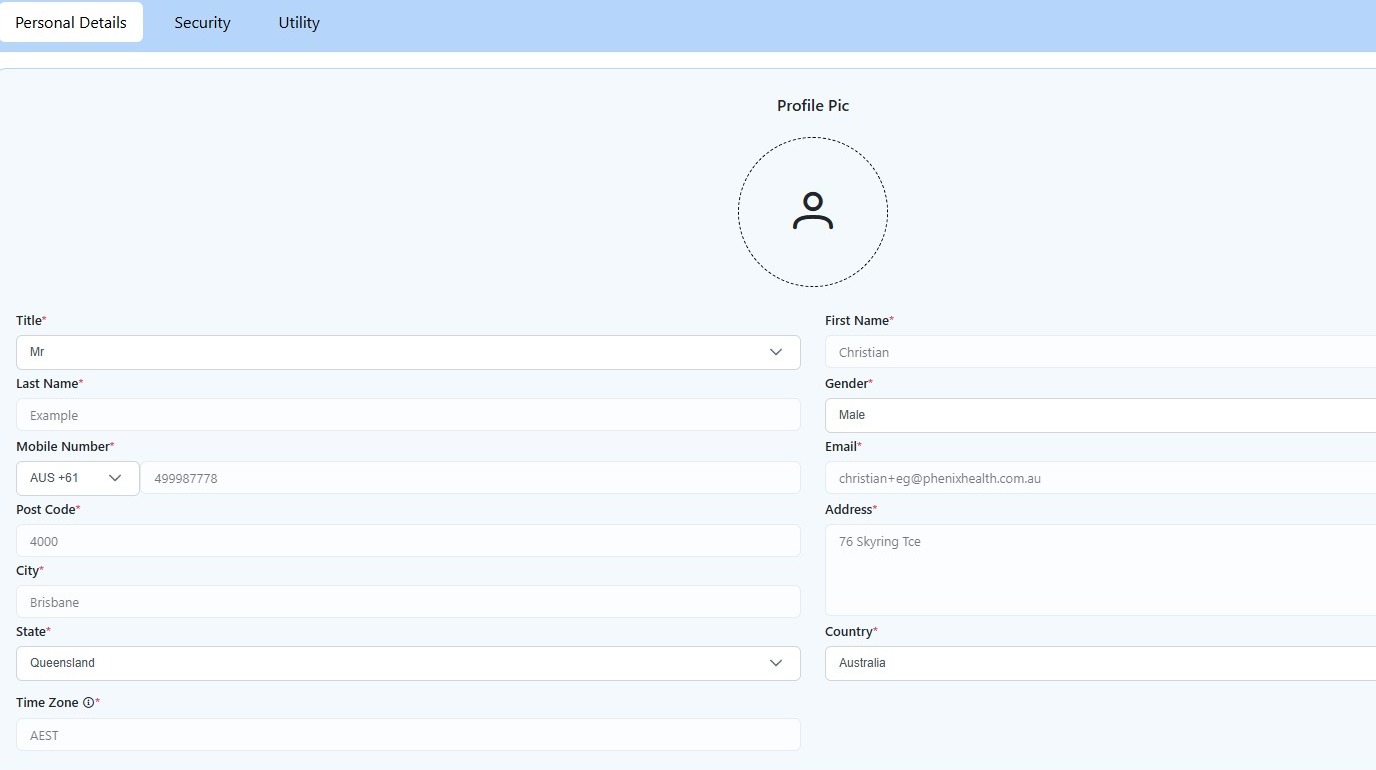
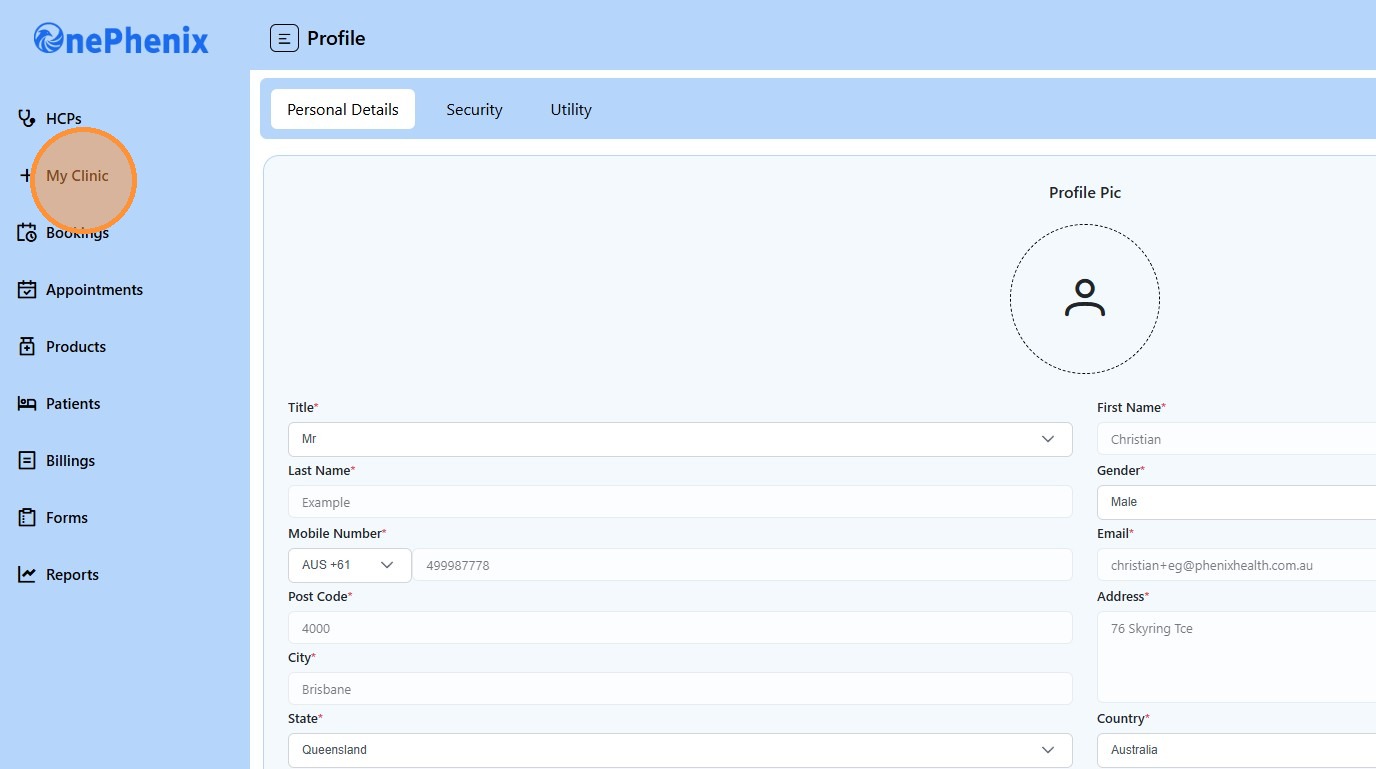
2. Click “My Clinic”
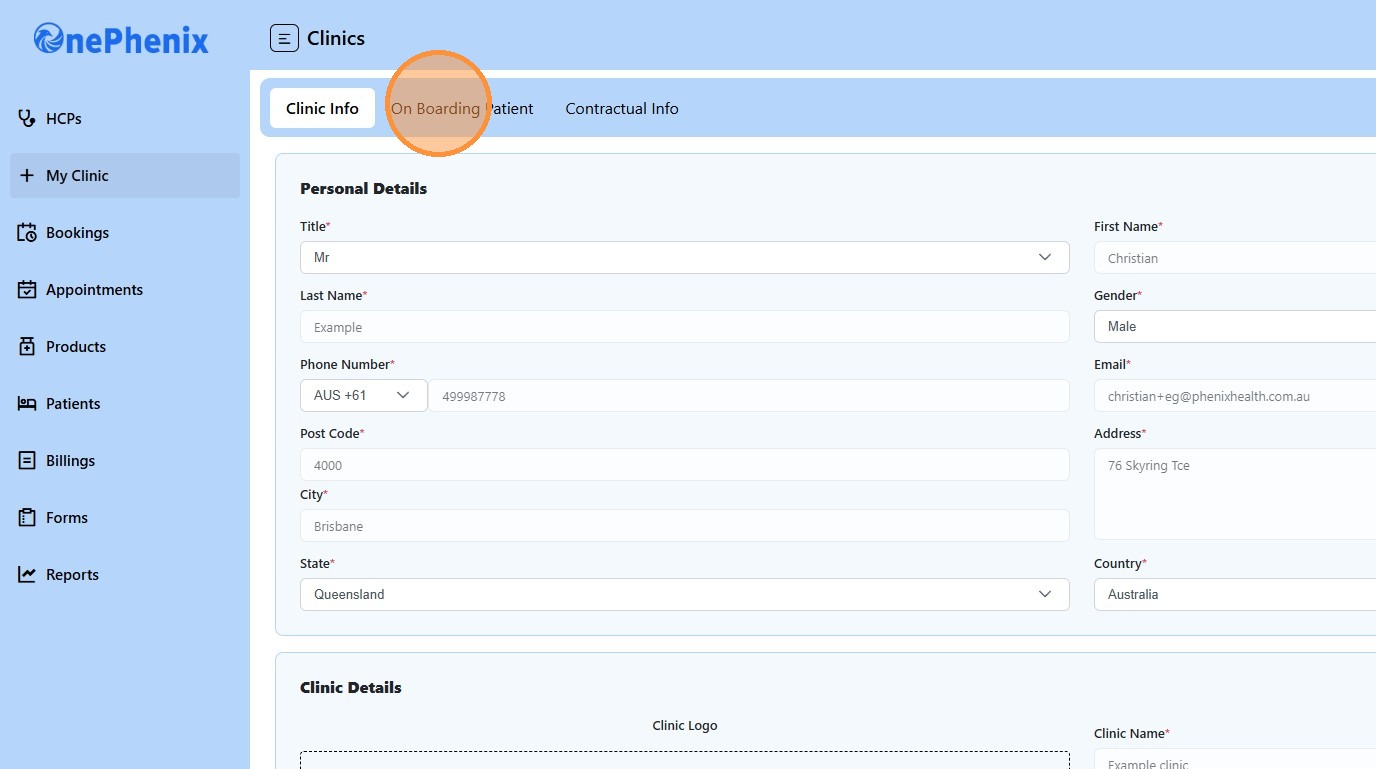
3. Click “On Boarding Patient”
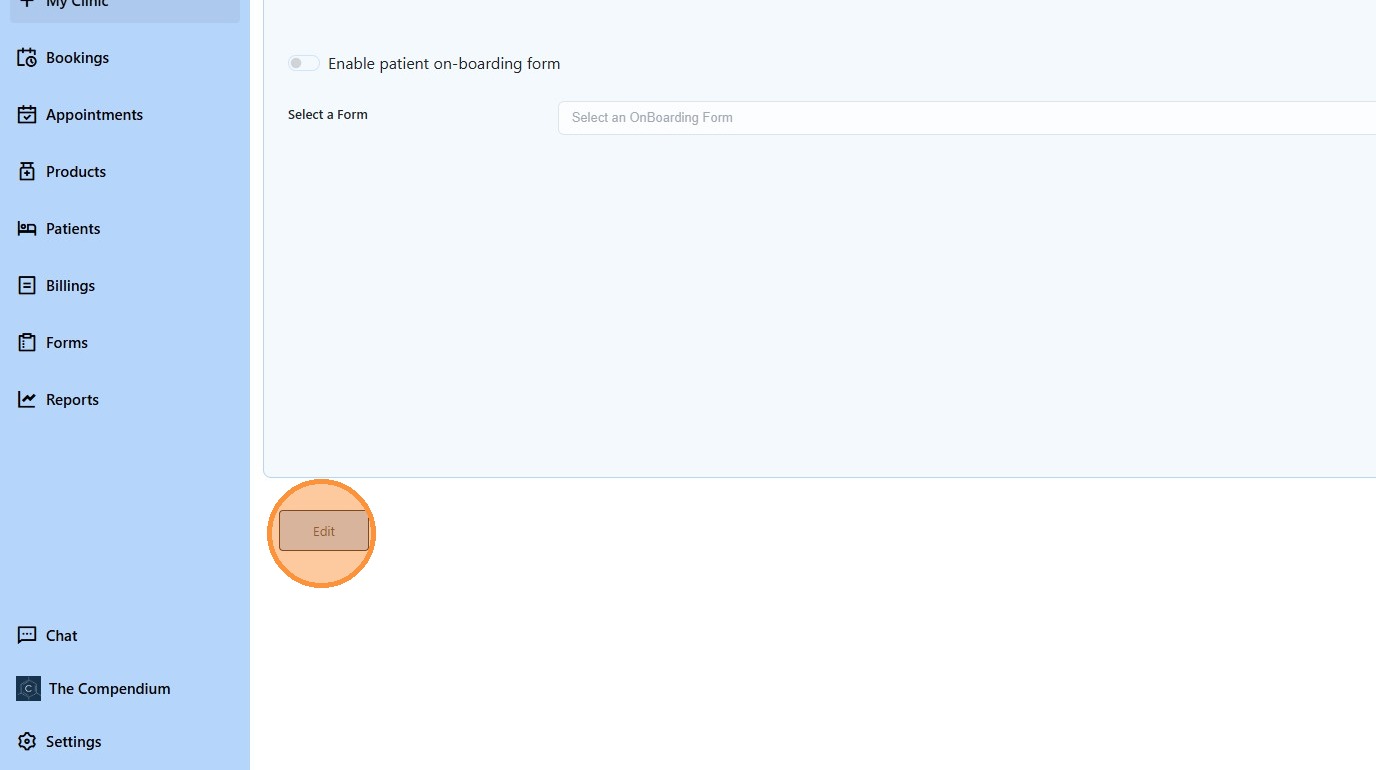
4. Click “Edit”
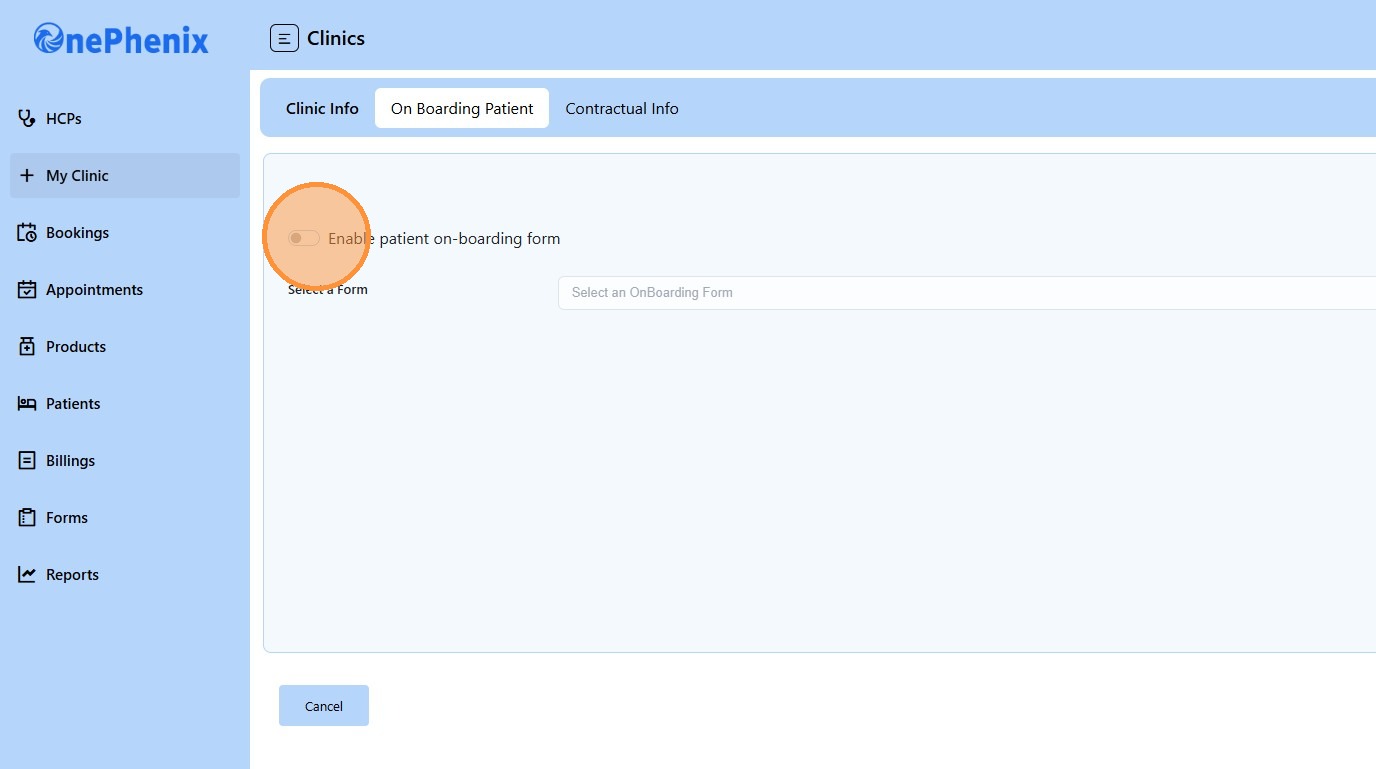
5. Click the “Enable patient on-boarding form” field.
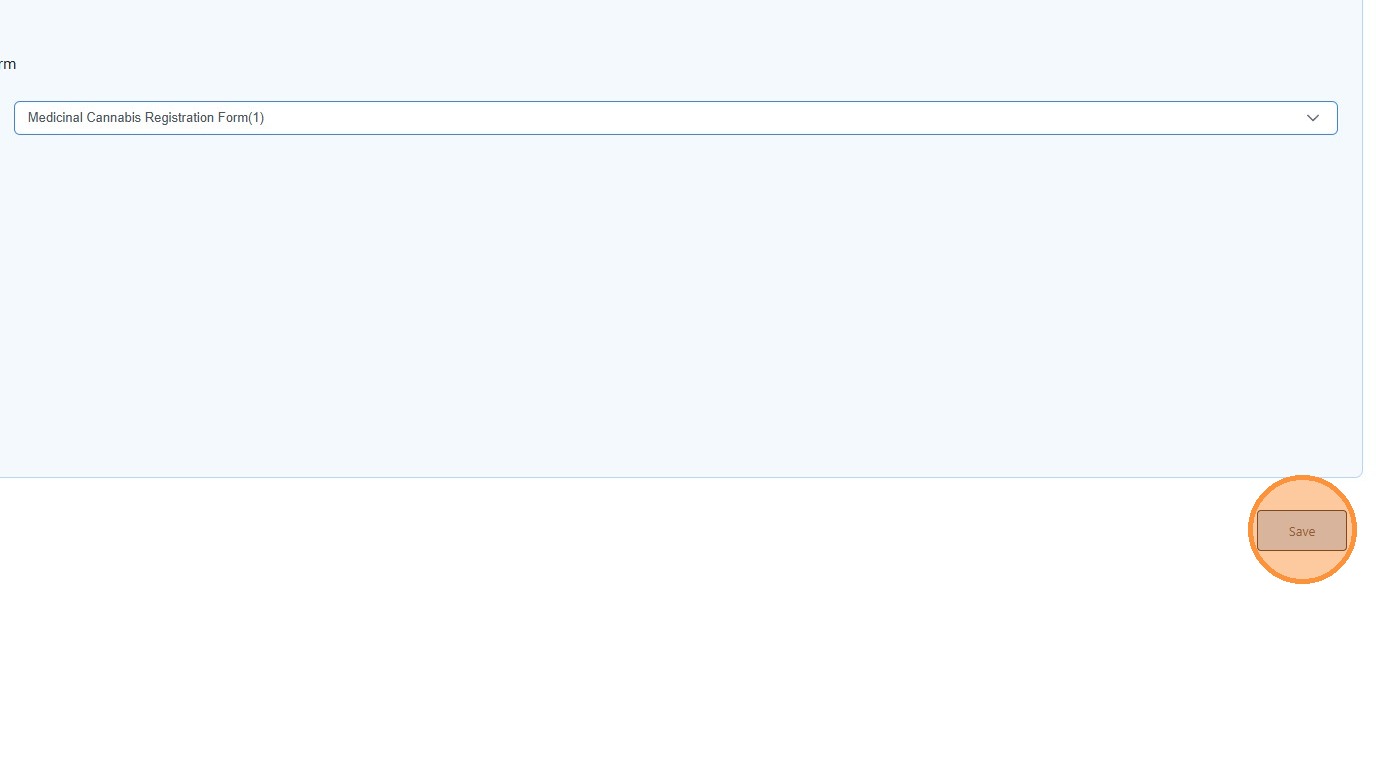
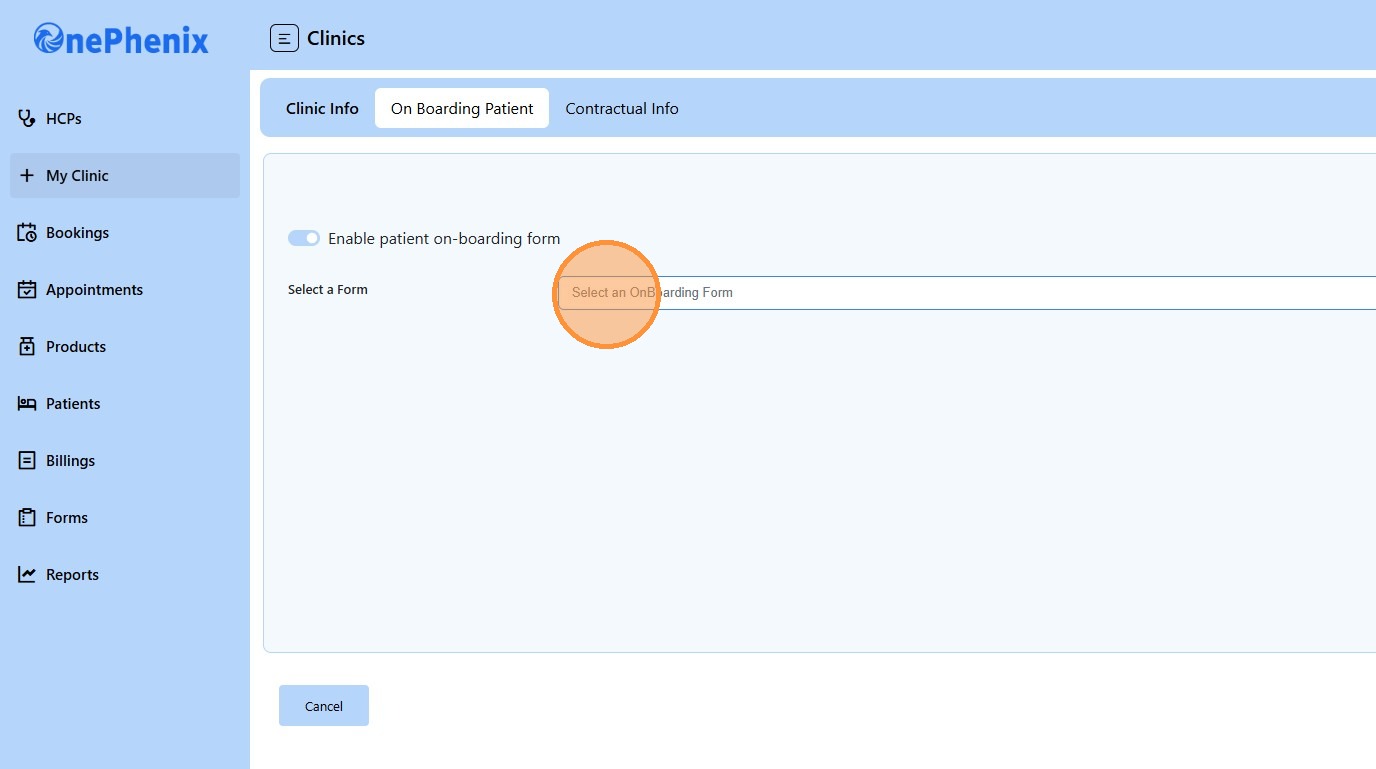
6. Click “Select an OnBoarding Form”
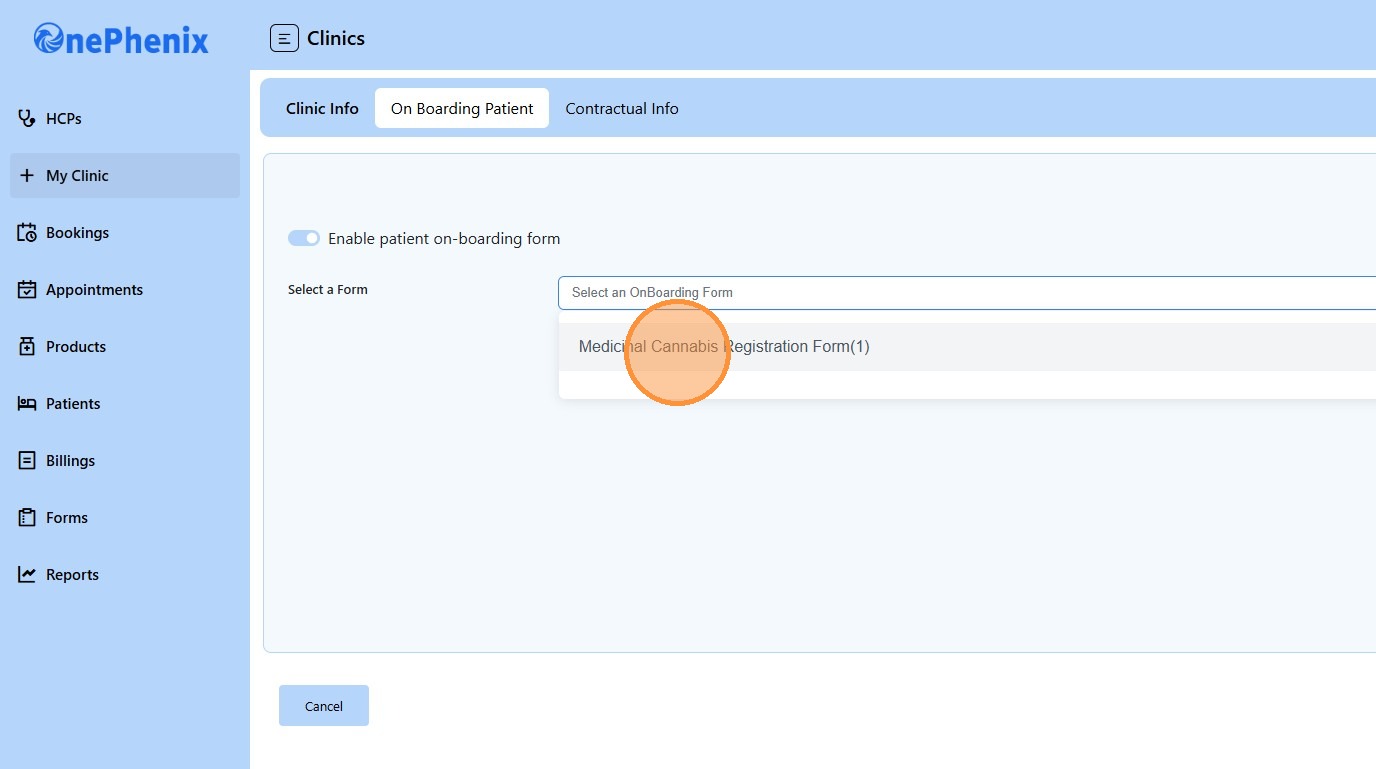
7. Click “Medicinal Cannabis Registration Form(1)”
8. Click “Save”