Updating Banking and Security Information on OnePhenix
This guide provides a walkthrough for updating your secure banking details and account profile information within the OnePhenix dashboard. Follow these steps to correctly verify your identity via OTP and ensure your payment details are accurately saved.
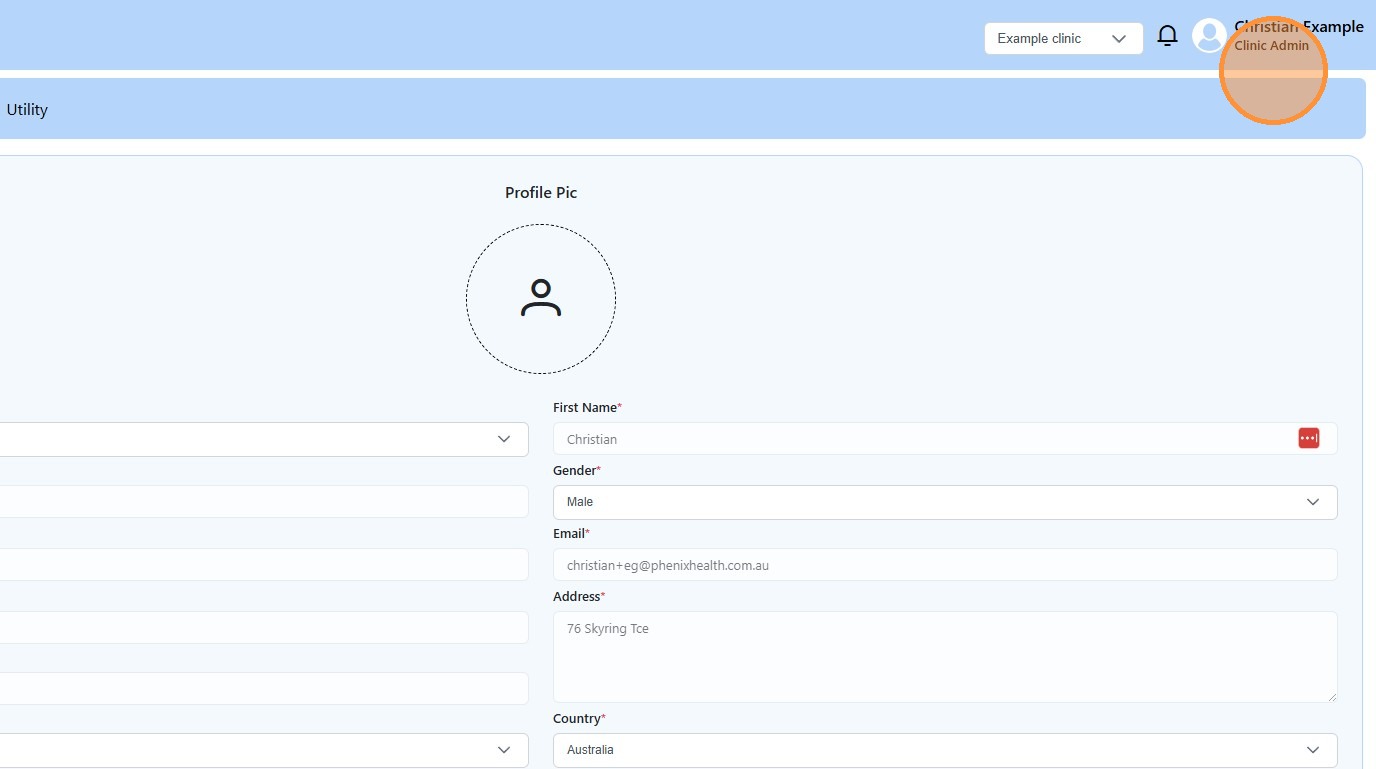
1. Click “Clinic Admin”
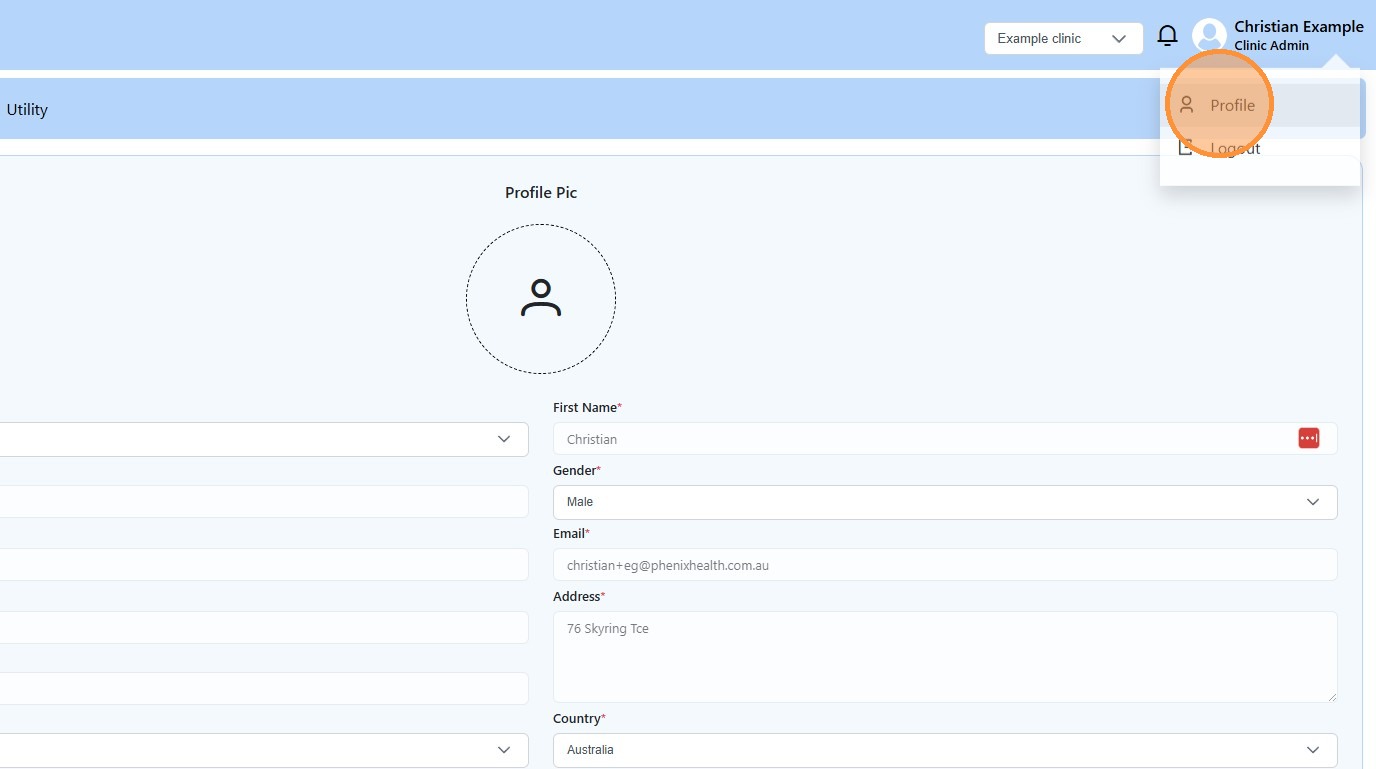
2. Click “Profile”
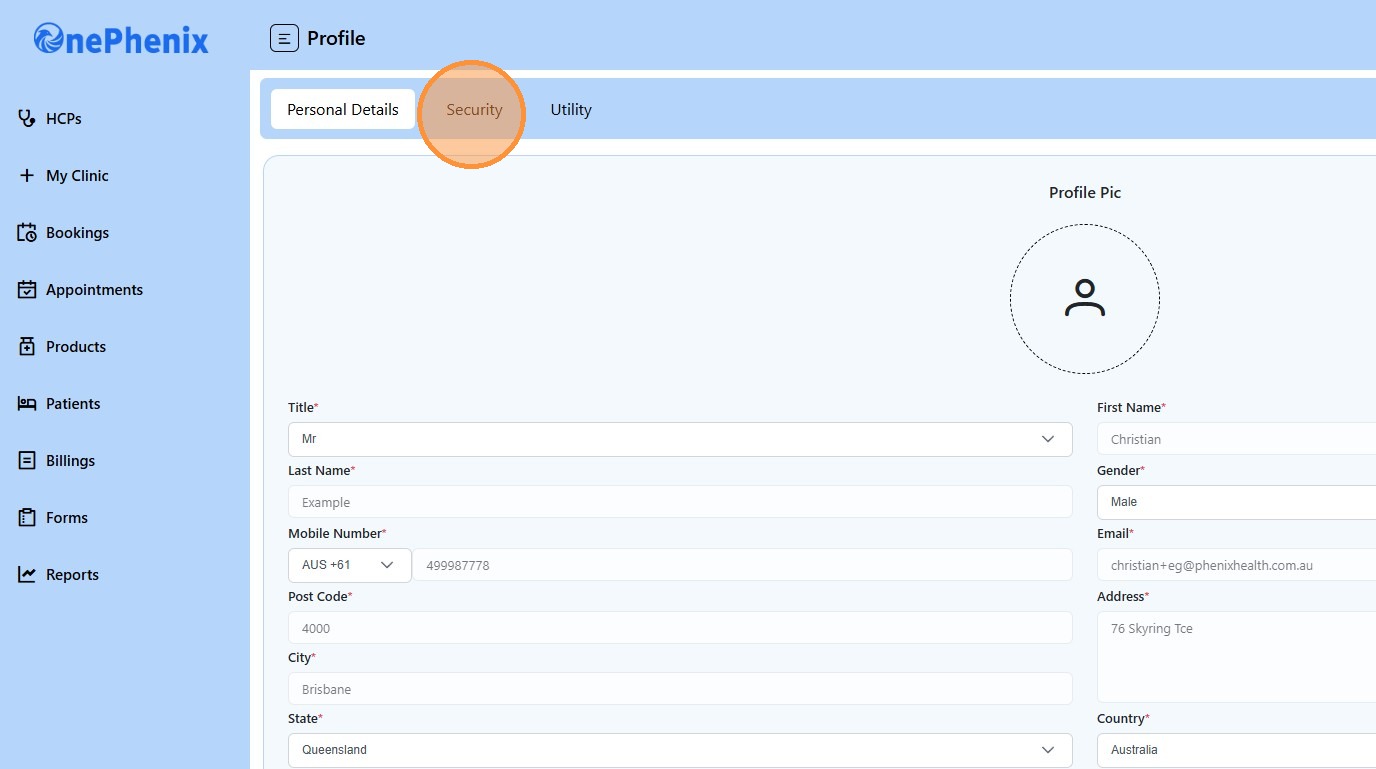
3. Click “Security”
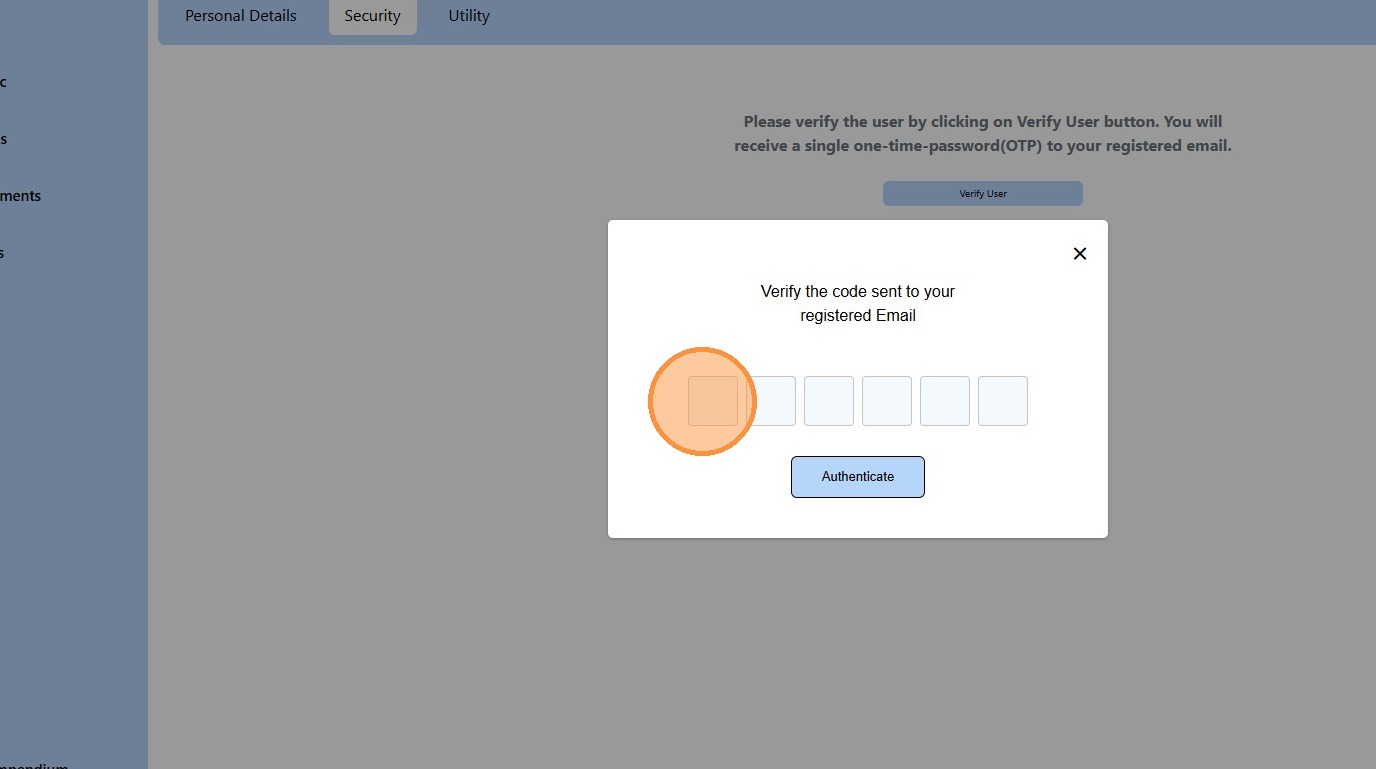
4. An OTP will be sent for verification – check your email inbox- if not in your inbox please check your SPAM folder. Copy the OTP
5. Return to OnePhenix dashboard
6. Enter your OTP
7. Click “Update Account Details.”
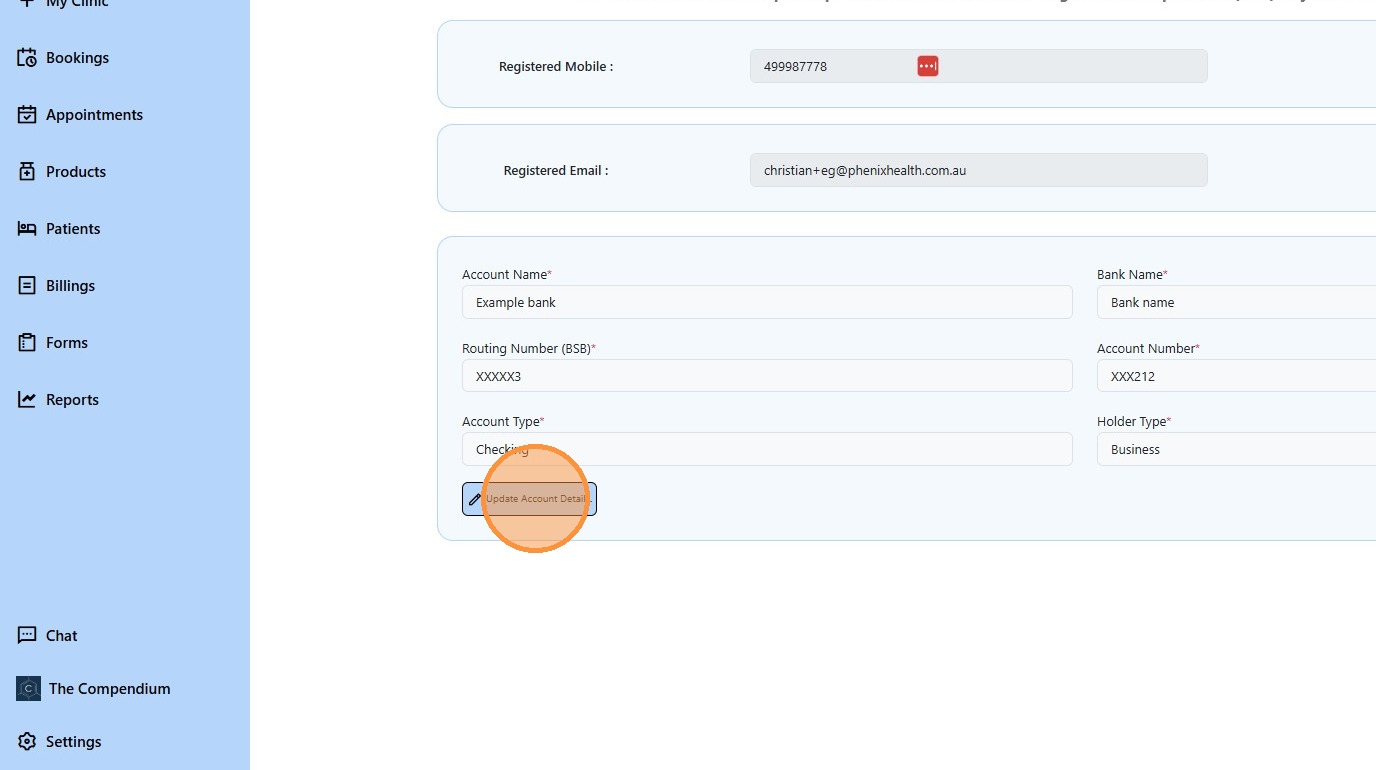
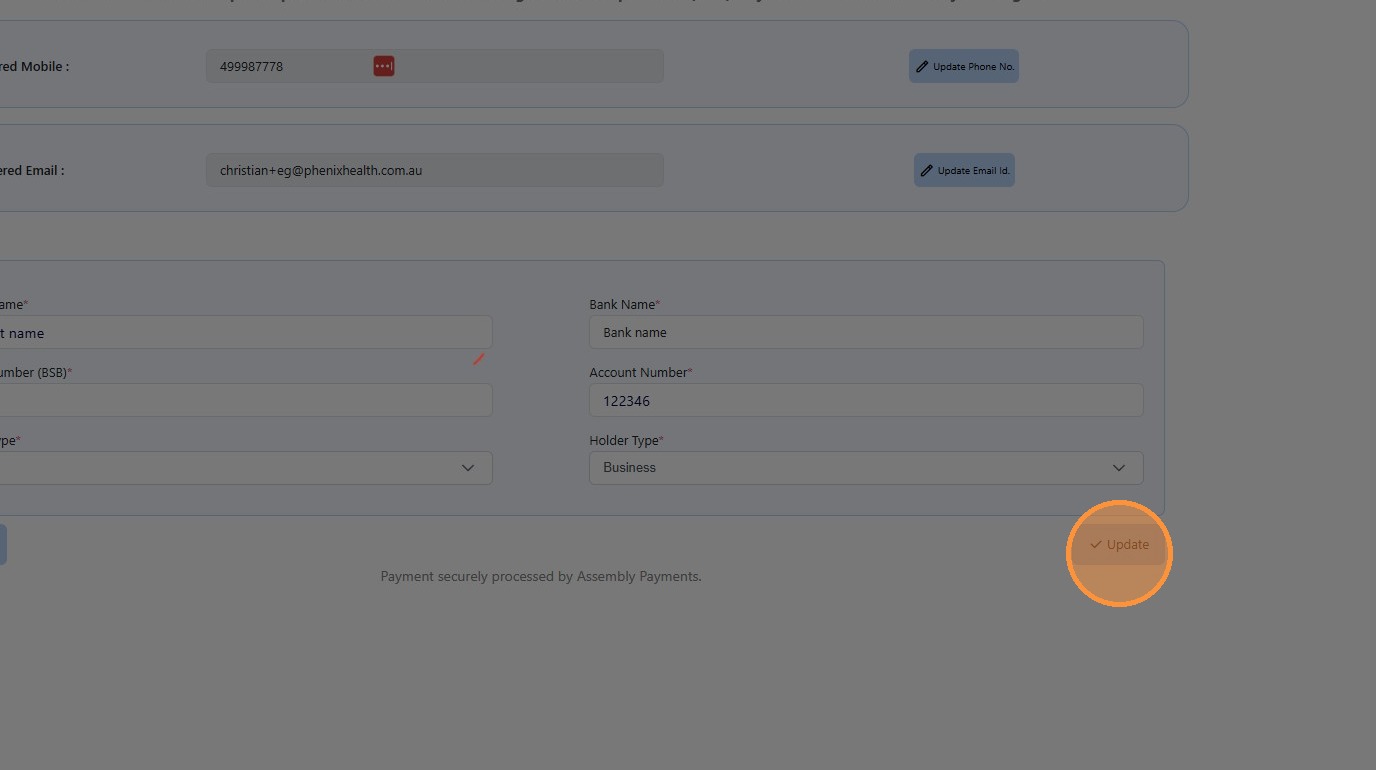
8. Complete your banking details
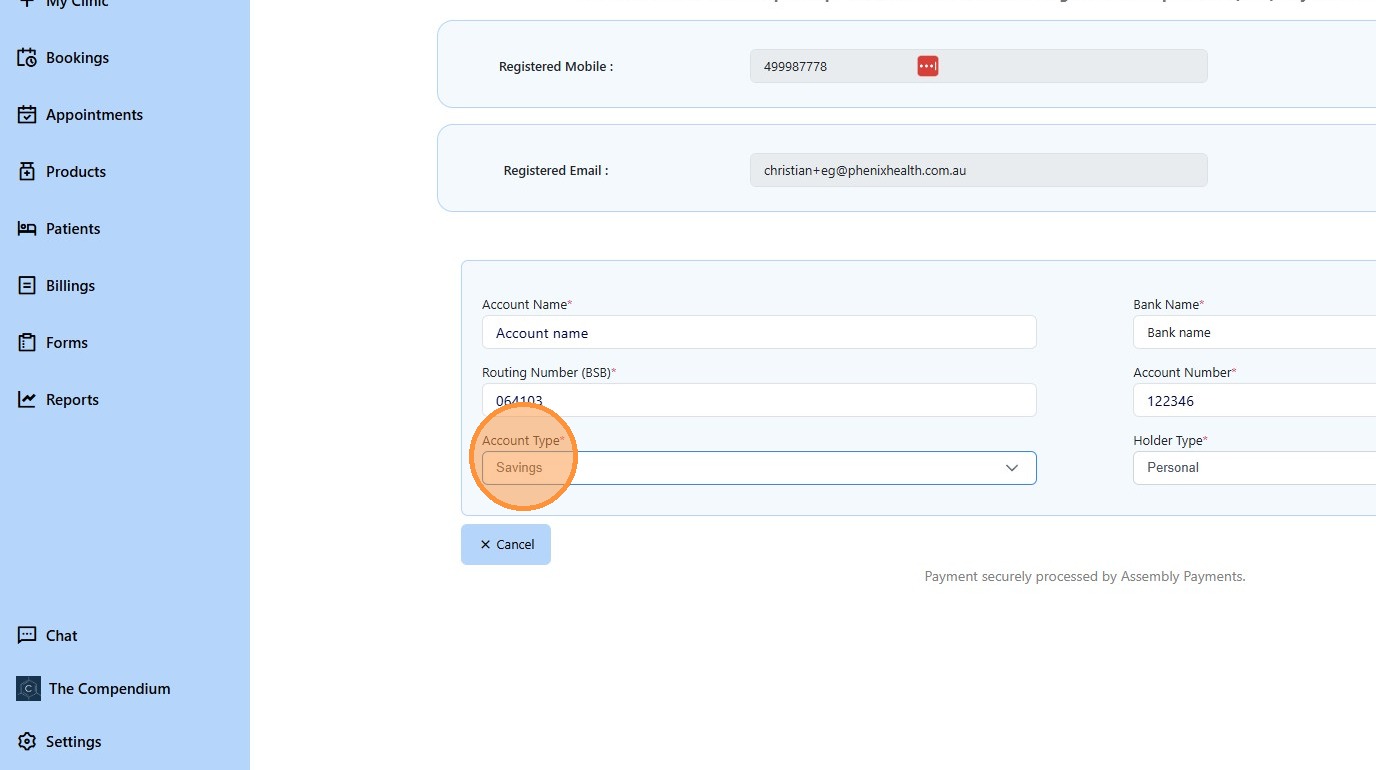
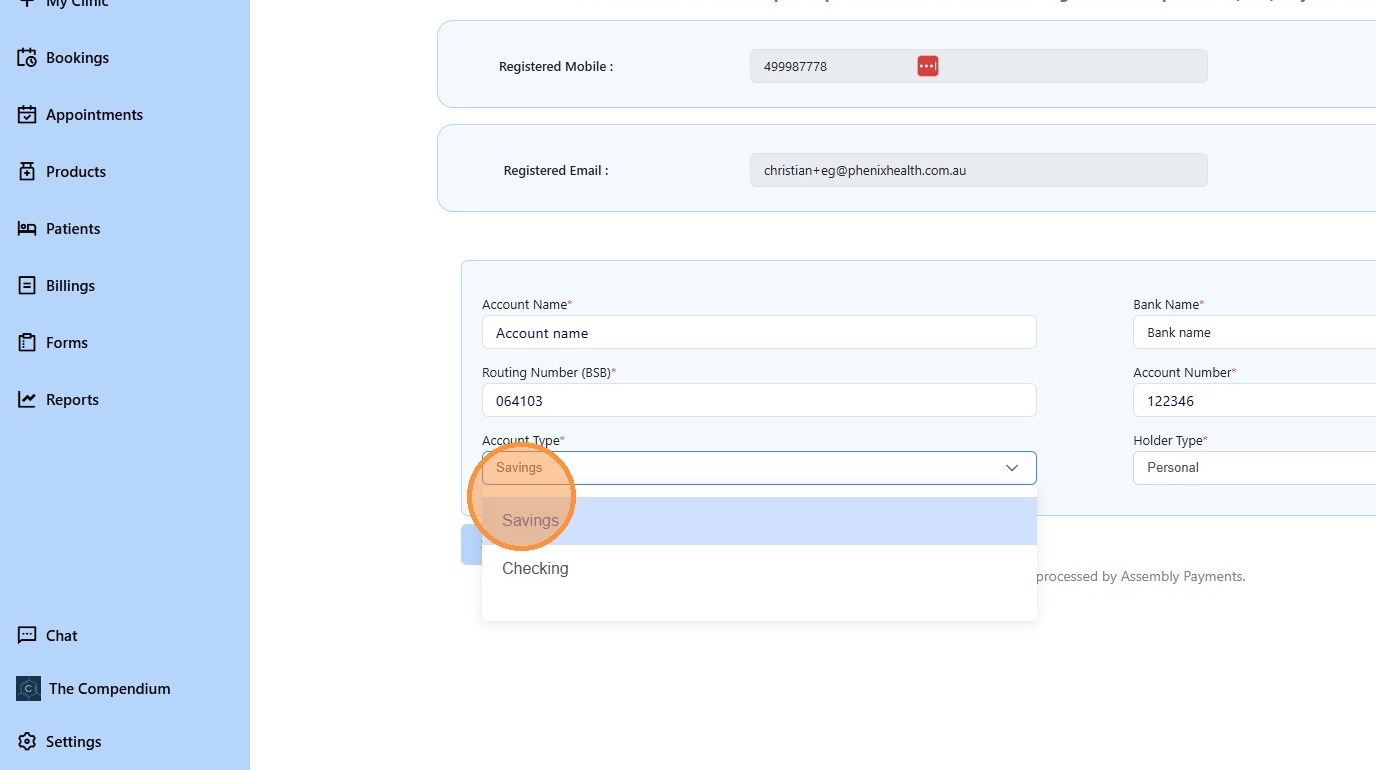
9. Click “Savings”
10. Click “Update”