How To Register A New Health Care Practitioner
1. Navigate to https://web.onephenix.com/#/hcp
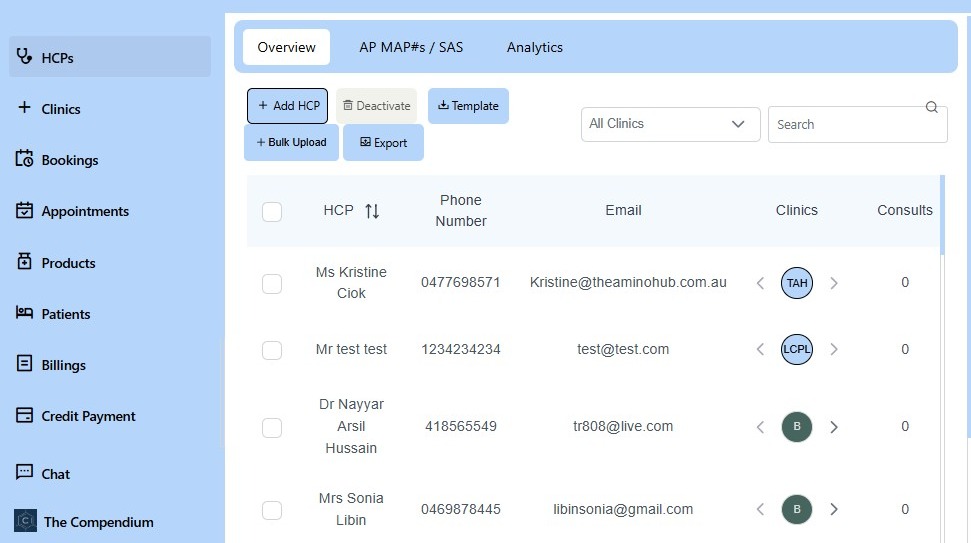
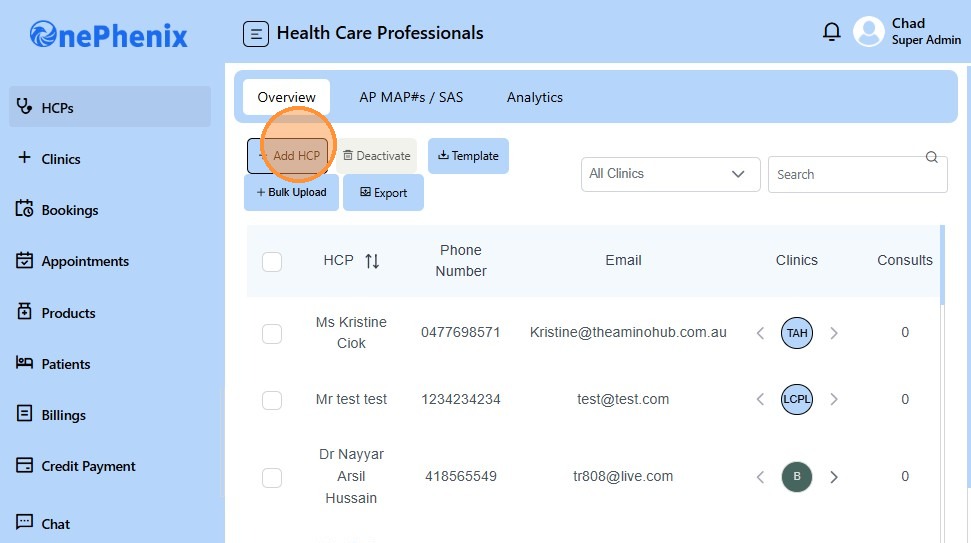
2. Click “Add HCP”
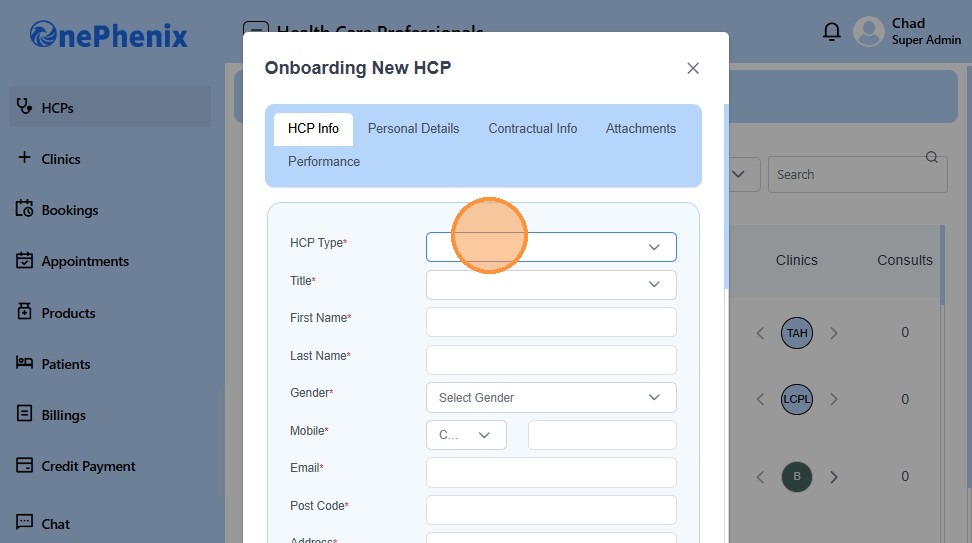
3. Select HCP Type
4. Select HCP Title
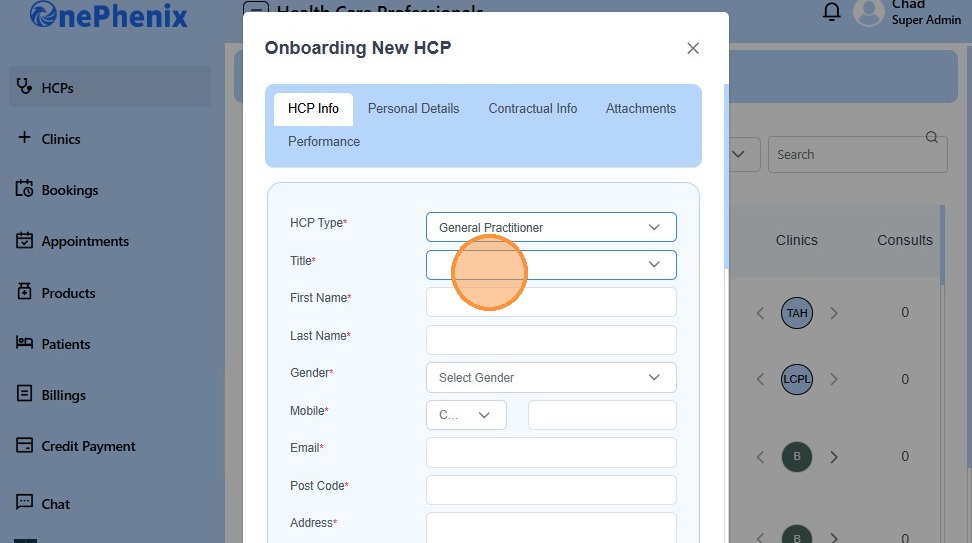
5. Enter First Name
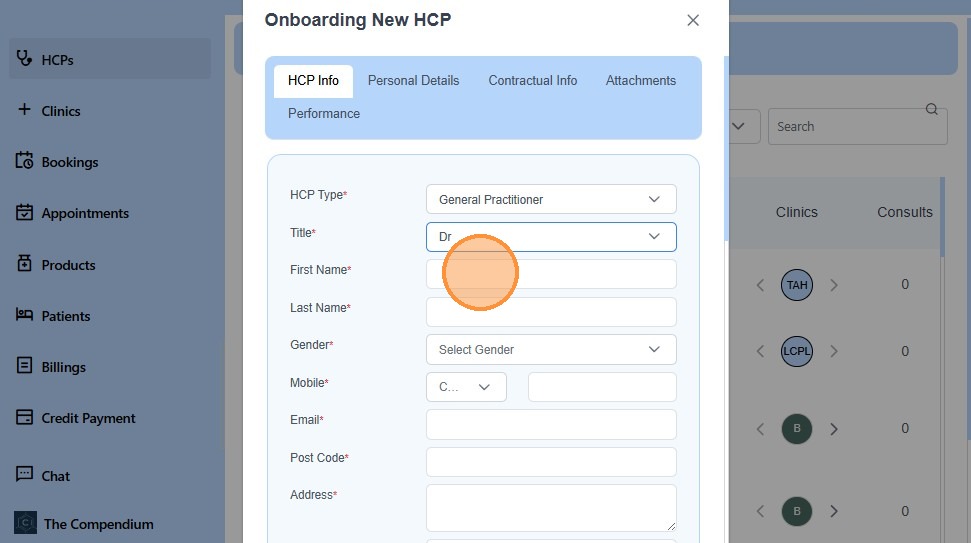
6. Click “Select Gender”
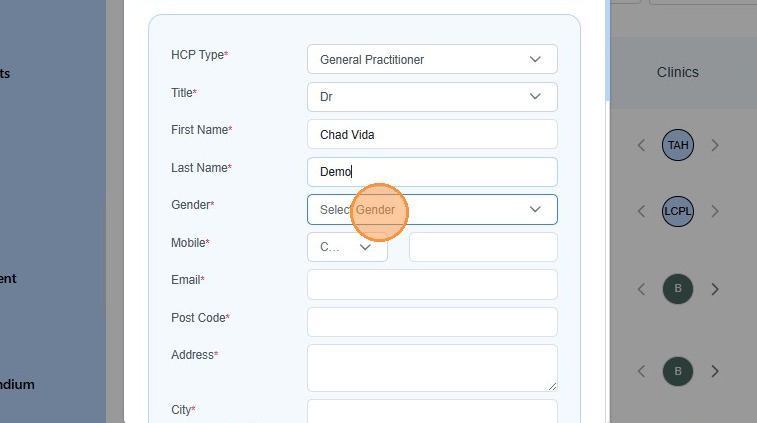
7. Select Country Code to Enter Mobile Number
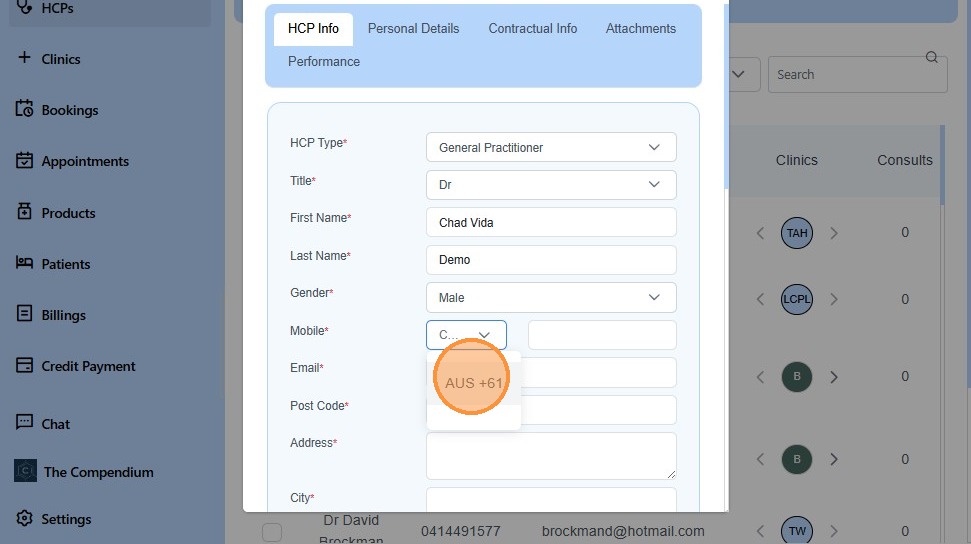
8. Enter Mobile Number
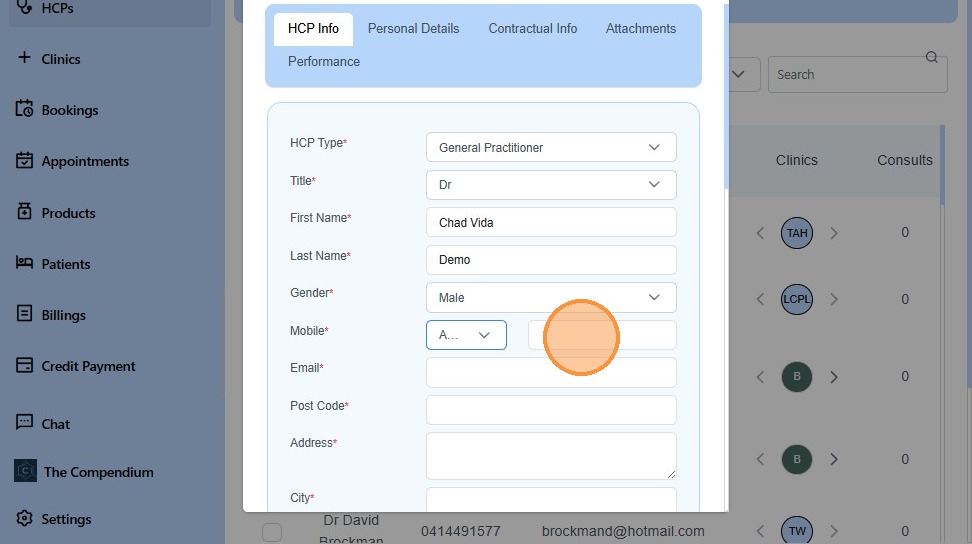
9. Enter Email Address
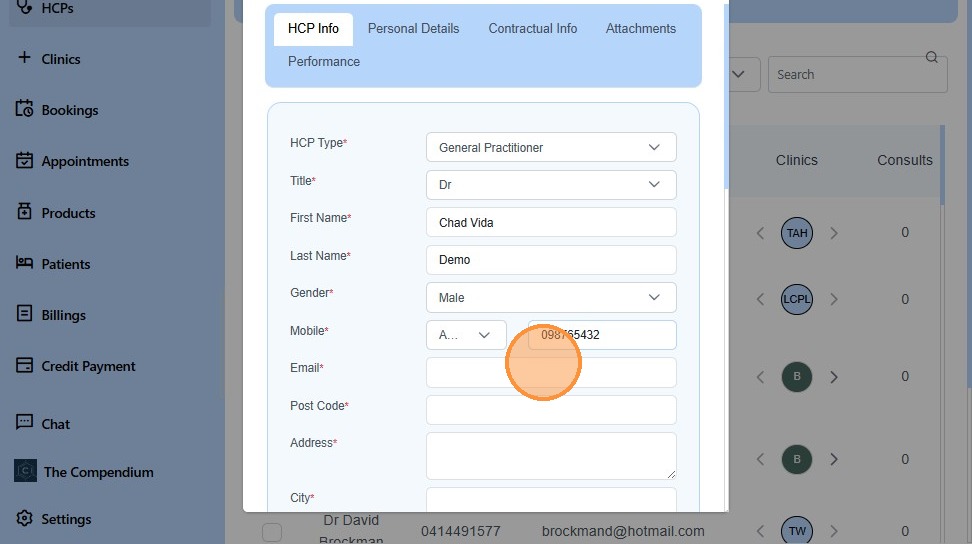
10. Click “Select a State”
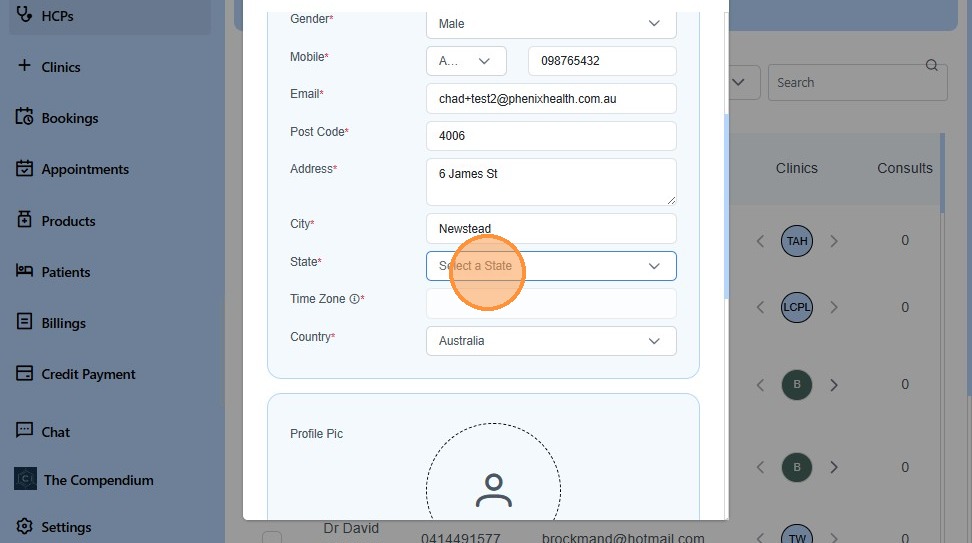
11. Keep HCP Signature Blank, The HCPs would be able to update thier Signatures through their accounts.
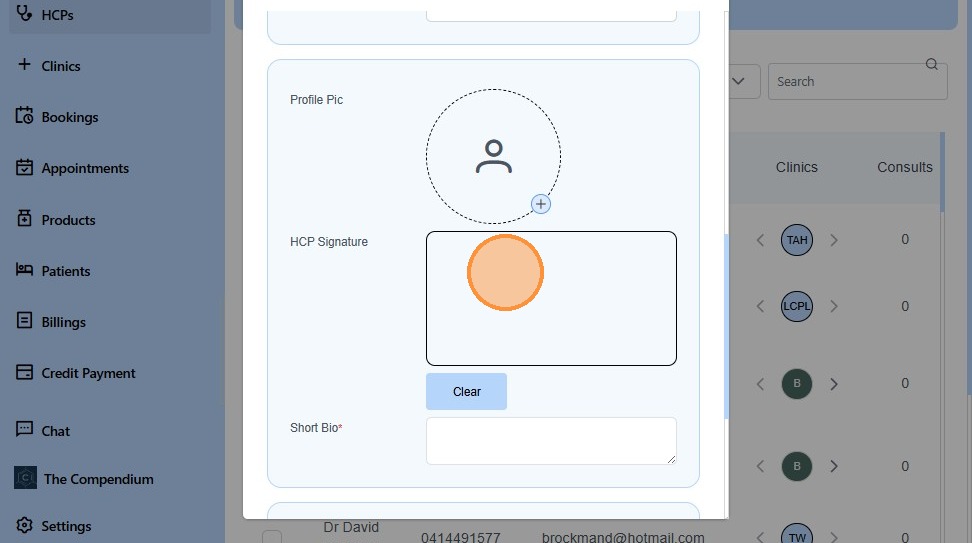
12. Click “Select affiliations” to affiliate the HCP with your clinic.
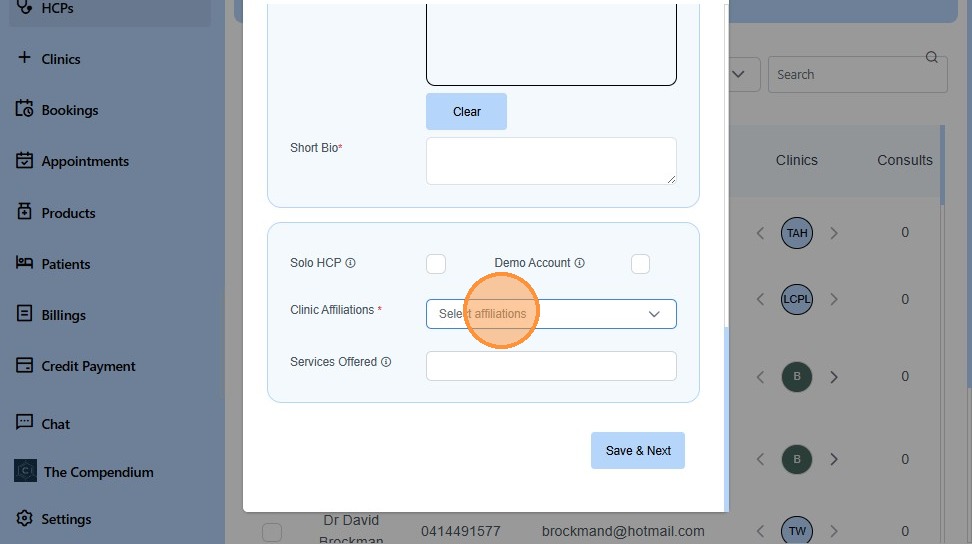
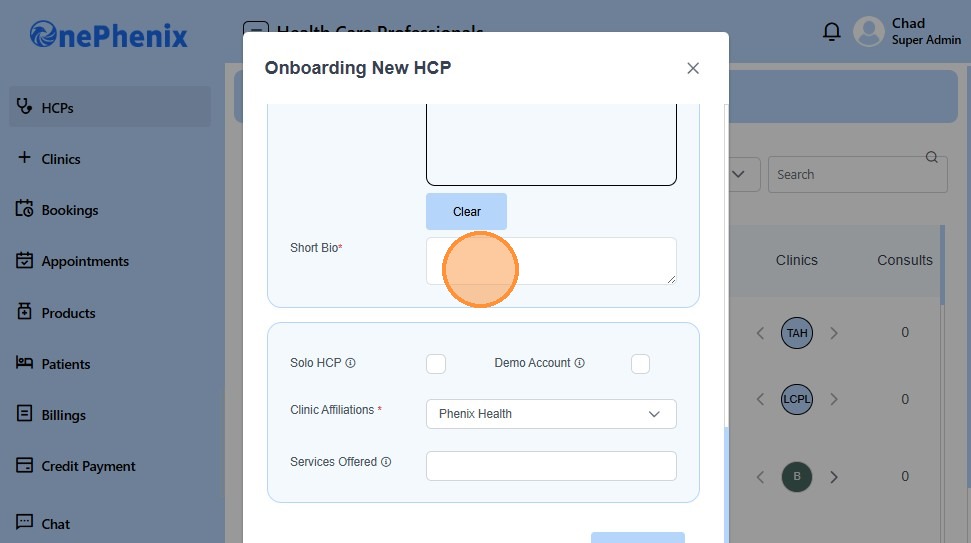
13. Enter Short Bio of the HCP
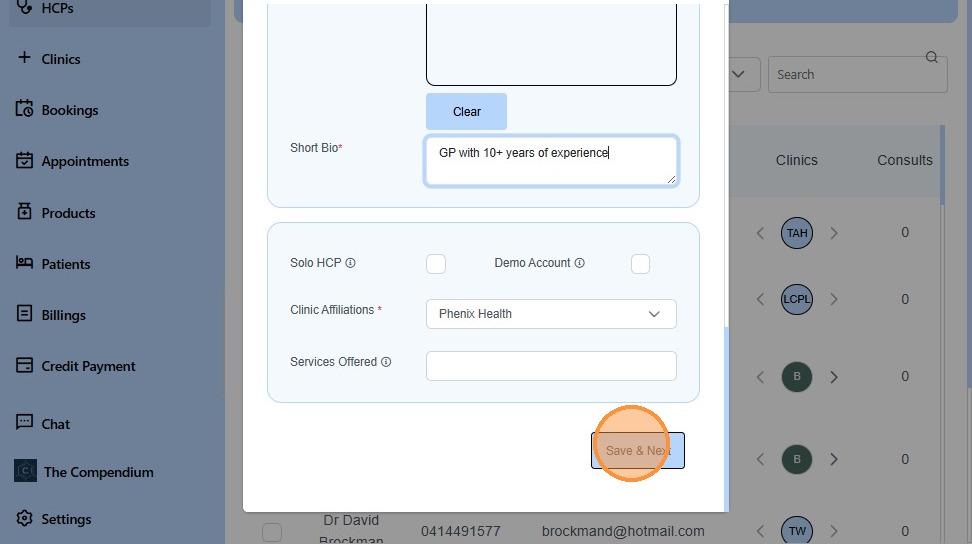
14. Click “Save & Next”
15. Click “Select Subcategories”
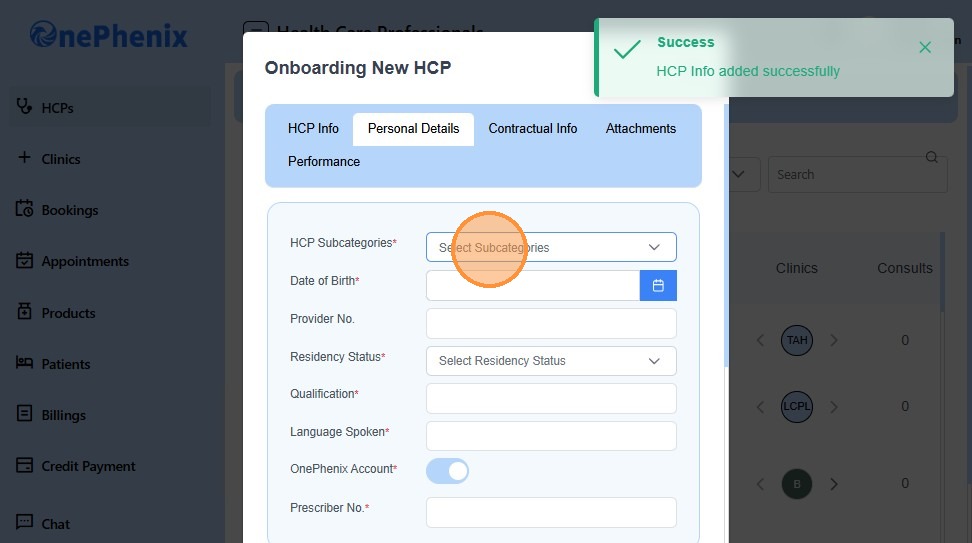
16. Enter Date of Birth
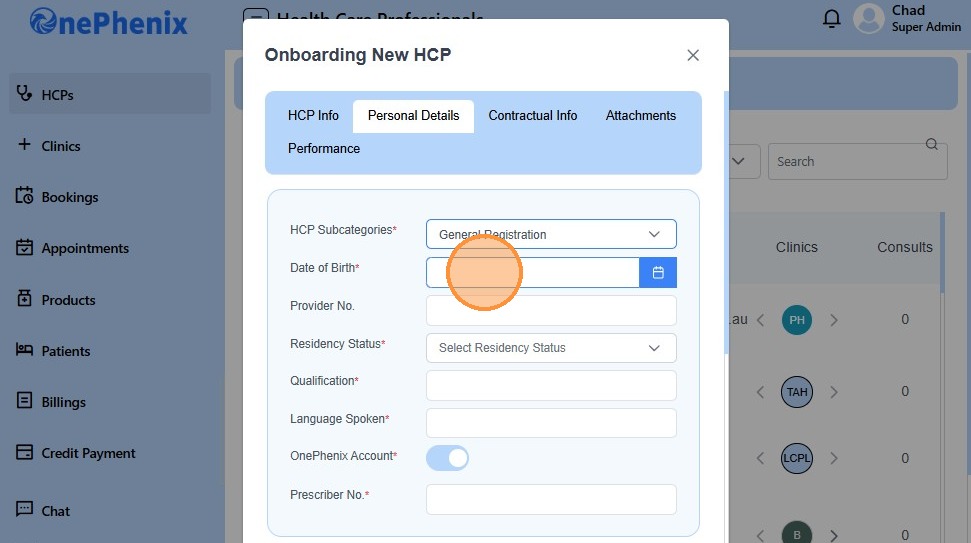
17. Click this text field.
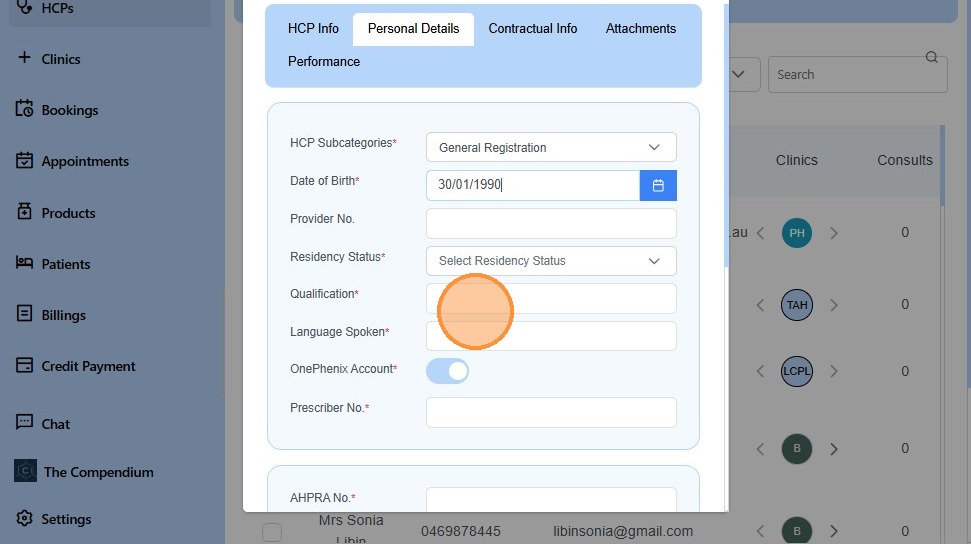
18. Enter Provider Number
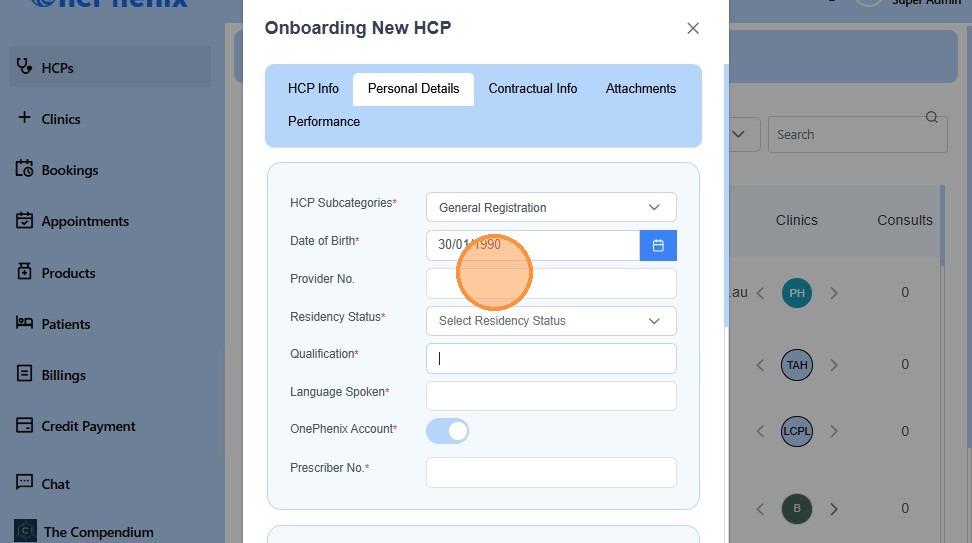
19. Click “Select Residency Status”
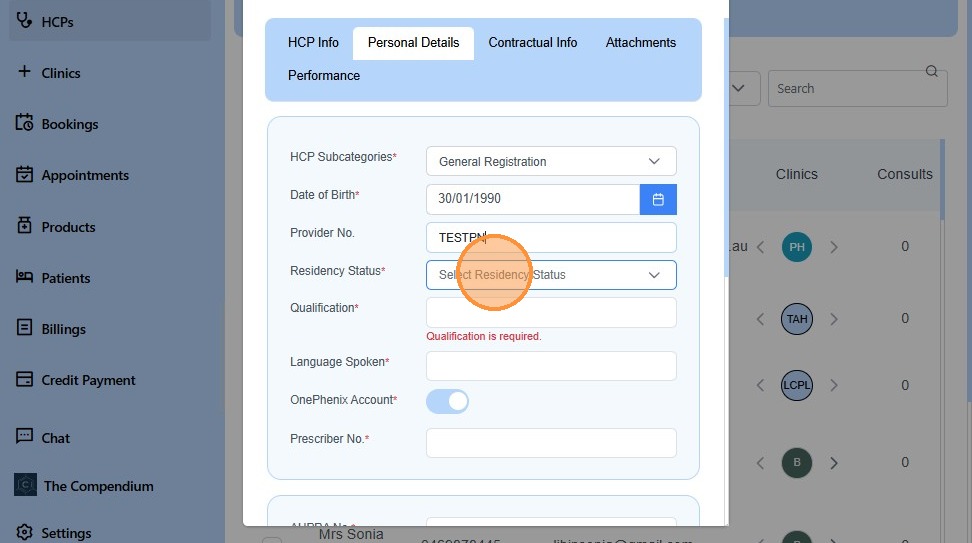
20. Enter Qualification
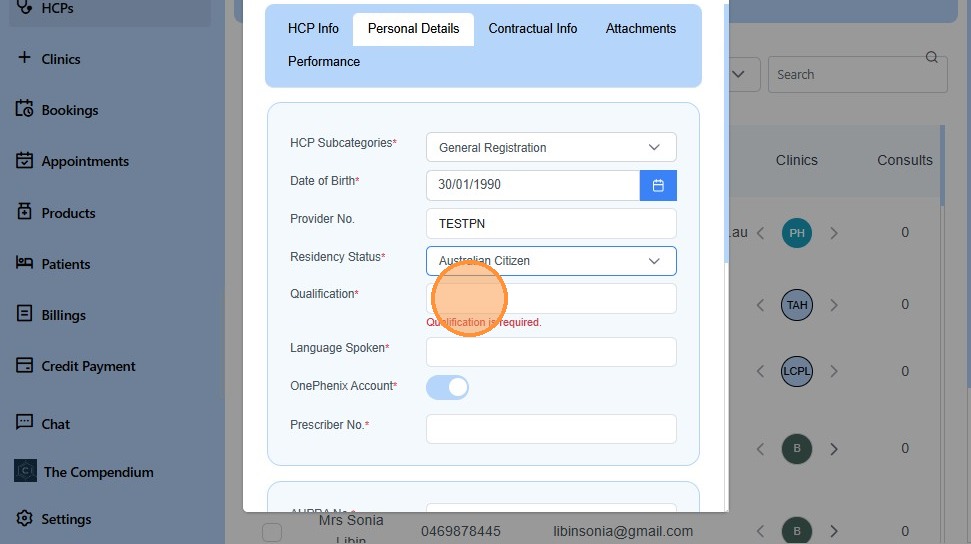
21. Enter Languages Spoken
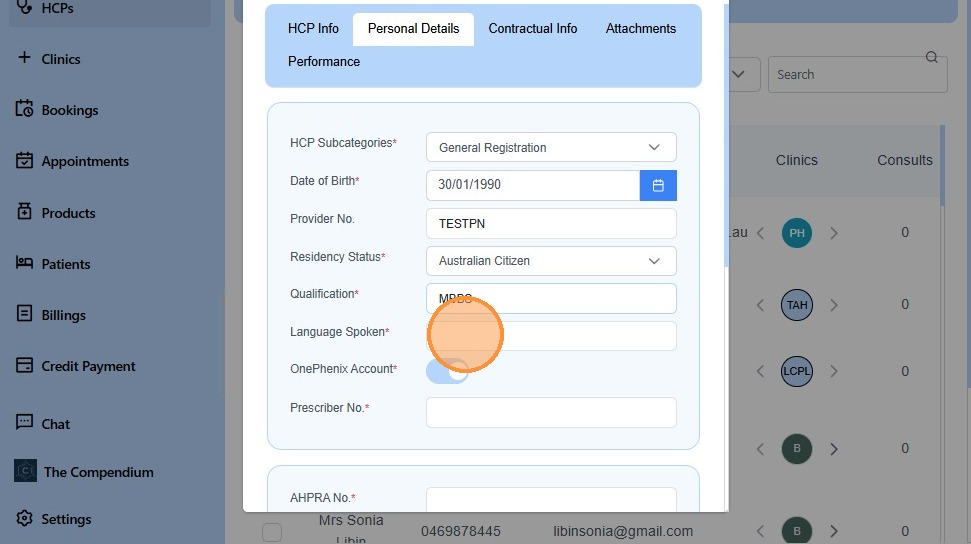
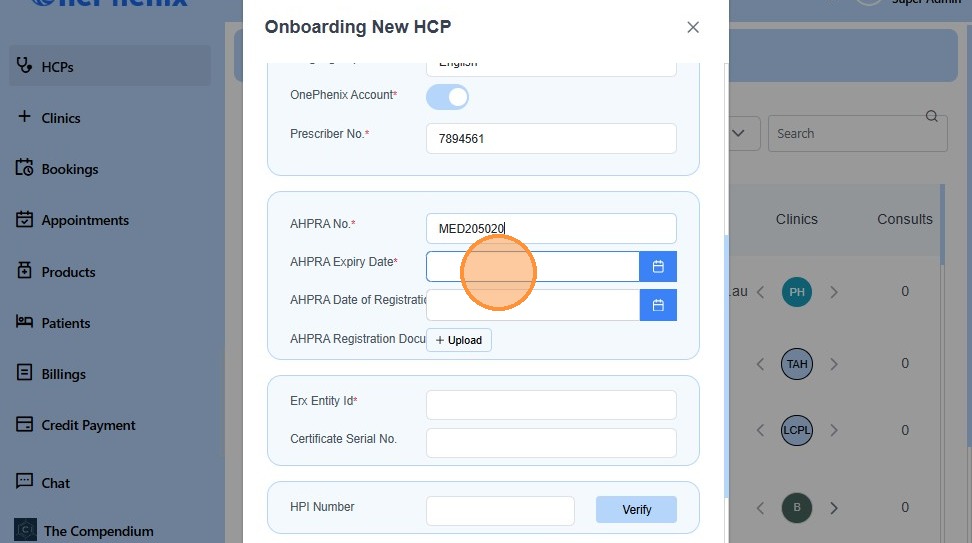
22. Enter AHPRA Number
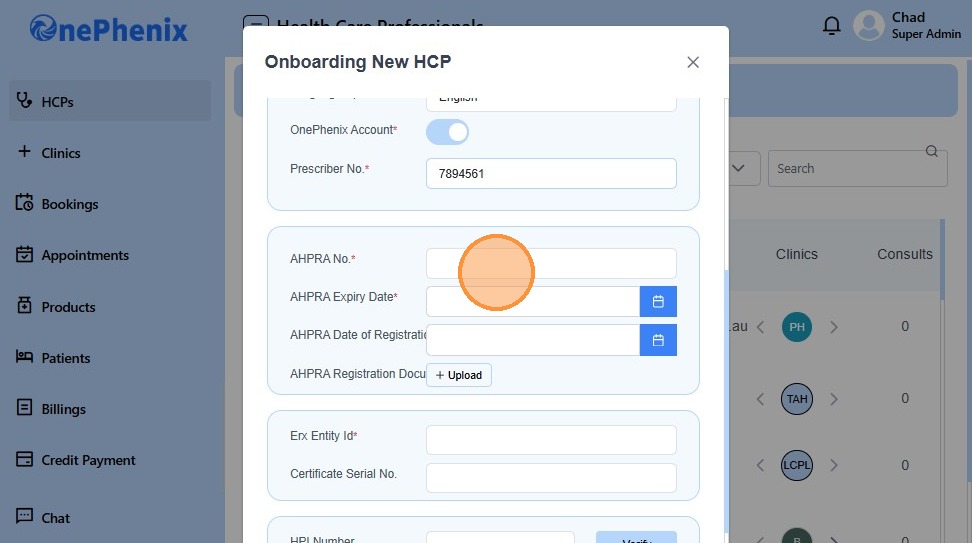
23. Enter AHPRA Expiry Date
24. Enter AHPRA Date of First Registration
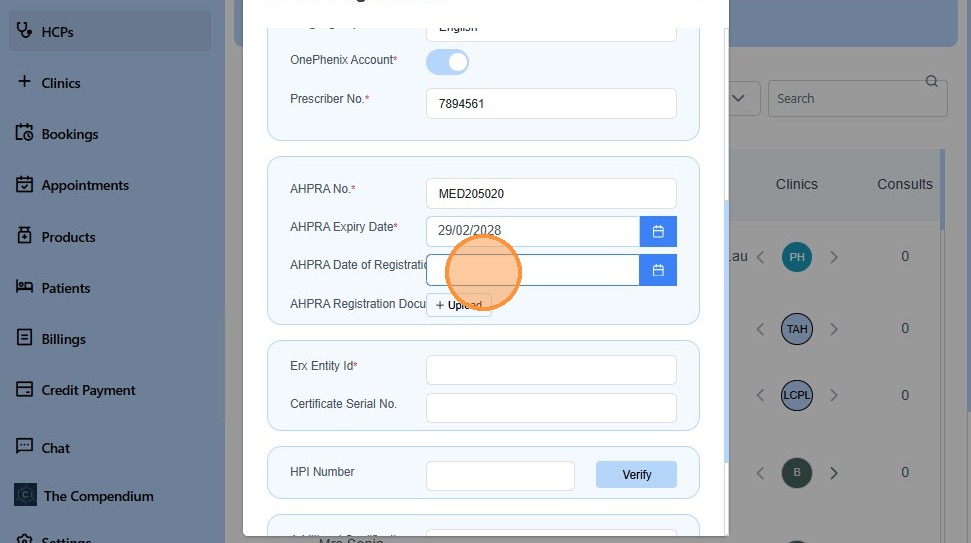
25. Click “Erx Entity Id*Certificate Serial No.”
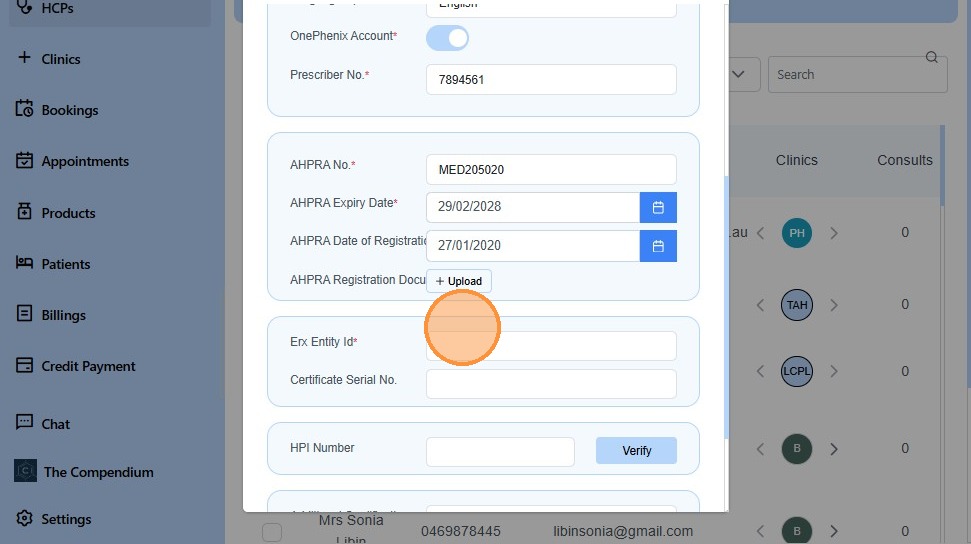
26. Click “Verify”
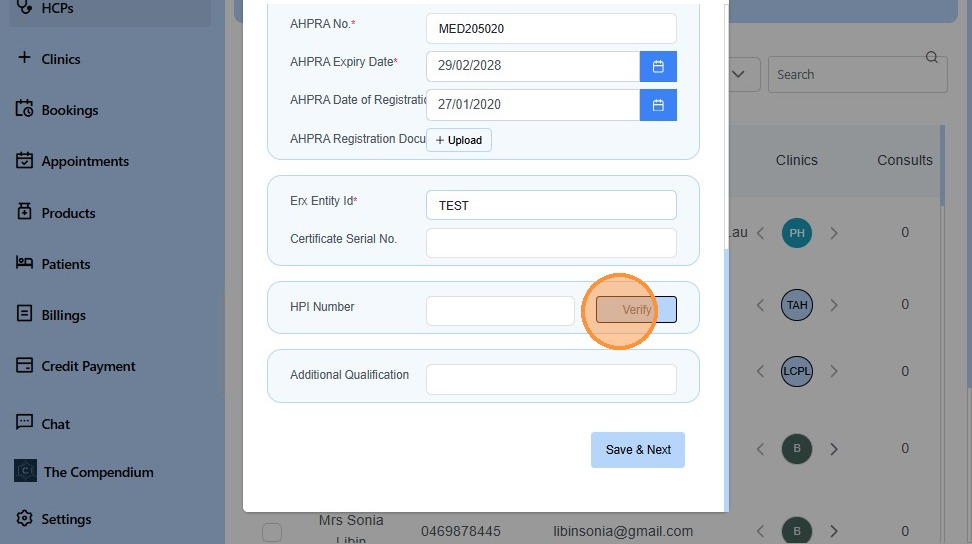
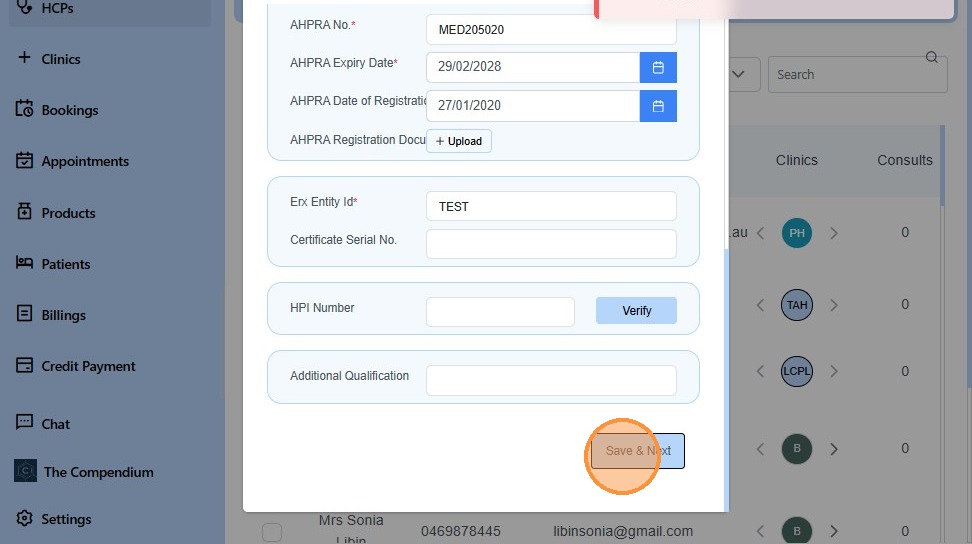
27. Click “Save & Next”
28. Click the “Account Holder Full Name” field.

29. Enter ABN Number of the HCP
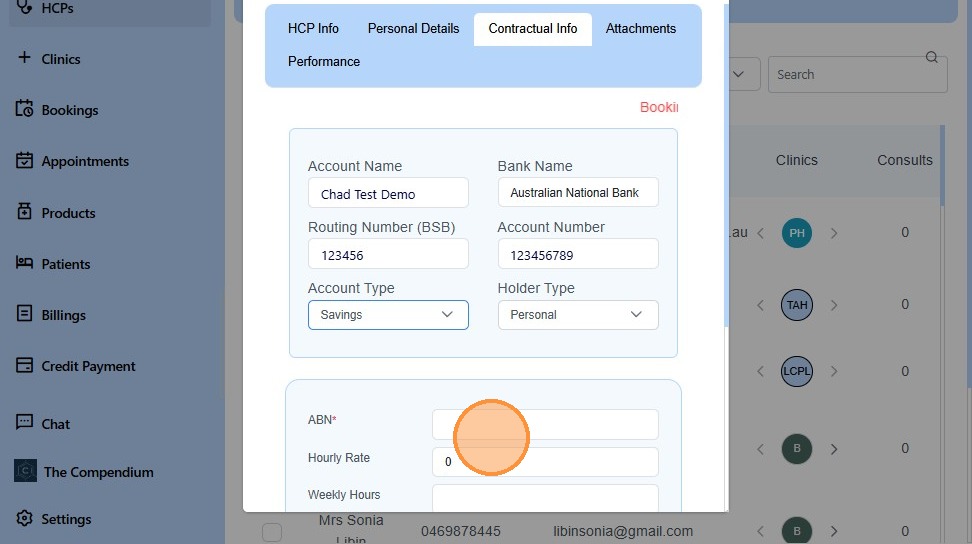
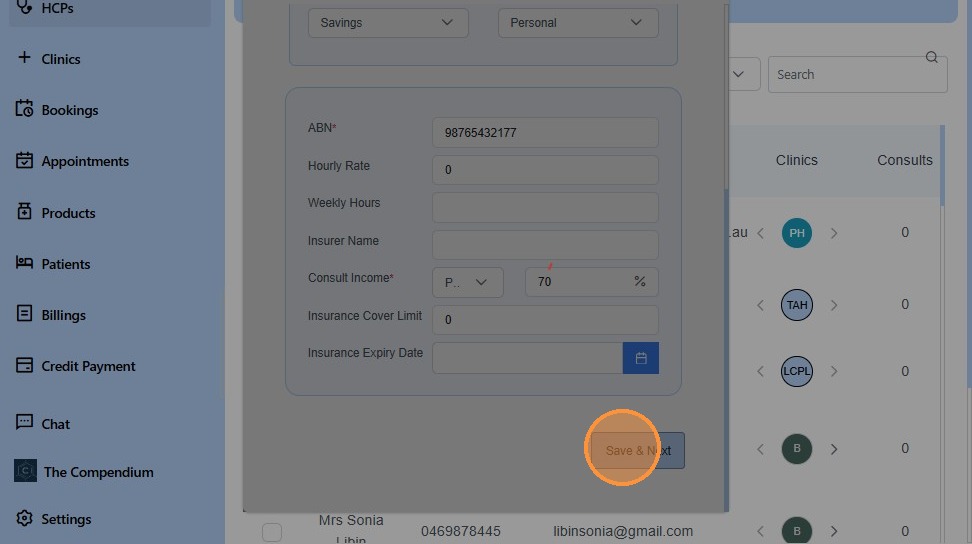
30. Enter Consult Income
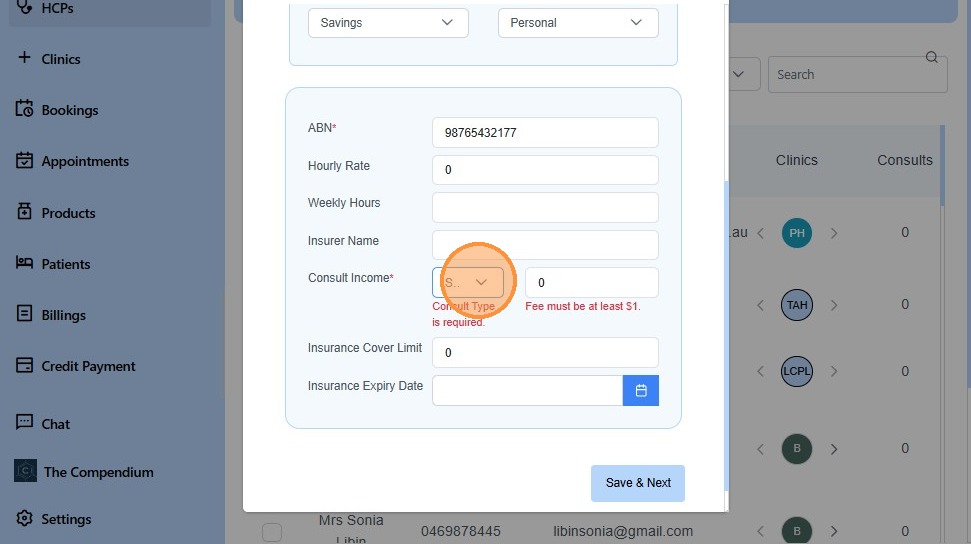
31. Click “Percentage” or Flat
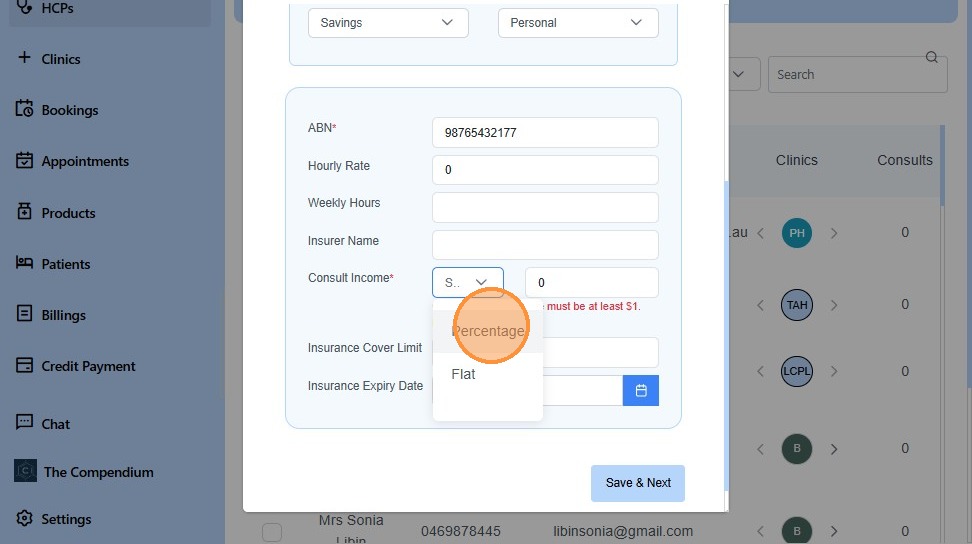
32. Enter Consult Income in % or Flat
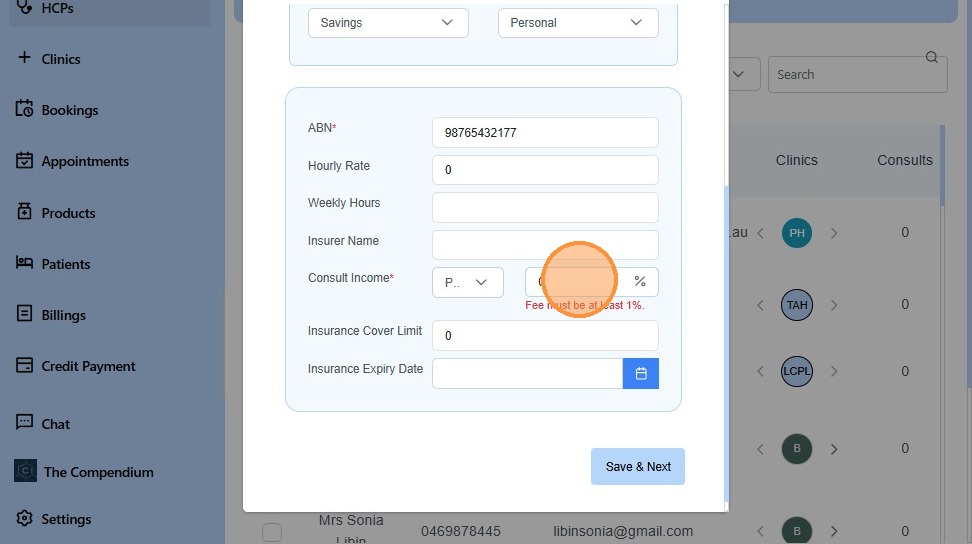
33. Click “Save & Next”
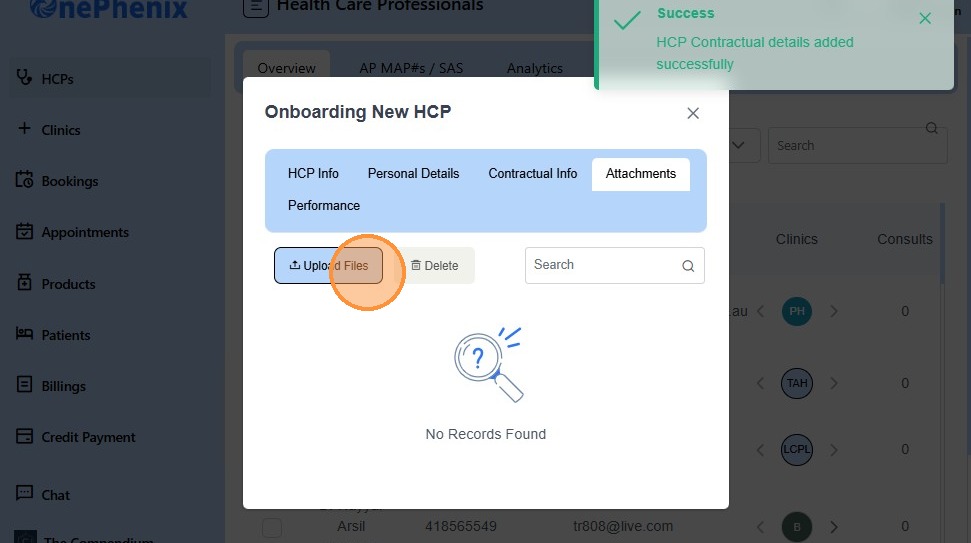
34. Click “Upload Files”
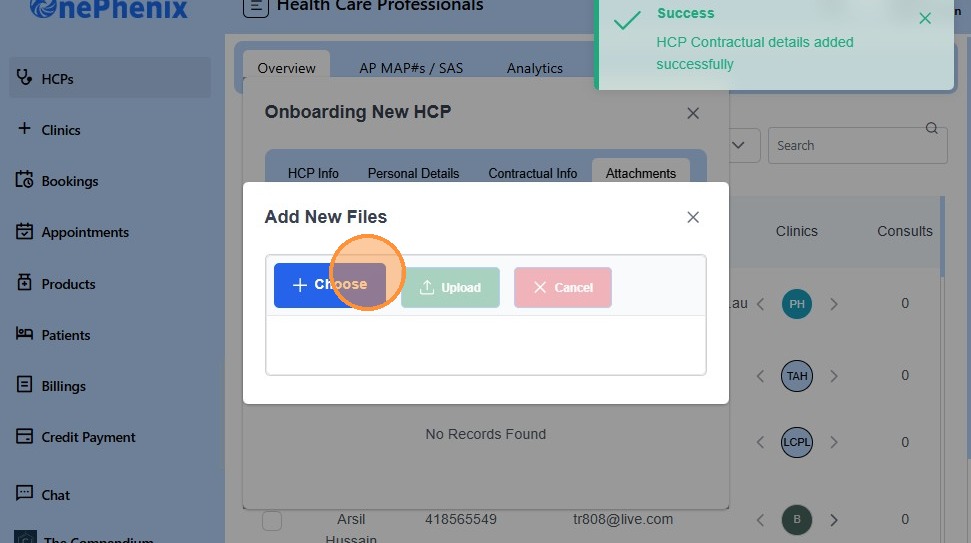
35. Click “Choose”
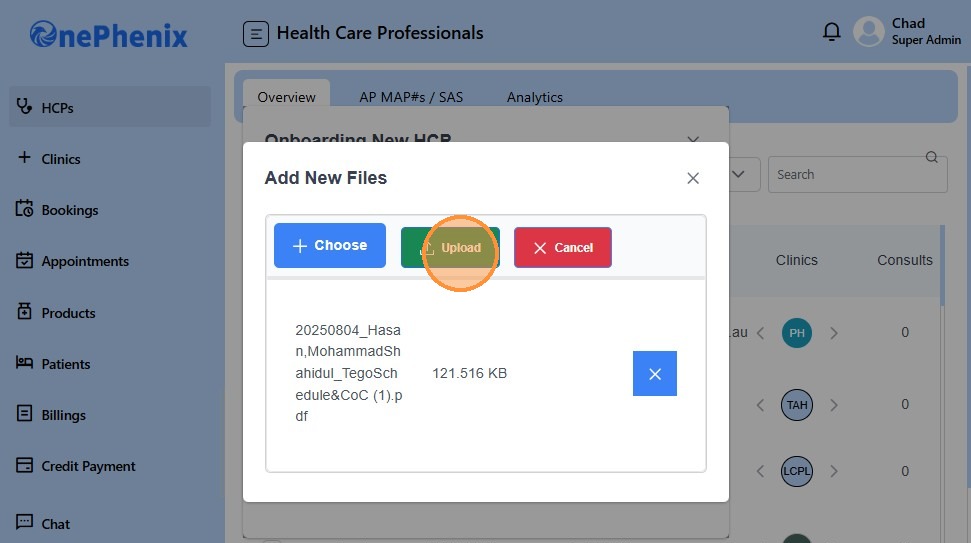
36. Click “Upload”
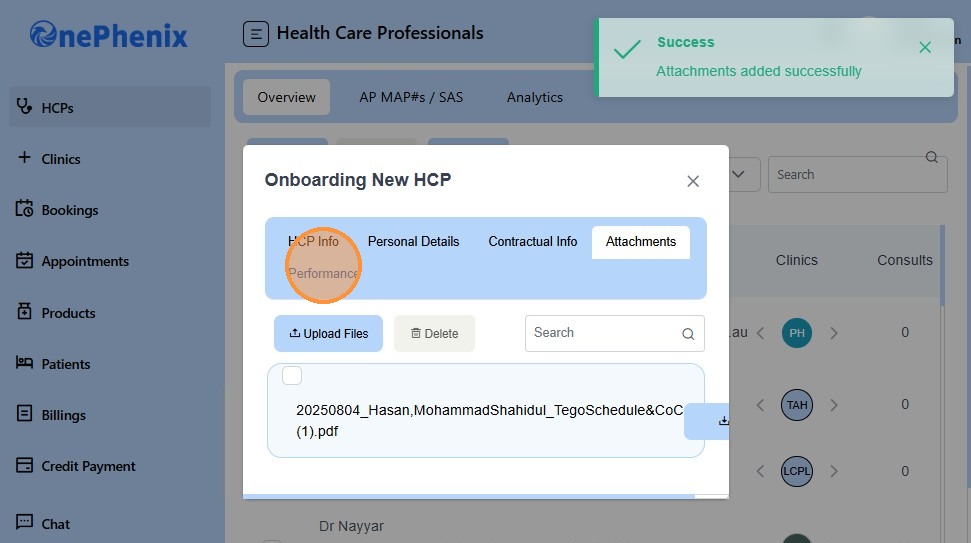
37. Click “Performance”